
 Lessons: 18Length: 1.3 hours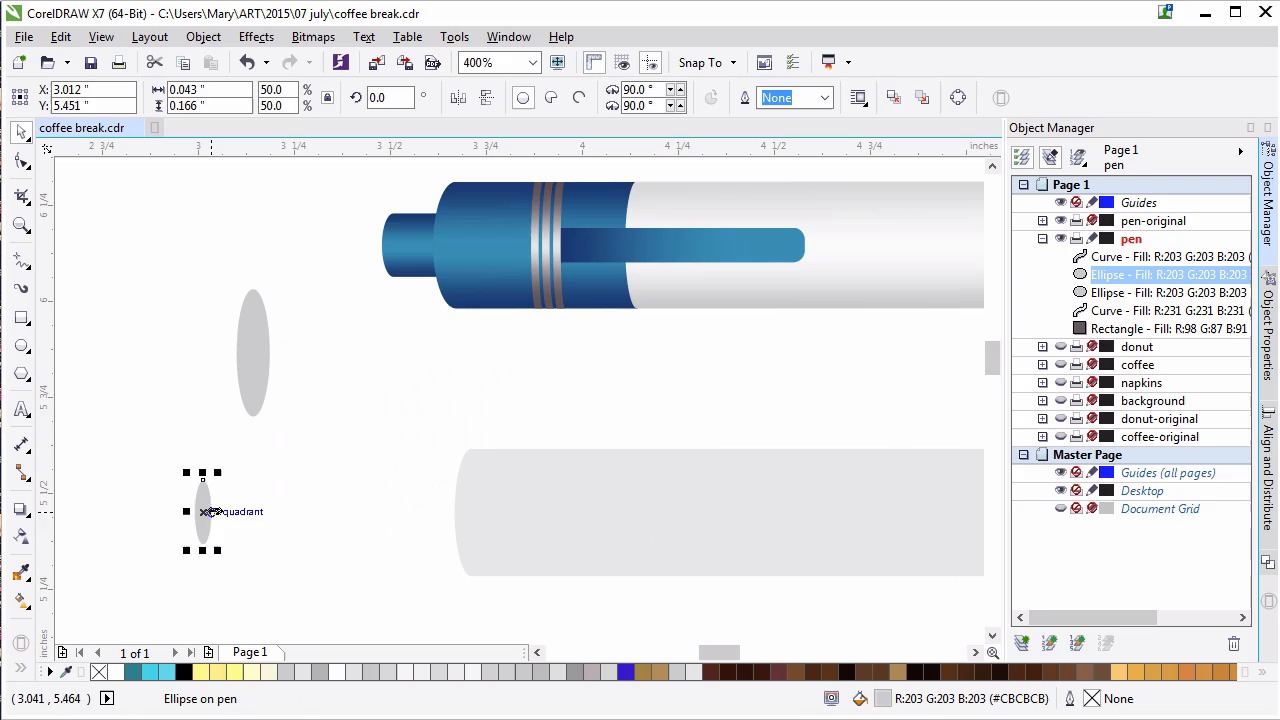
- Overview
- Transcript
6.2 Conclusion
This lesson gives a final overview of the course and final project.
1.Introduction
1.1Introduction00:59
2.The Background and Napkins
2.1Creating the Background03:14
2.2Rendering the Napkins03:28
3.The Coffee Cup
3.1Rendering the Cup Saucer04:30
3.2Creating a Cup05:43
3.3Creating Additional Elements for the Cup04:43
3.4Filling the Coffee Cup04:32
3.5Finishing Up the Coffee Cup04:26
4.The Sprinkled Donut
4.1Creating a Basic Donut05:14
4.2Creating the Frosting04:47
4.3Rendering the Frosting04:20
4.4Finishing the Frosting03:58
4.5Creating the Sprinkles06:54
5.The Office Supplies
5.1The Pen06:59
5.2The Eraser04:57
5.3The Thumbtacks04:55
6.Conclusion
6.1Finishing Touches04:11
6.2Conclusion01:27
6.2 Conclusion
Thank you so much for joining me in Advanced Techniques for CorelDRAW. In this course, we used bitmap textures to create a simple background for an illustration. We rendered circles with the Mesh Tool in order to create a deliciously realistic cup of coffee ready for our coffee break. We also use the shaping dagger and freehand tool in order to create a delicious pink doughnut topped with sprinkles. Thanks to the custom sprayer brush we created together from scratch. Drop shadows add a depth to our design, while a variety of fountain filled object and transparency attributes allowed us to play with light and shadow within the objects themselves. We built office supplies from simple shapes like rectangles and ellipses and scattered them around our scene, unifying our color palette and balancing out our composition. We added some simple custom textures in order to bring the scene to life in the form of pen doodles and coffee stains. In the end, we created a digital still life from scratch, ready for a variety of illustrative and graphic needs. The techniques we explored are great for so many applications. And whether they were new to you, or this was a refresher course, I hope you share your illustrations from this course with me and the team at tuts+. Thank you so much for watching, and creating something new. I'm Mary Winkler for tuts+, and this has been advanced techniques in Corel Draw.


