
 Lessons: 16Length: 1.3 hours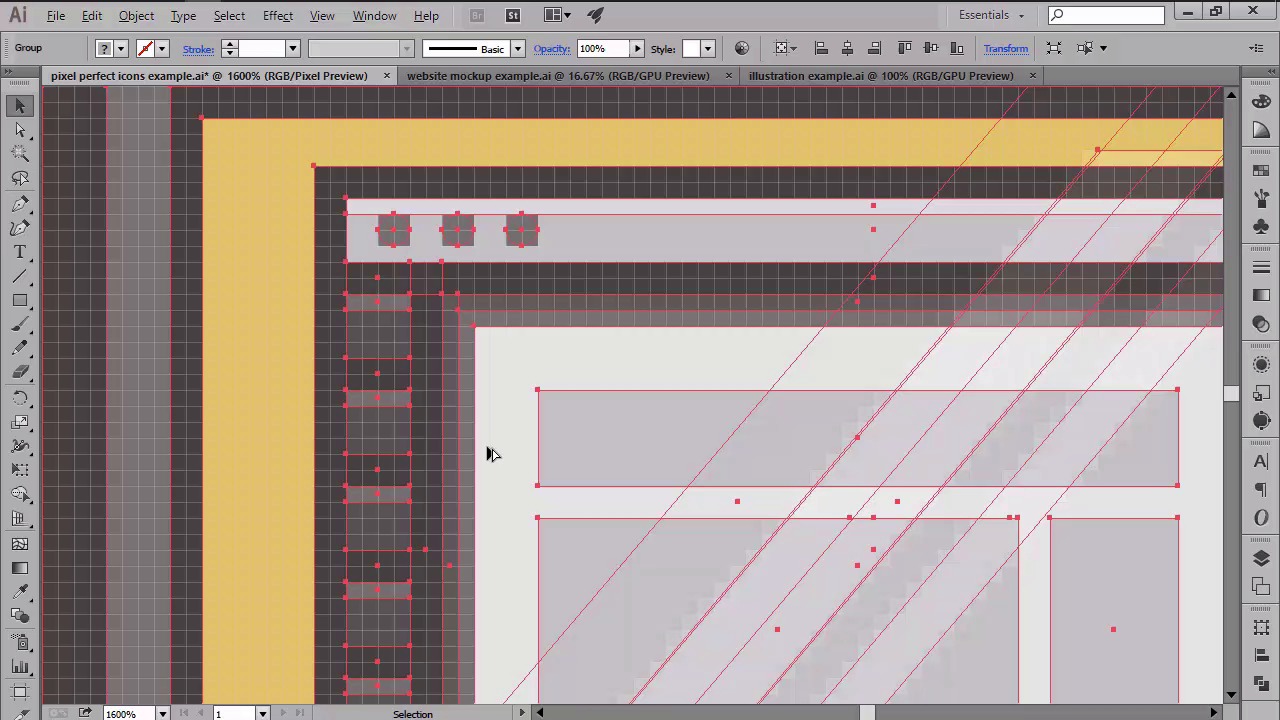
- Overview
- Transcript
2.3 Advantages of Using a Pixel-Perfect Workflow
In this lesson, we will go over the main reasons for embracing and using a pixel-perfect workflow in our daily projects.
1.Introduction
1.1Introduction01:37
2.Understanding the "Pixel-Perfect" Concept
2.1Understanding How Illustrator Works02:26
2.2Defining the Concept04:09
2.3Advantages of Using a Pixel-Perfect Workflow03:01
2.4Introducing the Grid06:29
2.5Correct Use of Measurement Units06:09
3.Pixel-Perfect Workflow
3.1Adjusting Illustrator for a Pixel-Perfect Workflow04:49
4.Creating the Icons
4.1Size and Consistency05:54
4.2Creating the MacBook Icon06:30
4.3Creating the Window Workflow Icon06:03
4.4Creating the Designer Resources Icon06:11
4.5Adding Colors06:56
4.6Adding Finishing Touches: Highlights and Shadows08:23
4.7Creating Size Variations05:16
5.Saving for the Web
5.1Exporting the Icons03:16
6.Conclusion
6.1Conclusion01:32
2.3 Advantages of Using a Pixel-Perfect Workflow
Hi and welcome back to creating pixel perfect icons in Adobe Illustrator. My name is Andre Stefan and you're currently in class 2.3 prevails of using a pixel perfect workflow. In the previous video we talked about the whole pixel perfect concept and compared examples of pixel perfect artworks to non pixel perfect ones. In the current one, you're going to discuss why and when do we want to achieve pixel perfection in our designs. I'll start out by saying that we are living in a pretty sweet time period for designers. Since we get to experience all the thus giving us the chance to experiment, and most importantly, experience different approaches to what was once considered traditional design. We are constantly pushing the limits of what functional can and should be, transforming the world around us in such a way that it makes our everyday life more vibrant and appealing. But as trends come and go, there's one true reality that will always be here to stay, and that's the time, energy, and attention that the real design product has within it's beauty. Art, no matter the form it takes, is and will always be a combination of both passion and craftmanship reflected in the final work of the artist. So if you were to ask me, when do we actually need to adopt a pixel perfect work flow, my answer as a designer would be all the time. You're designing a bunch of icons, make them pixel perfect. You're building a website mock up, make it pixel perfect. You're working on an illustration, make it pixel perfect. No matter where your design will end up being used, whether it's digital screens from all around the world or printed sheets of paper, make it pixel perfect. At this point, some of you might argue that a time variable will not justify the final result. In other words, why put in four plus extra hours into creating the pixel perfect icon set when you could achieve the same result in a shorter time span. Well, you don't really have to, but if you want to stand out from the crowd, and be a better designer, you should. Yes, you heard me right, you can, and I absolutely guarantee you'll become better at what you do once you do to this rigorous workflow. Since you will see and understand space and shapes in a whole new way. From better compositions to stronger understanding of depth and simplicity, you will learn to communicate your vision in such a way that you will reflect your own level of craftmanship. Using the power of the grid, you will create the stronger foundation for any project, making it your mission to create a better product. The product that reflects the level of dedication that you as a designer have for your work, and especially for the persons that will interact with your creation. Also if you are one of those people sick of seeing blurry and choppy lines through their design fear no more. Once you have finished this course your art will look as crisp and clean as it was never before. That being said I can only hope I have managed to peek your interest into what the pixel perfect workflow can actually do to improve your process. That was it for today's lesson. Stay tuned for the next one where we'll get more technical and talk about the grid. Thus elaborating on the first two pillars of the picture perfect concept.


