
 Lessons: 13Length: 1.9 hours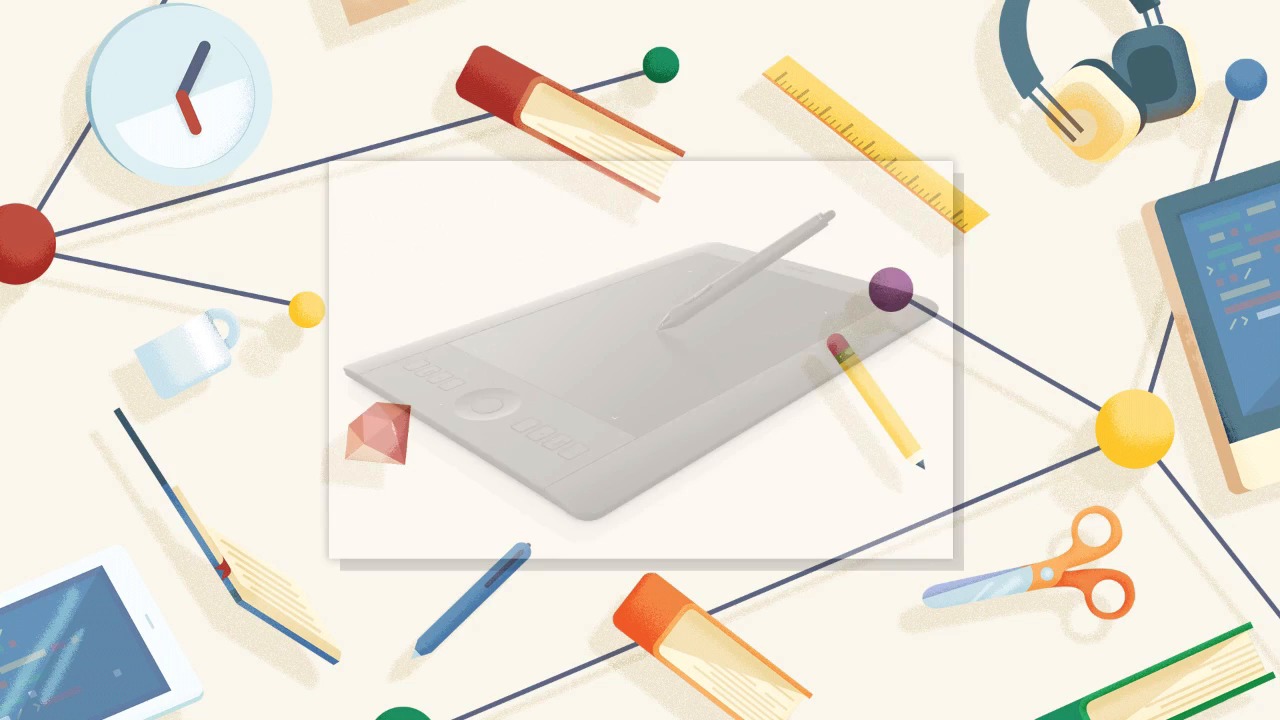
- Overview
- Transcript
1.2 Tools and Resources
The tools that you will need are a copy of Adobe Photoshop (preferably version 2015 CC) and a drawing tablet of your choice. It must have pressure sensitivity. I will be using a Wacom Tablet, but other brands are available. You will also need the stock images provided with this course.
1.Introduction
1.1Introduction01:15
1.2Tools and Resources01:20
2.Understanding the Tools We Will Use to Create Our Monster
2.1Understanding Layers and Brushes18:14
2.2Working With Selections to Control Our Effects11:21
3.Designing Our Monster
3.1Studying and Sketching From Reference to Create Our Creature Design11:32
3.2Blocking in the Overall Shapes of Our Painting15:35
3.3Painting in Light and Shadow to Give Our Monster Depth and Form15:39
3.4Using Liquify to Quickly Modify Parts of Your Illustration14:45
4.Refining the Artwork
4.1Adding in Detail and Textures12:59
4.2Creating Effects With Blending Modes04:19
4.3Adding Finishing Touches With Levels and Color Balance03:20
4.4Saving Elements of Your Painting to Enhance Productivity02:08
5.Conclusion
5.1Conclusion01:12
1.2 Tools and Resources
Hello everyone welcome back. I'm Robert Marzullo, your instructor in this course, How to Create Monster Art in Adobe Photoshop, brought to you by tuts+. We'll now be covering chapter 1.2, tools and resources. Okay, to follow along with this course you're going to need a few things. One is Adobe Photoshop. I'm using Adobe Photoshop, 2015 C.C. You're welcome to use whatever version you have, but keep in mind if the version is too far dated from this one, then some of the features may not look the same or even be in the program itself. The other thing that you're going to need is some form of drawing tablet. I'll be using a way com device, but you're welcome to use whatever device you have and that you're comfortable with. The main thing that it must have is pressure sensitivity. Some of the effects that I'll be doing are gonna require that you have the ability to apply harder and lighter pressure with your brush strokes. Past that the only other thing that you'll need is the reference material that will be supplied to you with this course. I'll be using a variety of stock photos that will be supplied to you, so that you can follow along. And as long as you have a capable system to keep up, then you're good to go. So, that completes this lesson. Next we'll head over to chapter two, understanding the tools we will use to create our monster.


