
 Lessons: 13Length: 1.9 hours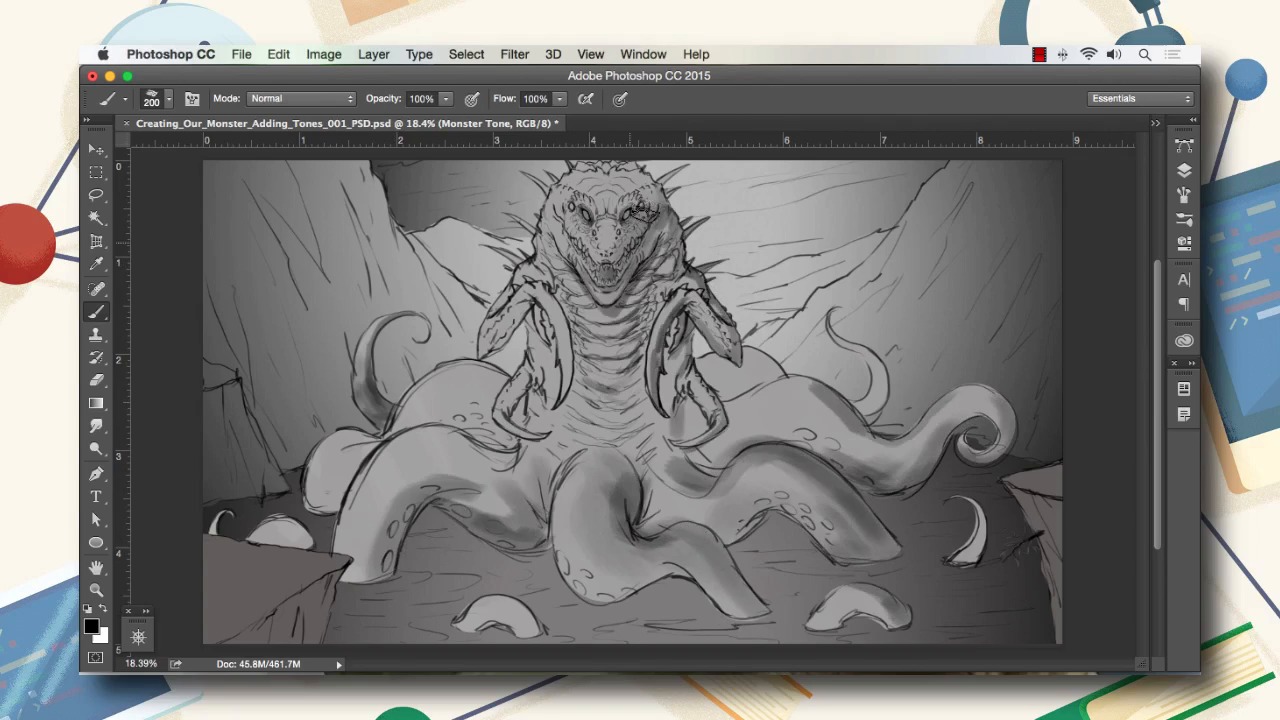
- Overview
- Transcript
5.1 Conclusion
In this lesson we will go over some of the things to remember about this course and some ideas to think about for your next monster painting.
I hope you've learned how to better use Photoshop to create your monster art. My name's Robert Marzullo and from all of us here at Envato Tuts+, thanks for watching.
1.Introduction
1.1Introduction01:15
1.2Tools and Resources01:20
2.Understanding the Tools We Will Use to Create Our Monster
2.1Understanding Layers and Brushes18:14
2.2Working With Selections to Control Our Effects11:21
3.Designing Our Monster
3.1Studying and Sketching From Reference to Create Our Creature Design11:32
3.2Blocking in the Overall Shapes of Our Painting15:35
3.3Painting in Light and Shadow to Give Our Monster Depth and Form15:39
3.4Using Liquify to Quickly Modify Parts of Your Illustration14:45
4.Refining the Artwork
4.1Adding in Detail and Textures12:59
4.2Creating Effects With Blending Modes04:19
4.3Adding Finishing Touches With Levels and Color Balance03:20
4.4Saving Elements of Your Painting to Enhance Productivity02:08
5.Conclusion
5.1Conclusion01:12
5.1 Conclusion
So hopefully by now by watching this course you've gained some new perspective on how you can use Adobe Photoshop to create your monster art. Just remember, when creating your monster artwork, that animals are a great resource. So be sure to check your references and really study all the details of these creatures and try to combine them and make all kinds of new animals and new monsters from your imagination. If you let creativity be your guide and always think outside of the box, you'll be creating cool monsters in no time. One of the hardest parts about creating a creature concepts like this is letting go of what we're used to seeing. So really experimenting and playing around with new and inventive ideas is what allows us to come up with these cool fantasy art type creations. And hopefully by watching this course, you've realized that there's tons of cool features and powerful tools within Photoshop to make your creation process a lot easier and more streamlined. So really it's just putting in the time with this program and learning all the various things that you can accomplish with the tool sets that I've shown you here and coming up with creations of your own. So it's been my pleasure to teach you this course, and I thank you for watching.


