
 Lessons: 12Length: 1 hour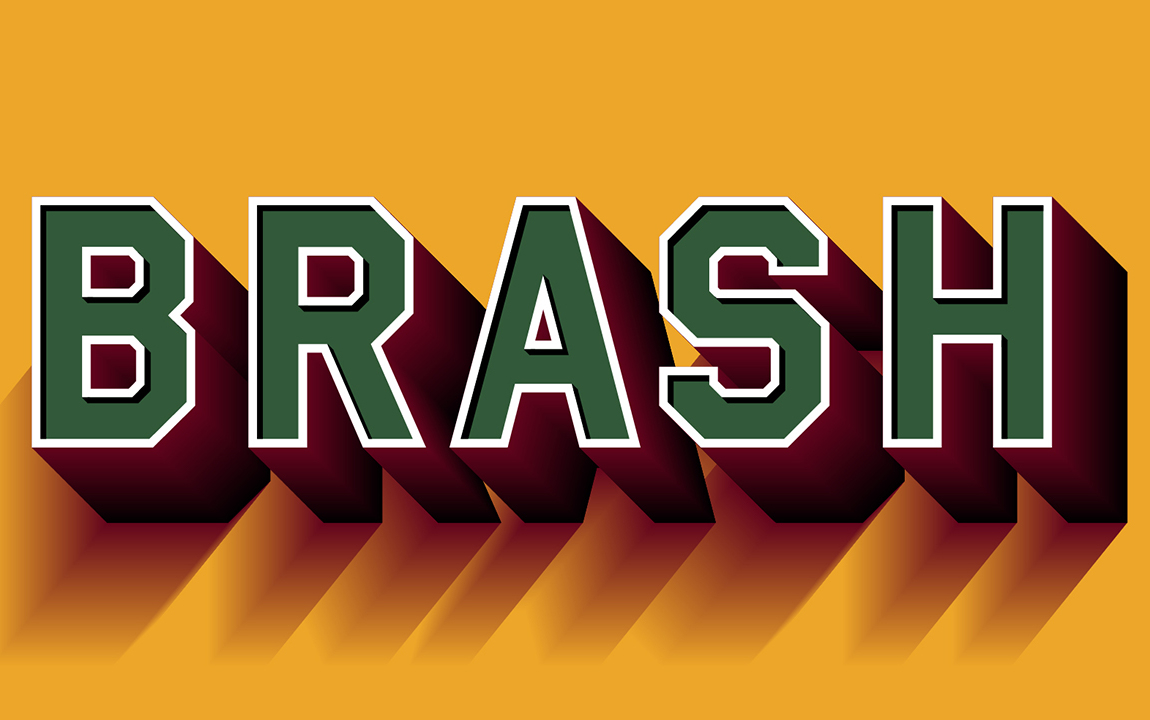
- Overview
- Transcript
1.1 Introduction
Welcome to Mastering 3D Text in Adobe Illustrator. 3D text is a great tool to help designers make their work more striking, bold, and engaging. In this course, we will look at techniques and tools in Adobe Illustrator to help create a variety of styles of 3D typography.
Related Links
- Fonts on Envato Elements
- 3D Text Effects on Envato Elements
1.Introduction
1.1Introduction01:07
1.2Tips for Creating 3D Text in Illustrator01:11
1.3Preparing Our 3D Letters01:36
2.Techniques and Tools for Creating 3D Text
2.1Style 1: 3D Block Letters07:15
2.23D Text Style 209:08
2.33D Text Style 304:47
2.43D Text Style 407:19
2.53D Text Style 505:16
2.63D Text Style 604:42
2.73D Text Style 707:02
2.83D Text Style 811:39
3.Conclusion
3.1Conclusion01:10
1.1 Introduction
Hi everyone, my name is Matt Withers for Envato Tuts+, and welcome to Mastering 3D Text in Adobe Illustrator. 3D Text is a really exciting typographic tool that can help to create dynamic, bold, and striking design. It's a timeless way of helping to capture someone's eye. In this course, we are going to look at a range of techniques and tools in Adobe Illustrator to create a number of different styles of 3D typography. These styles will range from elegant, to indulgently bold and brash, as well as everything in between. We'll also look briefly at how 3D text came into being, and I'll explain how to chose appropriate styles of type face and lettering to turn into 3D. This course is perfect for designers and illustrators who are new and old to Adobe Illustrator, and who looking to expand their knowledge of the tools and effects it has to offer. So sign in or sign up, and let's get started.


