
 Lessons: 14Length: 1.7 hours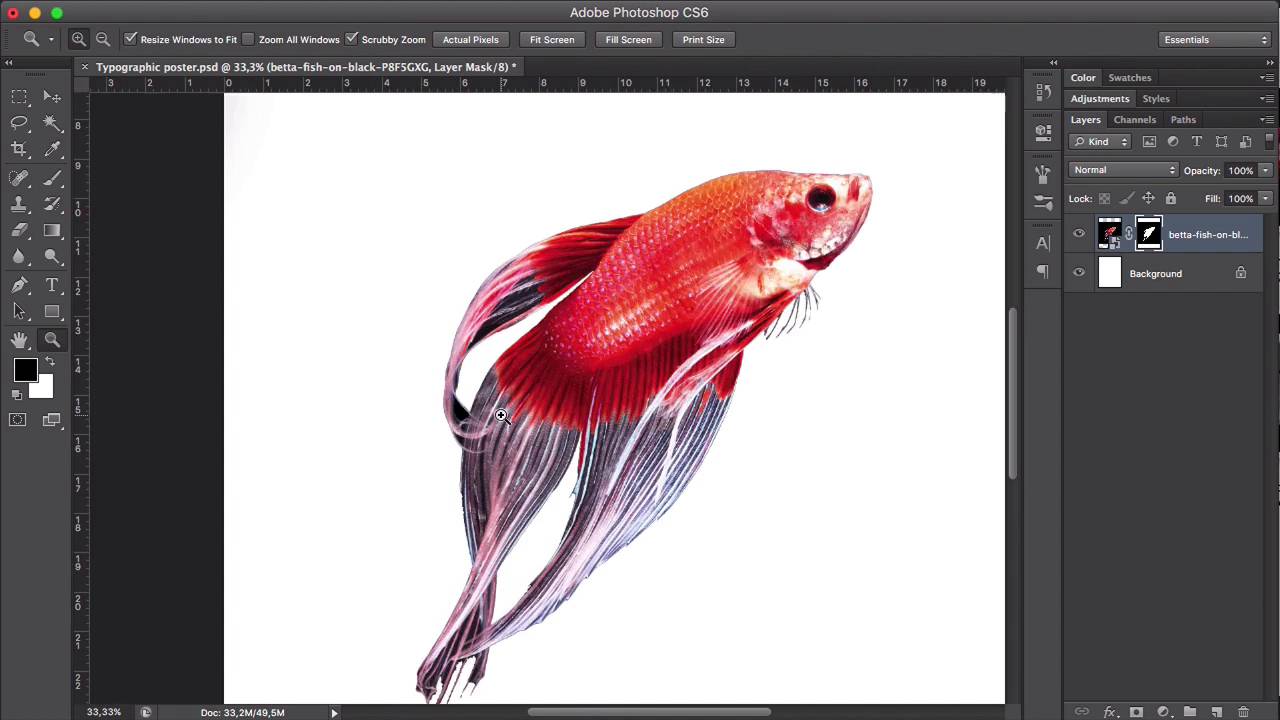
- Overview
- Transcript
5.1 Conclusion
In this course, we created an eye-catching typographic poster. You learned every step from ideation all the way to exporting files for printing and sharing on social media. You’ve learned all of the basic elements, tips and tricks you need to create your own typographic poster.
My name is Laura Keung for Envato Tuts+. I hope you enjoyed the course and are ready to try out these new skills on your future projects. Thanks for watching!
1.Introduction
1.1Introduction00:54
1.2The Creative Process07:53
1.3Choosing Fonts and Images05:04
1.4What You’ll Need to Get Started01:37
2.Creating a Typography Poster Design in Adobe Photoshop
2.1How to Create a Ready-to-Print Photoshop File06:43
2.2Preparing Images for Printing04:09
2.3How to Use Layer Masks12:24
2.4Typography, Character, and Paragraph Panels11:32
2.5How to Create a Composition15:13
3.Refining the Design
3.1Refining the Design13:13
3.2Further Refinements06:17
4.Preparing Files for Printing and Web
4.1Preparing a File for Print08:55
4.2Preparing a File for Sharing Online05:30
5.Conclusion
5.1Conclusion00:48
5.1 Conclusion
Hi there, welcome back. In this course, we created an impactful typographic poster. We learned about the ideation of a poster design, all the way to exporting files for printing and sharing on social media. Throughout the lesson, we learned some principles of graphic design, like composition, balance, white space, alignment, hierarchy, and typography. We also learned to work with layer masks, character and paragraph panels, to refine edges, layer styles, clipping mask, adjustment layers, and used some tools from the toolbar. In this course, we've learned all of the basic elements and tricks you need to create your own typographic poster. My name is Laura Keung for Envato Tuts+. I hope you enjoyed the course and are ready to try out these new skills on your future projects. Thanks for watching.


