
 Lessons: 9Length: 39 minutes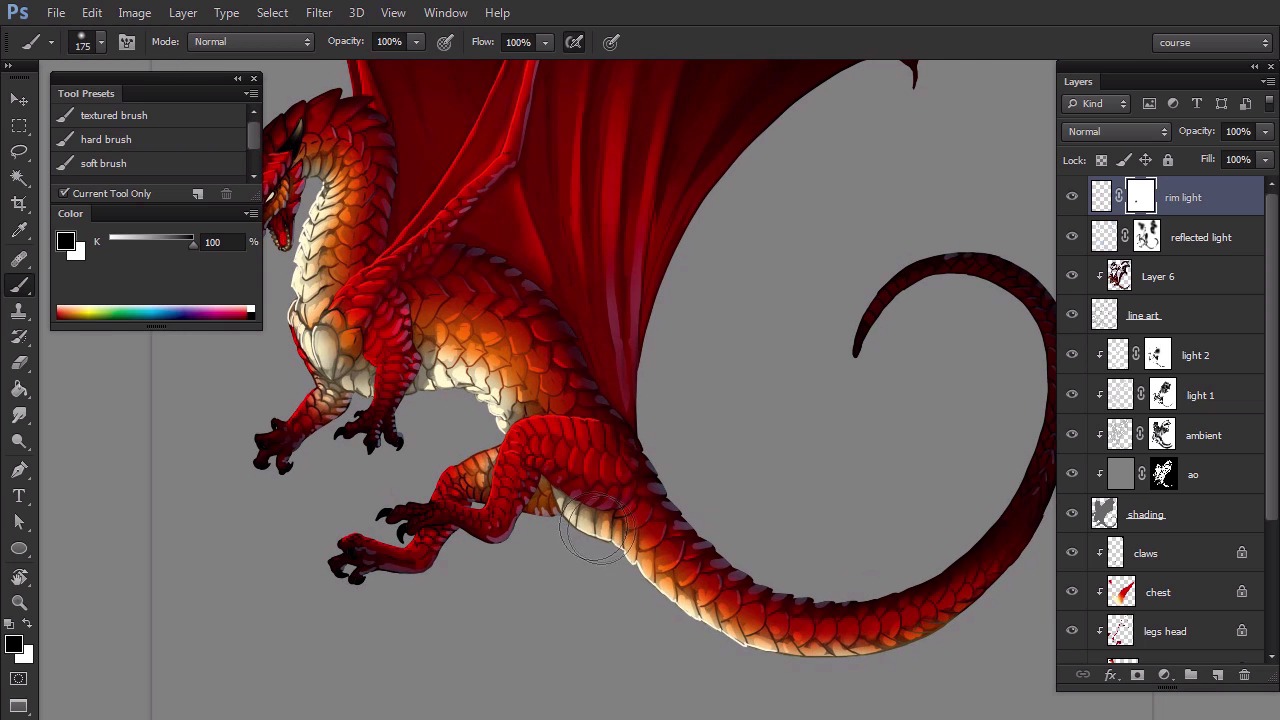
- Overview
- Transcript
4.1 Conclusion
That would be all! I hope you feel more confident about your digital art skills now. This is Monika Zagrobelna from Envato Tuts+, and thank you for watching!
1.Introduction
1.1Introduction02:15
1.2Tools and Resources04:32
2.Theory of Shading
2.1Light, Shadow, and Color04:20
3.Coloring and Shading
3.1Simple Coloring05:48
3.2Base Light04:44
3.3Main Light03:26
3.4Additional Lights05:44
3.5Additional Tweaks06:18
4.Conclusion
4.1Conclusion01:47
4.1 Conclusion
Hi. Welcome to the ending of Simple Coloring and Shading a Line Art in Adobe Photoshop. Before I say goodbye, let's see what actually we will have learned during this course. Now you know how to constrain your painting with clipping masks. Your pictures will never be blurry again. And you won't have to control your hand all the time in fear of crossing a line. You know how to paint a picture with any colors you want freely without thinking. You're able to experiment with colors to have fun with them, instead of playing them carefully. You've learned the difference between different kinds of light. And in conclusion, secondary light, primary light, reflected light, rim light, and specular light. You've learned how to use them step by step, deliberately without cares. You know what they're for and how they affect your pictures. You've also learned a few handy Photoshop tricks. You're able to create special effects with them to give your pictures the final touch. And was the most important, you have learned how to use Photoshop to bring your line arts to life with colors and light. But hey, it's just the beginning. You have learned the rules, but there are so many ways to use them. I hope this short course gave you an understanding of the most basic rules of digital painting. Now it's up to you what you do with this knowledge. Maybe you learn how to remove the line art completely or how to blend the colors more realistically. I've shown you the way, but you must work it yourself. Experiment, analyze, paint a lot, and above all, enjoy your artistic journey. This is Monika Berzangana. Thank you for watching.


