
 Lessons: 10Length: 46 minutes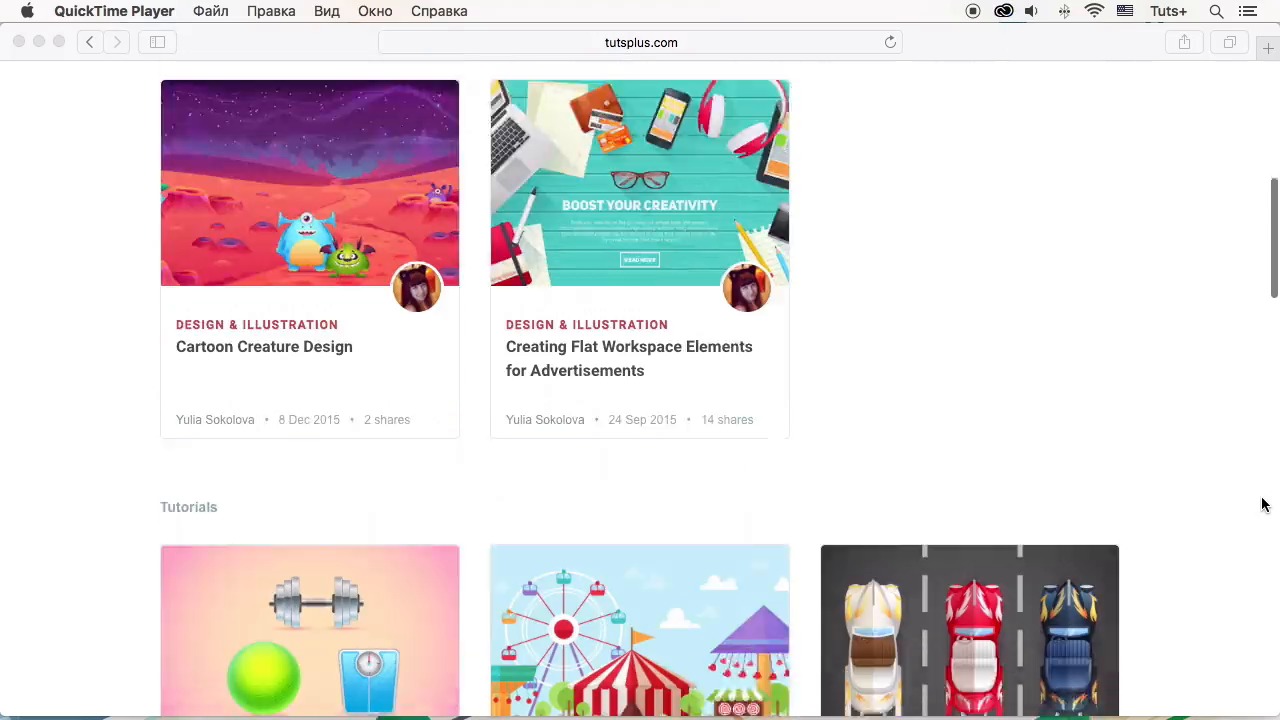
- Overview
- Transcript
5.1 Conclusion
In this final video I’ll list the main points of the course and sum up what we’ve covered.
I hope you enjoyed following this course and learned some new tips and tricks that will help you to make your workflow more efficient and productive! I’d love to see your results, and feel free to contact me if you have any questions. Have fun, be creative, and let the inspiration guide you!
Related Links
1.Introduction
1.1Introduction02:29
2.Creating Doodle Art
2.1Tools02:32
2.2What to Doodle? 04:03
2.3How to Doodle?04:53
3.Vector Your Doodles
3.1Digitizing Doodles03:47
3.2Image Tracing05:05
3.3Outlining With Brushes07:31
4.Vector Art From Doodle Pieces
4.1Coloring Vector Doodles05:22
4.2Create a Custom Template08:25
5.Conclusion
5.1Conclusion02:06
5.1 Conclusion
Hello folks, and welcome to this final video of our course on how to vector doodle art with Yulia Sokolova at Tuts Plus. Now it's time to sum up what we've learned so far. We began this course by brainstorming the ideas for our doodles and gathering inspiration through some useful websites. Then we went through a relaxing and meditative process of drawing simple yet detailed doodles with whimsy swirls and curls. We've successfully imported our doodles into our graphic program and after making a few minor adjustments we've discovered two different ways of turning our doodles into scalable editable vectors. . Now you can easily turn your scratches into finished design piece, making a high quality product for your needs. And doing both the drawing process with your traditional medium and working with digital graphics. If you are eager to learn more new techniques and discover some useful tips and tricks, I can offer you a great variety of interesting and challenging tutorials in the design and illustration section with descriptive instructions and detailed screenshots. Apart from that, I have a couple more video courses for you, which will help you to improve your skills in character design and advanced flat design. Check them out and feel free to email me if you have any questions concerning the process. Envato provides us with a lot of useful video courses and free tutorial articles in many other fields as well. So you can challenge yourself trying something that you've never started before. I was very inspired while making this course and I hope I've managed to inspire you too to continue in livening your ideas and broaden your creative horizons. So have fun, stay creative, and let the inspiration guide you. Best wishes from Yulia Sokolova and stay tuned for more.


