
 Lessons: 10Length: 1.6 hours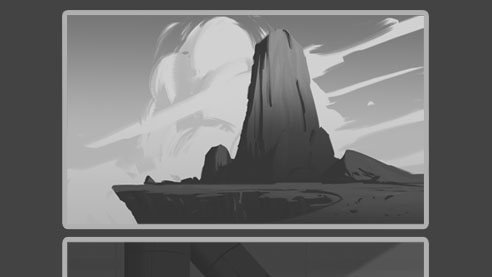
- Overview
- Transcript
1.1 Introduction
Welcome to Thumbnail Sketching for Environments, a course where we will be creating three black-and-white environment thumbnail sketches. This is one of the beginning phases in environment design and also one of the most important. This will help you improve your digital sketching abilities.
1.Introduction
1.1Introduction01:13
1.2Benefits of Thumbnail Sketching07:49
1.3Gathering References/Inspiration06:30
1.4Exploration Sketching11:22
2.Thumbnail Sketching in Adobe Photoshop
2.1Thumbnail Number 115:00
2.2Thumbnail Number 214:56
2.3Thumbnail Number 315:01
2.4Evaluation/Finishing Touches15:12
2.5Presentation04:49
3.Conclusion
3.1Overview01:43
1.1 Introduction
Hey guys what's going on, and welcome to. Thumbnail sketching for our environments. I will be your instructor. My name is Kailin Chalk and I am a concept artist and a visual designer working in the entertainment industry. Some of my clients include Industrial Light and Magic, Cryptozoic, CT Masses Academy, and the Robot Pencil Mentorship. So today we're gonna be talking about how do we create these three environments that you see before you? So we're gonna be talking about the benefits of thumbnail sketching, why do we do them, why are they important, how can they help you in your day to day work? Talk about gathering reference and inspiration so you can have something to reference when you draw from your head. And we're gonna be talking about how do we use Photoshop to create the three images in front of us. And then we'll also talk about adding finishing touches, all that kind of fun stuff, and then talking about making these in a presentable way that you could show to a client or your boss. And so hopefully by the end of all this you'll have a much more of a normal and a much more of a comfortable approach to create environments. So whether it's for yourself or whether it's for a boss, you have a game plan on how to approach these and make these in a timely manner. So without further ado, welcome to the tutorial, and let's get right into it. I'll see you then.


