
 Lessons: 9Length: 1.2 hours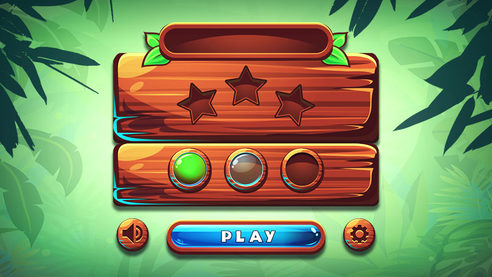
- Overview
- Transcript
1.1 Introduction
Welcome to “Designing Game UI Assets in Adobe Illustrator”, during which you will learn how to create stylized textures, buttons and icons for your video games. In this introduction video I’ll give you a brief summary of you what you can expect in the coming lessons. You will also learn where you can apply the skills you learn here for clients, game dev companies, personal projects, and even selling on marketplaces online.
1.Introduction
1.1Introduction00:32
2.Create the Wooden Textures
2.1Blocking Out the Shapes09:55
2.2Creating Texture11:50
2.3Develop Highlights and Lighting06:21
2.4Create Alternative Shapes10:04
3.Buttons
3.1Create the Icons12:57
3.2Create a Round Button10:21
3.3Create Alternative Buttons11:19
4.Conclusion
4.1That’s a Wrap01:14
1.1 Introduction
Hi everyone, and welcome to Designing Game UI Assets in Adobe Illustrator. My name is Jonathan Lam with Tuts+, and I'm an artist working at Future Games of London, a Ubisoft studio. In this course, you'll learn how to create some stylized textures that you can use for a variety of purposes, such as video games, websites, and even selling on marketplaces online. At the end of the course, you'll be confident enough to create your own UI assets in Adobe Illustrator. So sign in or sign up, and let's get started.


