
 Lessons: 10Length: 56 minutes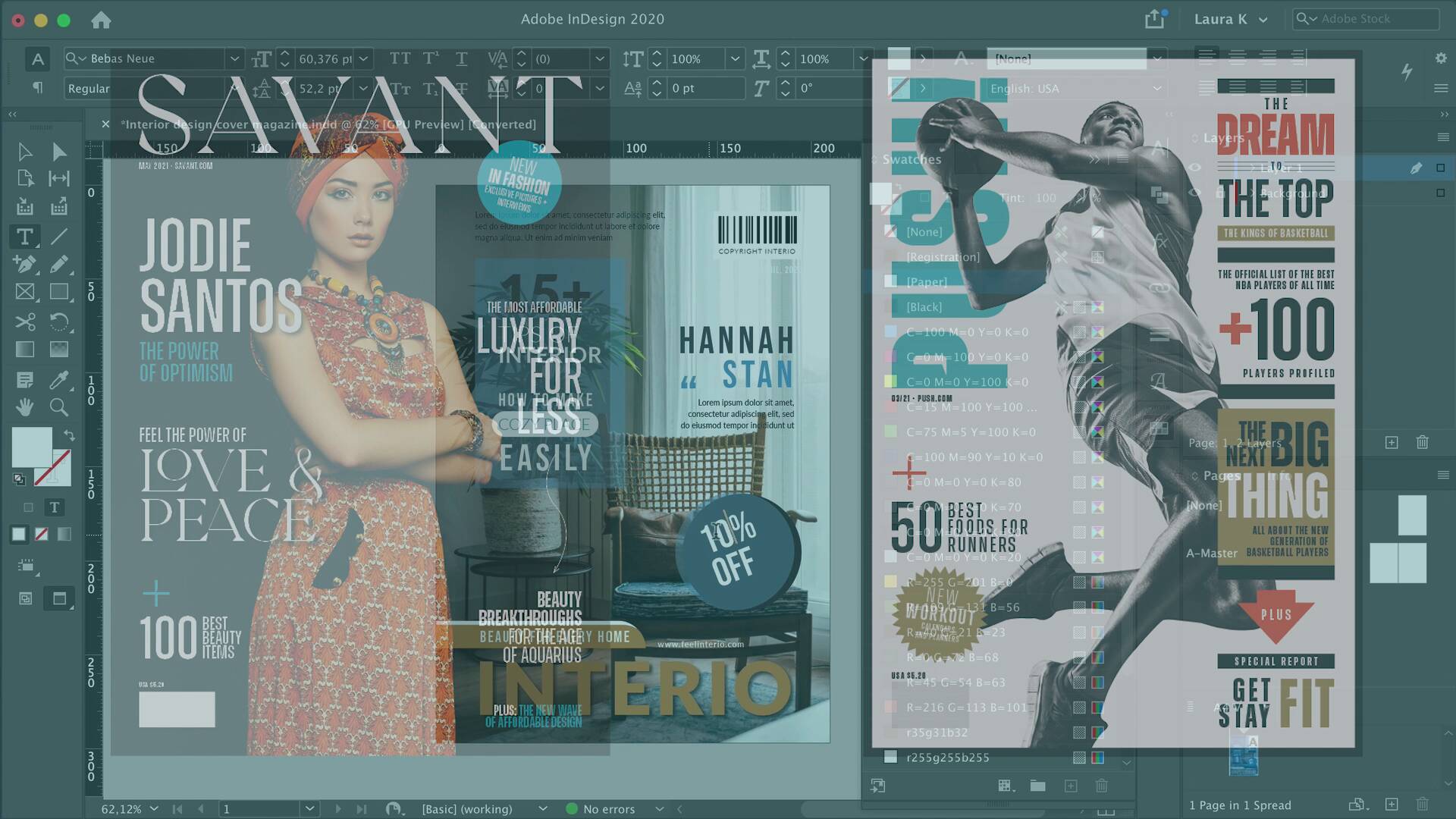
- Overview
- Transcript
4.1 Conclusion
In this last video, I’ll summarize and wrap up the key lessons to keep in mind when you design your own magazine cover. In this course, you learned that a magazine cover should work like a fine-tuned orchestra. I showed you all the different elements necessary to create an eye-catching and effective magazine cover.
Related Links
- Print Templates on Envato Elements
1.Introduction
1.1Introduction00:55
1.2The Anatomy of a Magazine Cover03:37
1.3Choosing a Cover Image03:59
1.4Choosing Fonts04:29
2.Customizing a Magazine Cover Template
2.1Choosing a Magazine Cover Template and Image03:40
2.2Editing a Magazine Cover Template in InDesign04:23
3.Designing a Magazine Cover
3.1Setting Up an InDesign File01:47
3.2Designing a Fashion Magazine Cover11:13
3.3Designing a Sports Magazine Cover21:03
4.Conclusion
4.1Conclusion01:04
4.1 Conclusion
Hi there, and welcome back to the last chapter of this course, Magazine Cover Design in InDesign. Designing a magazine cover is crucial when you need to attract the right audience and drive up sales. In this course you'll learn everything you need to know in order to create an effective and visually pleasing magazine cover design. We started off with how to choose the right fonts and compelling images. We use amazing cover template from environ elements to show you how easy and quick it is to customize a template. We created two different magazine covers to show you the different styles and fonts and images that can be used. Last we show you how to export a magazine cover design for print. Magazine cover designs have been making history for decades. And while prints may be going out, magazine covers are still relevant in digital media. Now you know all the tools that you need to confidently create your own magazine cover. My name is Laura Keung, and from all of us [INAUDIBLE], we hope you enjoyed this course and we'll see you on the next one.


