
 Lessons: 12Length: 49 minutes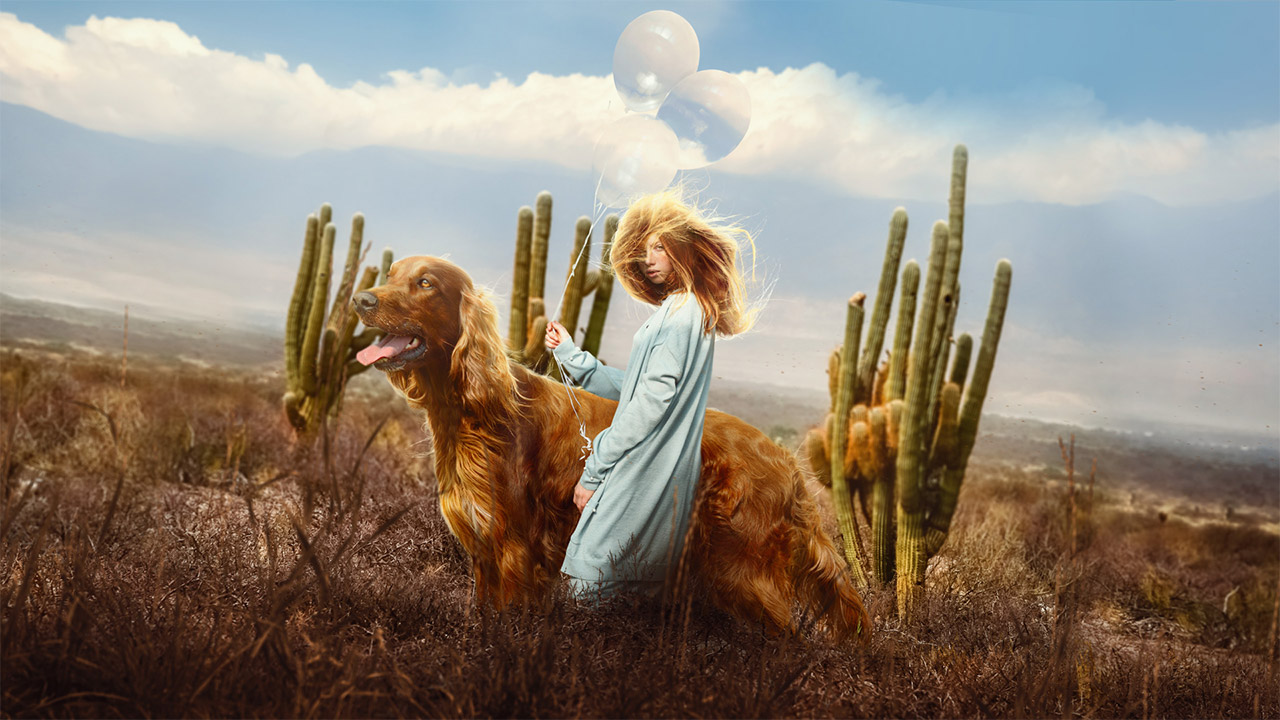
- Overview
- Transcript
1.1 Introduction
Hello, and welcome to this course all about how to cut out hair in Photoshop! You'll learn techniques ranging from beginner to advanced as we cover how to mask hair in a photo with a solid-colored background, as well as looking at more advanced techniques ideal for backgrounds with busy environments.
So let's take a quick look at everything we will be learning in The Ultimate Guide to Hair in Photoshop!
Related Links
- Introduction to Photo Manipulation in Adobe Photoshop
- Photos on Envato Elements
1.Introduction
1.1Introduction01:25
2.How to Cut Out Hair in Photoshop
2.1How to Cut Out Hair in Photoshop Using Layer Modes and Channels05:25
2.2How to Cut Out Hair in Photoshop Using Channels05:34
2.3How to Cut Out Hair in Photoshop Using Refine Edge04:34
3.Creating Hair Brushes in Photoshop
3.1How to Paint Hair in Photoshop Without a Tablet03:32
3.2How to Create a Pressure-Sensitive Hair Brush in Photoshop03:00
3.3How to Refine and Finish Hair Masks05:12
4.Adding Hair Details & Further Refinements
4.1Combining Hair in Photoshop02:57
4.2Lighting Hair, Shading Hair, & Painting Flyaways08:53
4.3How to Change Hair Color in Photoshop03:23
4.4Adding Movement & Reshaping Hair03:18
5.Conclusion
5.1Conclusion01:50
1.1 Introduction
Hello and welcome to the Ultimate Guide to hair in Photoshop. I'm Abby Esparza, and I have almost 10 years of photo compositing experience. I love the dark and surreal, and have long since learned, I have a bit of a love affair with hair. And with this course I want to pass that love on to you. This is also the perfect companion piece to my previous course, introduction to photo manipulation in Adobe Photoshop. If you wanna check that out, also on Envato tut's plus. Throughout this course, we'll be working with several different single images, that span from easy to complicated to boss mode. However, to see things in a more practical setting, we will also be recreating some of the processes I used to extract, and blend the hair and my image two of a kind. You'll learn techniques ranging from beginner to advanced, covering not only how to mask hair and a photo with a solid colored background. But also we'll look at more advanced techniques, that are ideal for extracting hair located on a busy, or highly detailed backdrop. We will also cover, how to create your very own Photoshop hair brushes, both with and without a drawing tablet. Then we will be putting those brushes to good use, by painting in dynamically lit hair. So stay tuned all the way through, so you don't miss a thing. And let's jump right into the Ultimate Guide to Hair in Photoshop, beginning with how to extract hair using layer modes.


