
 Lessons: 13Length: 1.2 hours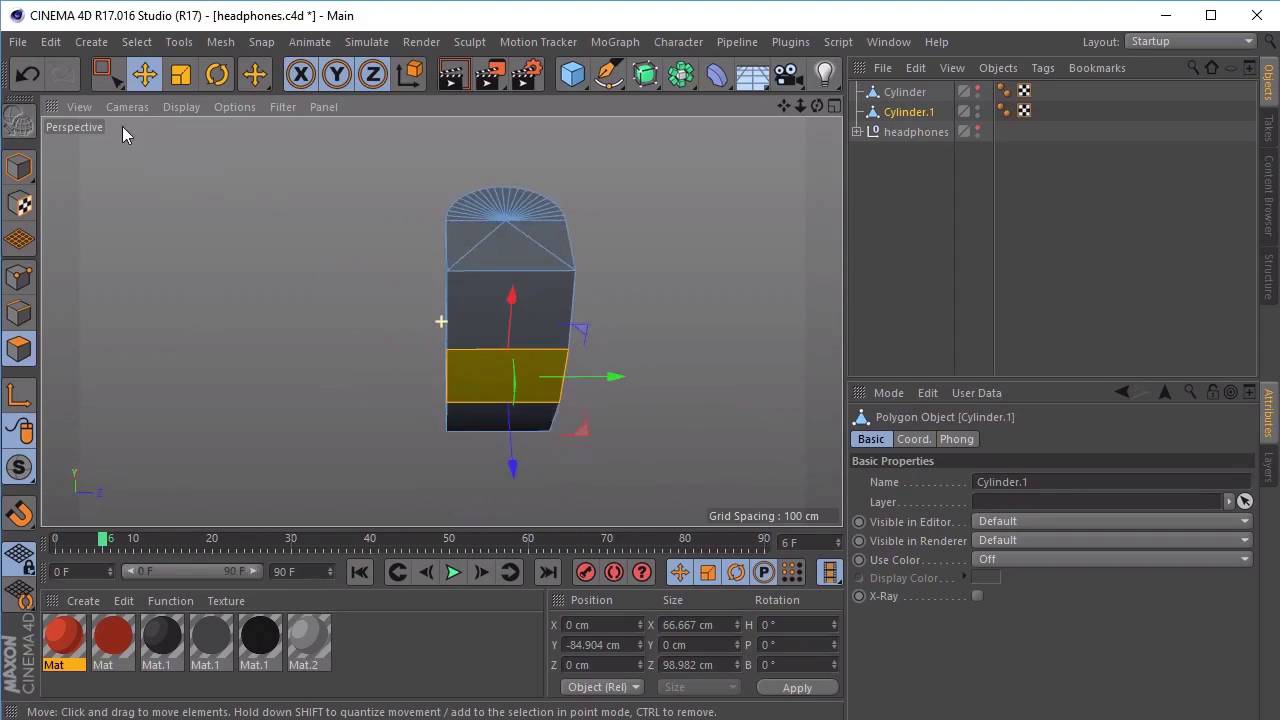
- Overview
- Transcript
3.1 Basic Modelling
In this lesson, you will continue to learn how to make basic shapes editable. We will go through the options that become available to you and how this can affect your modelling. We will then use a basic object to create the body of our backpack.
We will refer to “Up and Running With Cinema 4D” on how to get started with this technique.
Useful Links
1.Introduction
1.1Welcome00:41
1.1
Welcome
00:41
2.Cinema 4D Overview
2.1Interface Introduction05:08
2.1
Interface Introduction
05:08
2.2Camera and Timeline08:49
2.2
Camera and Timeline
08:49
3.Modelling Fundamentals, Continued
3.1Basic Modelling09:43
3.1
Basic Modelling
09:43
3.2Bend Deformer08:02
3.2
Bend Deformer
08:02
3.3Spline Tool05:50
3.3
Spline Tool
05:50
3.4How to Use the Boolean Tool02:29
3.4
How to Use the Boolean Tool
02:29
3.5Modelling With Shapes07:48
3.5
Modelling With Shapes
07:48
4.Lighting and Rendering
4.1Basic Lighting03:51
4.1
Basic Lighting
03:51
4.2Camera Movement05:27
4.2
Camera Movement
05:27
4.3Turntable Animation08:58
4.3
Turntable Animation
08:58
4.4Render the Animation04:39
4.4
Render the Animation
04:39
5.Conclusion
5.1Thanks for Watching!00:55
5.1
Thanks for Watching!
00:55


