


Today we're wrapping up one of the most ambitious tutorials we've ever published, as we bring you the final part of the Wall-e modeling series for Maya. Over the course of this massive series, you've built a masterfully recreated model from the ground up.
In the final chapter you'll add the finishing touches by building in the rear hydraulic cylinders, and perform a final mesh cleanup on Wall-e to improve smoothing. As a final step, you'll create a quick pedestal and setup an animated turntable, which you can use to show off all your hard work!
Part 19: Video 1
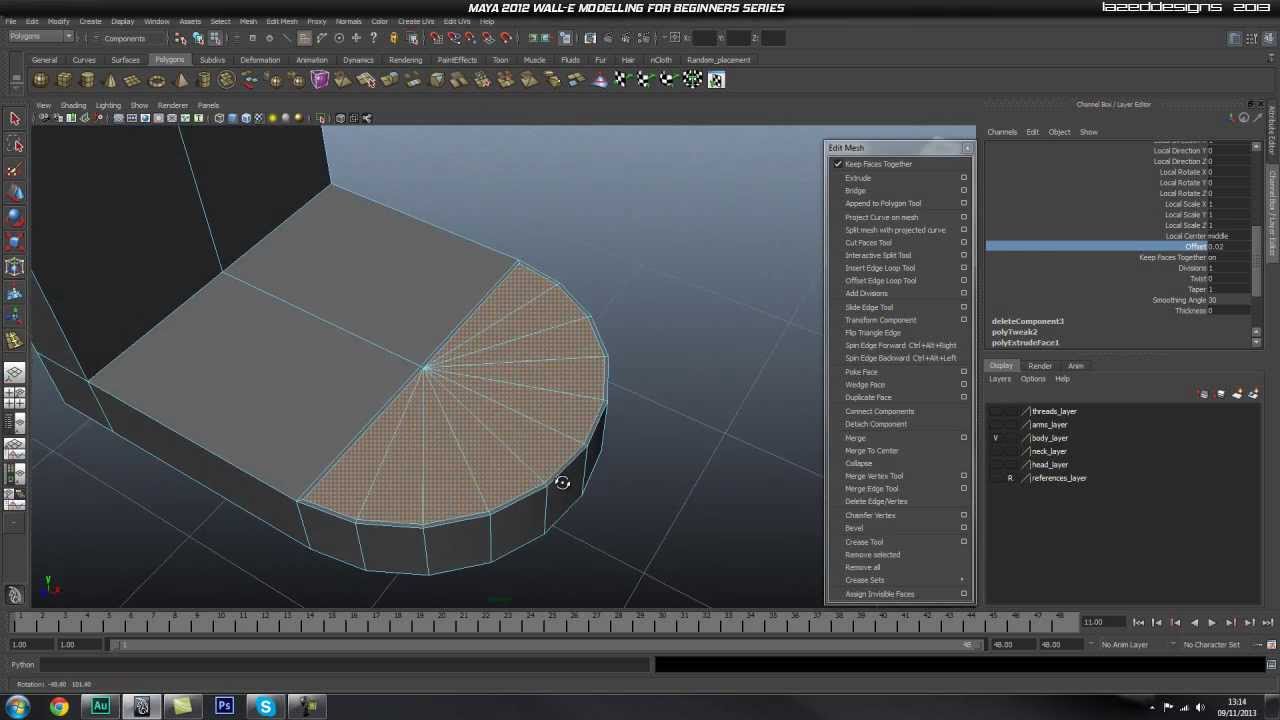
Part 19: Video 2
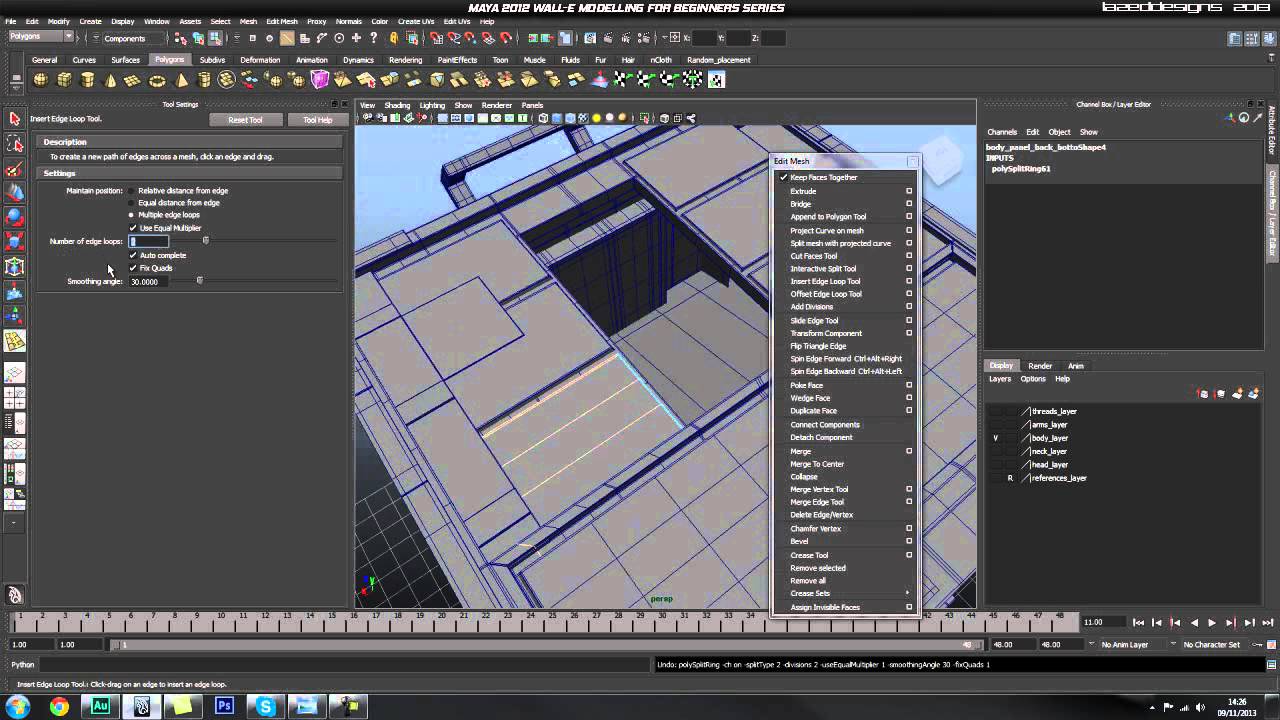
Use the link below to download this tutorial for offline viewing.
Download Video
- Download (Videos 1 & 2)
 By
By



