
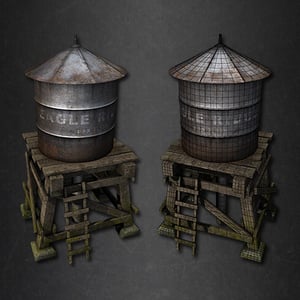
Model and Texture an Old Water Tower in 3ds Max
2 PostsIn this series, Chris Tate will guide you through the process of building an old, weathered water tower using 3ds Max. You'll begin by creating a proxy model of the tower's structure using simple geometry, and then go through the process of adding additional resolution and detail to achieve an aged look. From there, it's into Photoshop to create the detailed textures.View Learning Guide...
Simulate a Torn Flag Animation using 3ds Max and After Effects
2 PostsIn this two part 3D Studio Max tutorial, you'll learn how to simulate a torn flag animation using cloth, and learn how to combine it with other environmental elements, such dust and debris, to create a more realistic final animation in After Effects.View Learning Guide...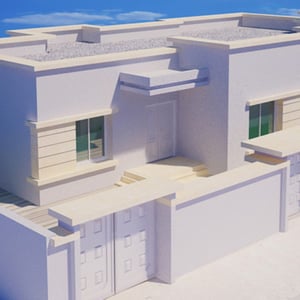
An Introduction to Architectural Exteriors
3 PostsIn the field of Architectural Visualization, realism must always be the first goal we strive to accomplish and this tutorial can help. In this three part series, you'll gain a solid introduction to valuable lighting and texture mapping techniques that can be used to achieve realistic architectural renderings.View Learning Guide...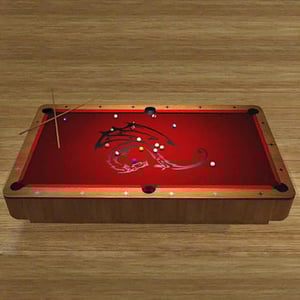
Model and Texture an Accurate Looking Pool Table
2 PostsIn this two part tutorial, you'll learn how to model and texture a pool table in 3D Studio Max using real-world scale. To help speed up the process, you'll use a variety of Max's built in modifiers and tools to achieve a realistic look.View Learning Guide...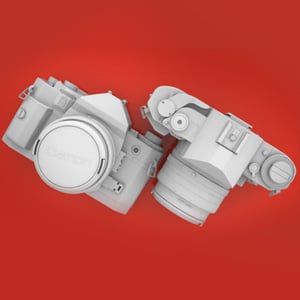
Model a High Poly Canon A1 Camera in Modo
5 PostsCreating complex hard-surface objects using subdivision surfaces (SDS) can often be a tricky and time-consuming ordeal, although this does not necessarily have to be the case. In this intermediate to advanced level series, you'll use Modo 302's feature-rich tool-set to accurately model the Canon A1 camera, resulting in an object that is almost entirely SDS.View Learning Guide...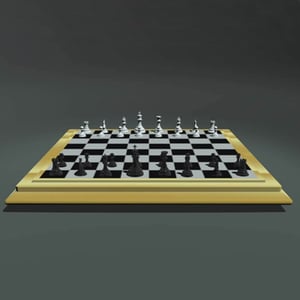
Model and Texture an Elegantly Simple Chess Set in 3ds Max
2 PostsThe goal of this tutorial is to create a simple, yet elegant Chess set in a clean and efficient way. Throughout the series you will learn to use many different modeling methods and techniques, and explore which ones are the quickest in various modeling situations. So you'll be able to create the scene in as little time as possible.View Learning Guide...

