
 Lessons: 17Length: 3.3 hours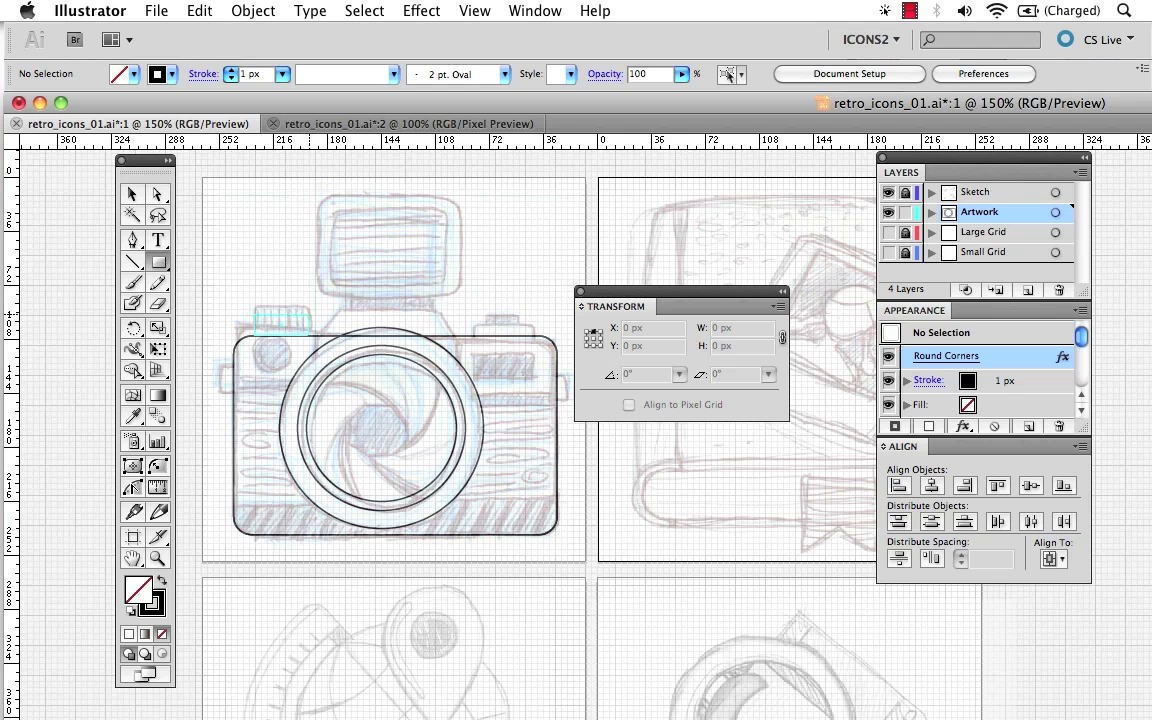
- Overview
- Transcript
4.2 How to Draw Lines and Transform Shapes
In this lesson you will learn how to trace your designs using shapes and lines and how to join points to create accurate outlines without having to rely on drawing skills alone. To begin this lesson, you will need a grid from the previous lesson and some sketches for your icon designs. If you want to use the sketches I’ve created for my own icon designs, you can download them in the course source files.
1.Welcome
1.1Introduction00:36
1.1
Introduction
00:36
2.Icon Theory
2.1What Makes a Good Icon?07:55
2.1
What Makes a Good Icon?
07:55
3.Basic Skills
3.1How To Sketch a Set of Icons16:26
3.1
How To Sketch a Set of Icons
16:26
3.2How to Make Basic Vector Icons with Adobe Illustrator18:02
3.2
How to Make Basic Vector Icons with Adobe Illustrator
18:02
3.3Multiple Artboards and Exporting Icon Sets11:49
3.3
Multiple Artboards and Exporting Icon Sets
11:49
4.Drawing Techniques
4.1How to Create Custom Grids in Adobe Illustrator12:03
4.1
How to Create Custom Grids in Adobe Illustrator
12:03
4.2How to Draw Lines and Transform Shapes10:39
4.2
How to Draw Lines and Transform Shapes
10:39
4.3Using Simple Shapes to Create Complex Objects15:36
4.3
Using Simple Shapes to Create Complex Objects
15:36
4.4Adding Details with Lines and Strokes11:40
4.4
Adding Details with Lines and Strokes
11:40
4.5Perspective and Viewpoints10:39
4.5
Perspective and Viewpoints
10:39
4.6How to Create Perspective with the Transformation Tools16:13
4.6
How to Create Perspective with the Transformation Tools
16:13
4.7Drawing Perspective with Guides in Adobe Illustrator18:27
4.7
Drawing Perspective with Guides in Adobe Illustrator
18:27
4.8Color, Light, and Shade05:46
4.8
Color, Light, and Shade
05:46
4.9Draw Light and Shade with Adobe Illustrator15:15
4.9
Draw Light and Shade with Adobe Illustrator
15:15
4.10Effects and Appearance10:57
4.10
Effects and Appearance
10:57
4.11How to Finish Your Icon Designs and Add Special Effects16:50
4.11
How to Finish Your Icon Designs and Add Special Effects
16:50
5.Conclusion
5.1Conclusion00:49
5.1
Conclusion
00:49

