

In our previous tutorial, you learnt how to add text to your album cover design and blend it so that it fit seamlessly into your composition. Now you will learn how to create a music album cover mockup in Photoshop.
If you prefer video tutorials, watch the complete Advanced Photoshop Techniques course from the Tuts+ YouTube channel. Additionally, you can check out the Advanced Photoshop course page.
Download the items used to create an album cover in Photoshop from this collection at Envato:
Watch how to make an album cover mockup in Photoshop

Creating a vinyl or CD album cover mockup
Once you've finished designing an album cover, why not create a mockup to show off how it would look in real life? You'll find terrific vinyl and CD album cover mockups at Envato.
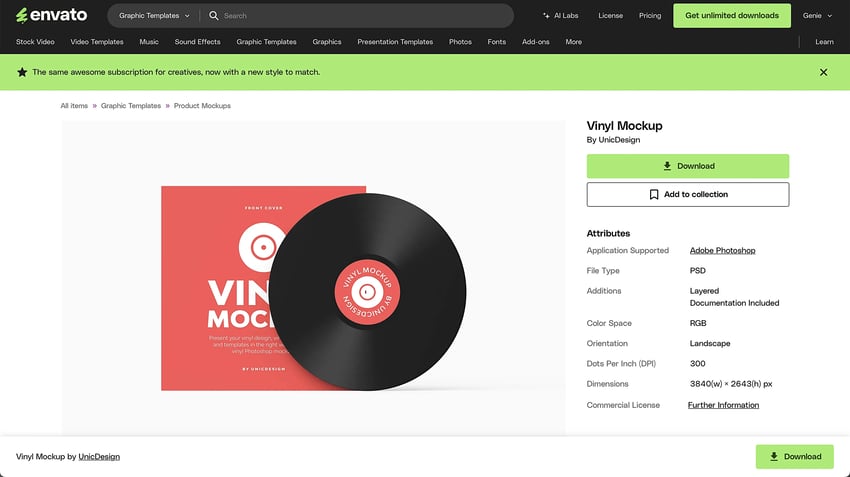

Let's look at how easy the album cover design mockups are to customise.
Step 1
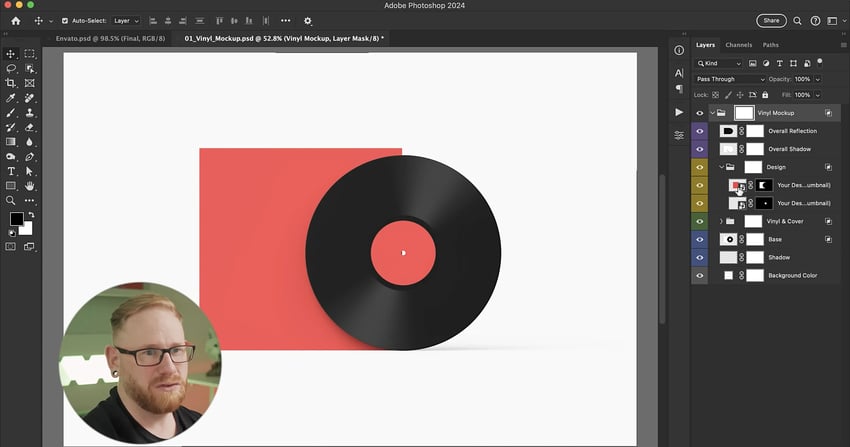
Open your chosen mockup in Photoshop, and expand it so you can see the layers.

Step 2
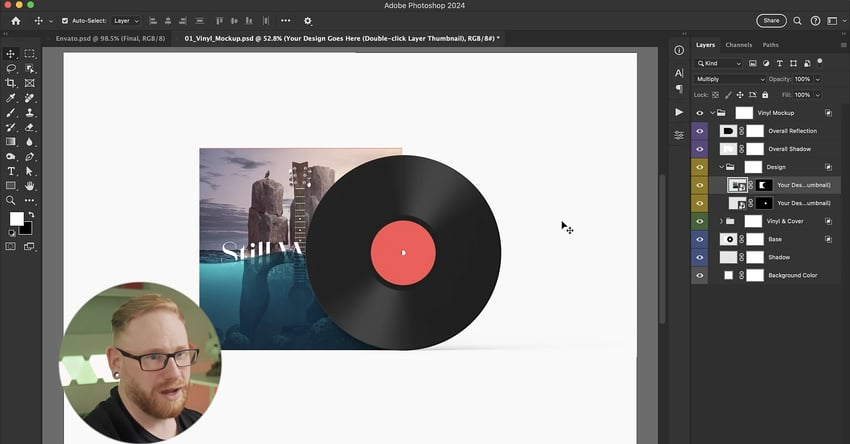
Most of these mockups have a smart object layer for your design to go into, so just copy and paste your design into the Smart Object for the album cover and resize as needed.

Step 3
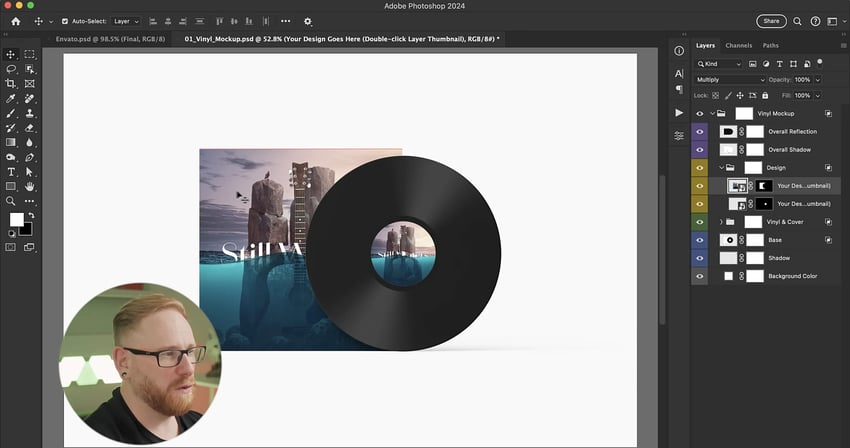
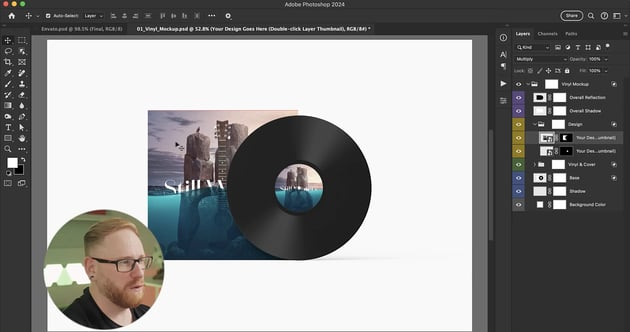
Now paste your design into the Smart Object for the vinyl itself and resize that as needed.

Step 4
Save both of these smart objects, close them down, and your cover and vinyl mockups are ready to use.
Discover more Photoshop resources and tutorials
In this tutorial, you learnt how to create a music album cover mockup in Photoshop. Be sure to check out other upcoming articles on Envato Tuts+ and the Envato blog to discover more Photoshop tutorials. And for the digital subscription that will cover all your creative Photoshop assets and needs, visit Envato!
Here are some great resources to get you started:


 By
By



