


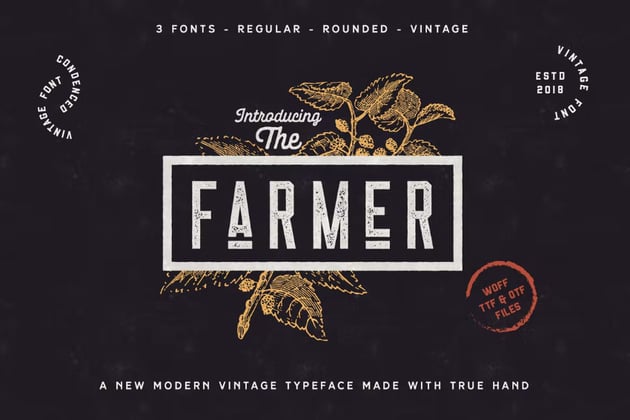


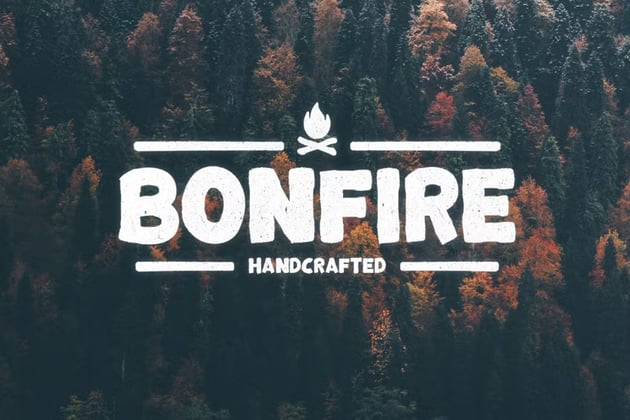

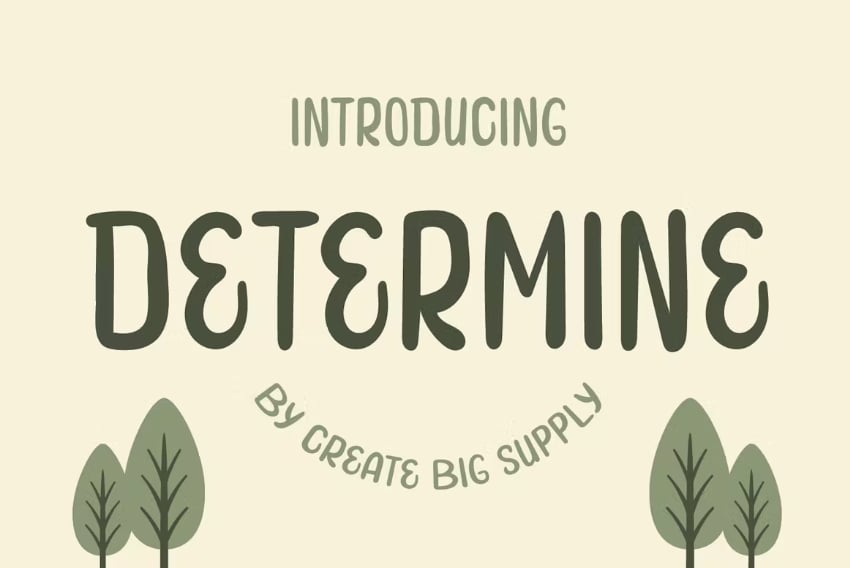


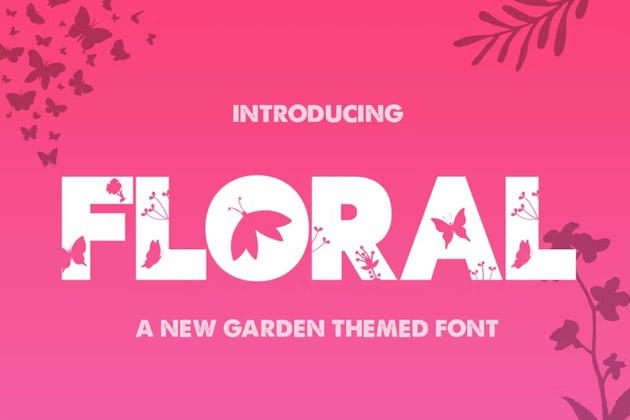


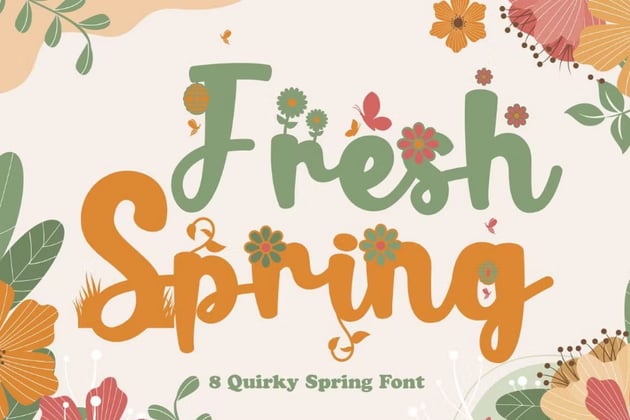


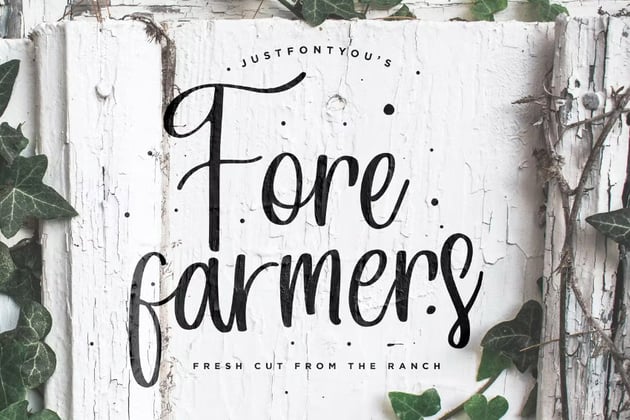


Love farmhouse-style fonts? Then remember to check out Envato Elements. One low price gets you unlimited access to a huge library of thousands of fonts—including farmhouse lettering and so many rustic font styles.
4 Quick Tips to Use Your Cricut Farmhouse Fonts
1. Using Textured & Detailed Fonts
Not all textured fonts are easy to use, and if you don't want all of the texture inside the letters but prefer just the outline, you can use the contour feature to hide all the contours. You will need to weld your text before this feature becomes available.
2. Print Then Cut
Print then cut is a very useful feature for many different projects, and this will also allow you to retain the textured look, and also the detail included in many of the fonts when you need a smaller font. You will need to flatten the fonts to use them with print then cut if you want to retain the textured look and small details!
3. Sizing Matters
Some of the fonts in this article are perfect for large-scale projects, so it is very important to keep the size of your project in mind when choosing a font. Know how to size your projects according to detail. For the more detailed fonts, choose a larger project or a different project type—like print then cut!
4. Importance of Material Type
Very often, the choice in material type can determine what font you choose as well. Textured fonts are easier to weed (remove the excess material) when you are using Iron-On (heat transfer vinyl).
Learn Some New Skills and Discover More Resources
Now that you've downloaded a few new fonts from Envato Elements, you may want to learn some of the methods we covered in this article—or perhaps you haven't quite found the font you are looking for. The articles below will help you on either journey.

 30+ Best Cricut Fonts for Water Bottles & Tumblers (+ Tips!)


 How to Outline Letters in Cricut Design Space

 How to Upload Fonts to Cricut Design Space


 How to Curve Text in Cricut Design Space

 How to Add Flourishes to Fonts in Cricut Design Space


 How to Kern a Font in Cricut Design Space

 40 Cool Summer Fonts (Tropical, Festival, Camp Fonts)

