

Water bottles are an incredibly versatile gift, and they're a great project for all Cricut users (especially now that custom Stanley cups are all the rage). A huge part of having a successful decal applied to your water bottle is ensuring you have the best Cricut fonts for water bottles.
We're going to explore the best fonts for water bottles and a few tips on how to use them to customize your Stanley cup. Browse around Envato to choose the top Cricut tumbler font. Envato has a great offer: download as many as you want for one low price.







Let's Get You Started With Some Thick, Connected Fonts for Tumblers
Thick and connected fonts are some of the easiest to work with when you're just getting started. Because of the thick lines of the fonts, they will adhere really well to the bottles, and you'll find that in the long term they will last a lot longer than decals that have thin wispy flourishes, although we'll get to some ways of helping with that a little bit later in the article.
These tumbler Cricut fonts are also mostly connected to each other, so they offer an added bonus in that they flow nicely together and have extra adhesive to stick to the bottle! That's what makes them the best Cricut fonts for tumblers and water bottles, and a great option as a Stanley cup font.
1. Gazillions (OTF & TTF)


Gazillions is one of my personal favourite fonts for water bottles, and I'm starting with it because not only is it easier to read, but it is a connected font, and it's a thick font too! All three of those elements make it the perfect font to start with. It's the best water bottle vinyl font for names on your Cricut, and the perfect one to use as a Stanley tumbler font.
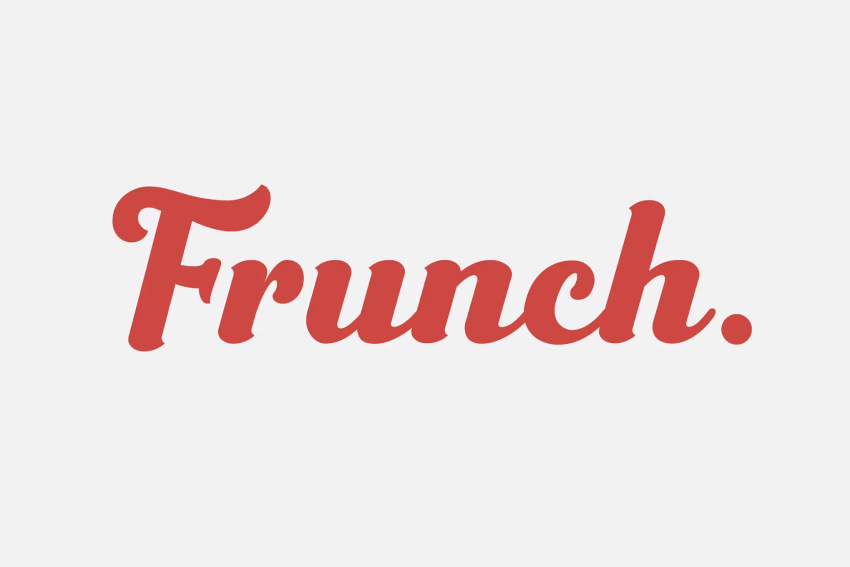
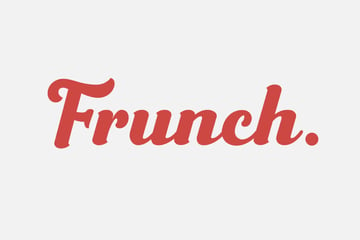
2. Frunch (OTF & TTF)


This font is nearly the perfect font for tumblers! Though it isn't a completely connected font, it is still ideal for what we're trying to achieve here. The majority of the letters are connected, and this makes it a very solid font to use on tumblers, water bottles, and more. Why not give it a try as your Stanley cup decoration?
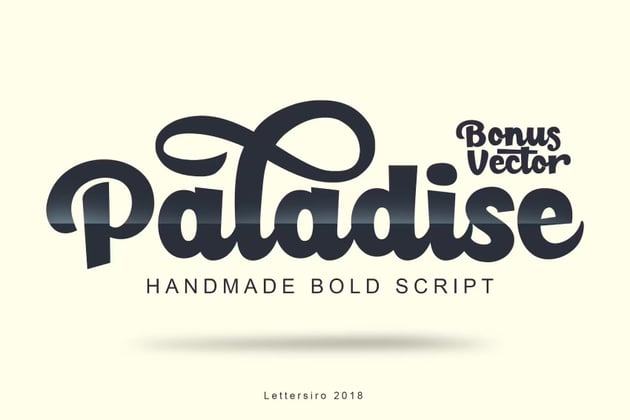
3. Paladise (OTF & TTF)


This is another ideal Cricut font for tumblers as it is also bold and connected, and it has a slightly easier readability. This one even has a few nice thick flourishes, and bonus vectors too! This means you can easily engrave your Stanley cup with it.
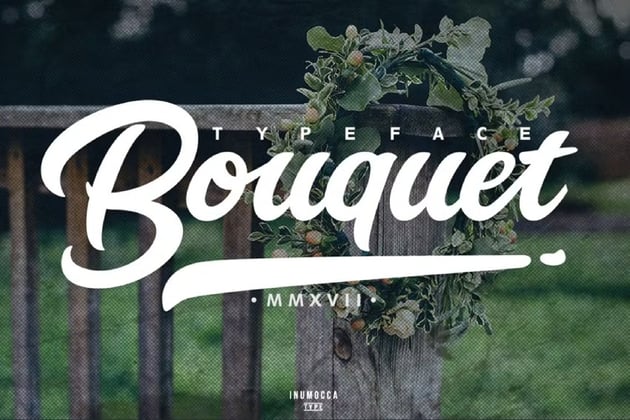
4. Bouquet (OTF)


This is probably one of my favourite fonts for tumblers as it is super easy to read, has some connected words and lots of cool glyphs and swishes, and isn't too thick either—isn't it just the perfect font? Why not try it out for a Stanley cup customization project?
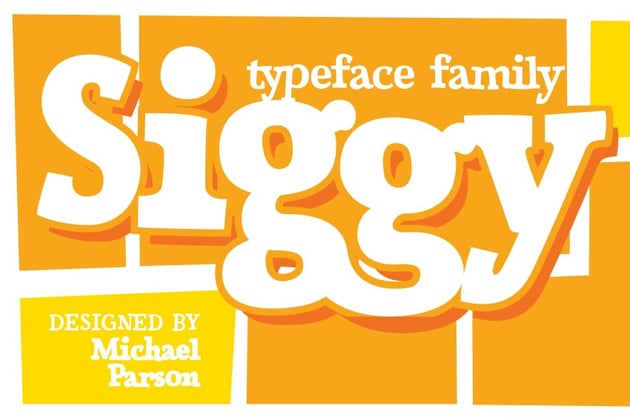
5. Siggy (OTF)


This font is quite different—it has less soft edges and is more of a serious typeface, yet it still has all of the elements we are looking for. It's thick, slightly connected, and looks super fun. A whimsical tumbler Cricut font like this one can help you create a unique Stanley cup.
6. Watch (TTF)


This is a very popular font for water bottles in certain circles, and it would look particularly good with some multi-coloured or ombre-type vinyl, so it really is the perfect Cricut font for tumblers. It could give your Stanley cup design an edge.
7. Clarkson (OTF)


This font is still a very nicely connected font to use for water bottles, and though it is not as thick as its counterparts on this list, it's still a strong contender for this list as in most places it is a thick enough Cricut bottle font. It can give your personalized Stanley cup a classic look.
8. Buffalo (OTF)


Now this vinyl font is a little on the thin side, but it's still thick enough to warrant being on this list. It is a connected font as well, which means that it works very well for names on water bottles, like when creating an engraved Stanley cup.
9. Ronaldo (OTF)


Here's another thick vinyl font that would work perfectly well on water bottles. It has a slightly uneven edge, which adds a bit of character to this particular font. It could also work perfectly as your chosen Stanley cup font.
10. Heisman (OTF & TTF)


A font that is simple, clean, easy to read, and feels like having your name put up in lights. What more could you want from the best Cricut font for tumblers? This Cricut bottle font would go perfectly on a Stanley cup decal.
Now We Change Gears: Let's Look at Some Fancier Fonts for Tumblers!
These fonts aren't always the best fonts for tumblers and water bottles, but by using the offset feature, we can solve some of those problems, and make them an interesting choice for a font for water bottles in Cricut. Just think about how nice they could look on your Stanley custom cup.
1. Radnick (OTF & TTF)


This is a great font for water bottles if you want a few flourishes, and it's still a relatively thick font that will still give you lots of strong adhesion to the water bottle. You can make this a Stanley tumbler font if you want something retro and stylish.
2. Swashington (OTF & TTF)


Now this font has some beautifully thick parts to it, and some stunning swashes to make it look nice and fancy, but all of those little swashes will eventually lift up on a water bottle that gets used regularly. You can still try it out as a tumbler Cricut font for your Stanley cup design.
3. Story Dream (OTF & TTF)


This font will work well for tumblers as it has some lovely even swashes and flourishes, and while that makes this font pretty, having an offset with a thicker background can really make this pretty Cricut tumbler font pop! You'll have the coolest and most unique Stanley cup.
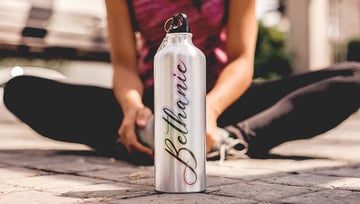
4. Bellanie (OTF & TTF)


Simple yet elegant, this Cricut tumbler font has beautiful flourishes and would work very well with a thin offset to accentuate those flourishes. It's a delicate touch for Stanley cup decorations.
5. Marthina (OTF & TTF)


This one is a particularly challenging font for water bottles or tumblers without an offset, so for this font I would recommend using the offset instead of the main font itself. The main font, although incredibly gorgeous, would not do too well on a heavily used water bottle. While it's not an ideal Cricut tumbler font, you can use the offset for a personalized Stanley cup.
6. Arthouse (OTF & TTF)


This particular font wouldn't need much of an offset to work, but it is a beautifully different font and is one of the best Cricut fonts for water bottles that we can use. Everybody will be talking about your Stanley Cup decal with this one.
7. Brightshine (OTF & TTF)


A truly classic styled font for water bottles, this one has some long wispy flourishes that would truly benefit from an offset. Try it as your Stanley cup font and see how you like it.
8. Buchery (WOFF, OTF & TTF)
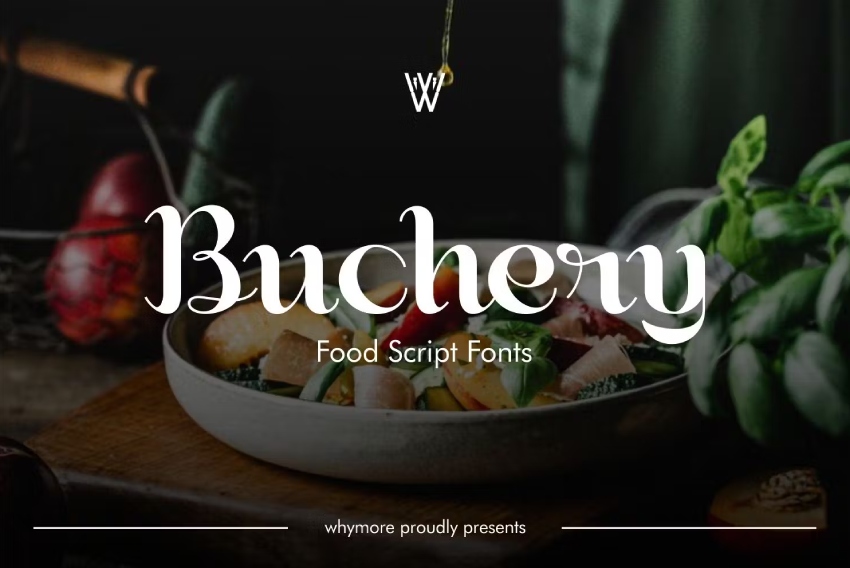
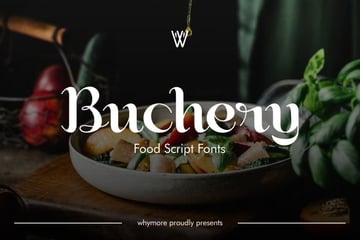
Here's another font that would do well with an offset as the lines become very thin at some points, which may be difficult to work with unless you are using the offset method. However, you can create a Stanley cup sticker with it and get it on your cup.
9. Aisollya (OTF & TTF)


Probably one of my favourite fonts for water bottles, Aisollya has two fonts in the package: one with flourishes and one without. Just open up two text boxes, and then weld them together when you've chosen the flourishes from either font. This has to be one of the best fonts for tumblers in Cricut. It can make your custom Stanley cup look even better.
Best Cricut Fonts for Water Bottles and Layering
Layering is a very fun way of adding dimension and something extra to your water bottle and Stanley cup decoration. These kinds of fonts are primed for the perfect layered water bottle or tumbler decal. Just make sure that you have some silicone paper to put between the two layers of vinyl and line them up properly.
These also aren't simple offset Cricut bottle fonts, but are instead unique fonts that can be used in specific ways that I will show you on each font. Let's look at some of the best fonts for tumblers and layering. Keep in mind that you can use each as your Stanley tumbler font.
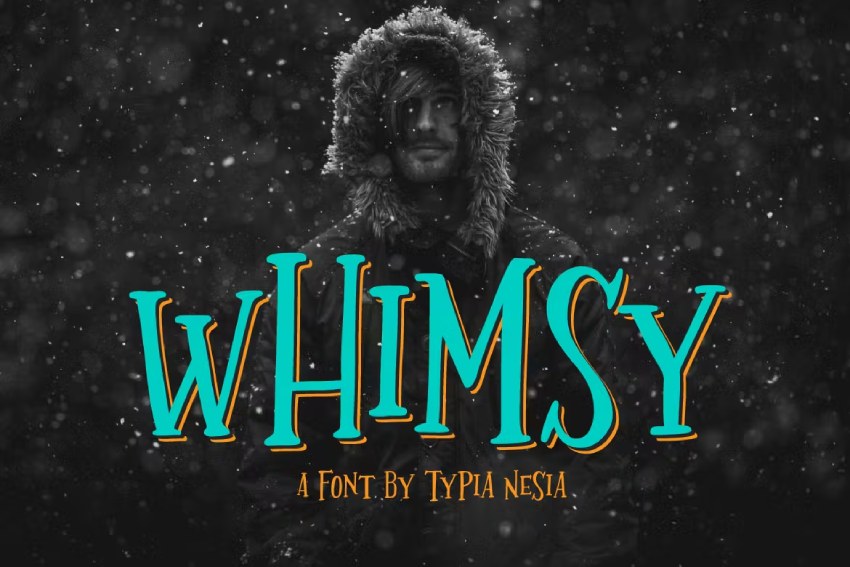
1. Whimsy (OTF & TTF)


Let's start off with a little whimsy. Though this isn't technically layered, this font is perfect to provide a little depth and have a few different colours in it. It's easily one of my favourites, and you can use it for an etched Stanley cup.
2. Routhers (OTF)


Now this one is a little different to the others as this typeface comes with two different water bottle Cricut fonts, so you will need two layers for this one. But wouldn't you want to have this super cool 3D effect on a water bottle? I think that makes this easily one of the best water bottle vinyl fonts for names with your Cricut. Engrave your Stanley cup with it today.
3. Vintage Legends (OTF & TTF)


This is one of those fonts that fits in many different categories, and though it could have been in the first one, I feel it fits here very well. It's one of the best fonts for tumblers, and a top option for Stanley cup customizations.
4. Strong West (OTF & TTF)


Now this font doesn't immediately lend itself well to being the best Cricut font for water bottles, because it needs a little bit of adjustment. Check out the tips below on how best to do this. After you follow the steps, use it for a Stanley sticker logo for cups.
5. Wild Django (OTF & TTF)


This is another font for water bottles that could give you a very cool-looking name on a water bottle if you follow the same route as the one above. If you're itching for a Stanley custom cup, this one will hit the spot.
6. Ginusto (OTF)


I wouldn't suggest cutting all those dots in a different colour, but having another layer underneath this would make it a great font to use for a tumbler. Put together your Stanley cup sticker and get going.
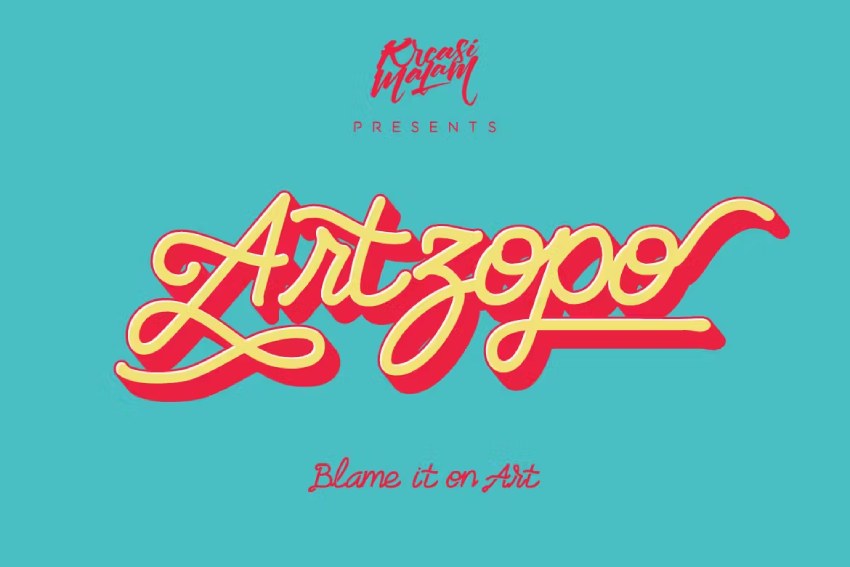
7. Artzopo (OTF)


This font just looks very cool, and it's primed to be used as a layered name or design on a water bottle. Look fresh, stay hydrated, and engrave your Stanley cup with this awesome Cricut bottle font.
8. Troupe (OTF & TTF)


There are quite a few different fonts included in this one—who doesn't like a good deal? For this one, the top layer should have the middle line cut out of it. Having a layer of vinyl that thin will be very hard to get right. So it would work a lot better having it a bit thicker, with the inside part cut out. With a few tweaks, this could be the Stanley tumbler font you needed.
9. Retroma Vibes (OTF & TTF)


Not only is this font cut in unique ways, but you can also take it a step further by using the same weld and contour feature method I mentioned above to add multiple colours and really make this font pop. Everybody will be looking at your Stanley cup sticker!
10. Surfuz Beach (OTF & TTF)


This one is perfect for a two-toned headline water bottle Cricut font. I can totally picture this on a movie screen as the title for a movie, so why not give your water bottle the same treatment? It's thick enough that you can use it to have an etched Stanley cup.
11. Cream Sugar (OTF & TTF)


And last but certainly not least, this Cricut bottle font is a perfect quirky font for water bottles or tumblers. It also looks great as a layered font with a slight shadow behind it. Don't forget to slice the layers, and delete the parts you don't need so that they don't overlap. Needless to say, with this water bottle Cricut font, you'll have one of the coolest Stanley cups out there.
5 Quick Tips for Putting Vinyl on a Water Bottle With Your Cricut
Once you've found a font you like, you might want to edit it a bit and make sure you are using the right materials to make your design last as long as possible. This way, you can guarantee your customized Stanley cup will stay with you through thick and thin.
1. Use the Right Vinyl
The important part to take special note of is the vinyl you will be using. The type of vinyl you use makes a big difference to the end product. If you use a type of vinyl that's not designed for extended use, then you will find that your vinyl will start to lift off the water bottle after a few months. Always look for outdoor/permanent vinyl as this will last the longest on your Stanley custom cup.


2. Use an Offset
Use the offset feature to get better adhesion to the water bottle. Vinyl tends to stick better to vinyl than to other surfaces, and by using an offset we can create a greater surface area for the vinyl to stick to. This can help your Stanley cup design last longer.
3. Pick Your Font According to Use
Choose your font wisely for the use case. If it is a water bottle that is going to be regularly used, I would steer away from a font that has very thin lines and lots of flourishes, as even with an offset it may come loose with heavy use. If you'll be using your Stanley cup decal constantly, go for a thicker font.


This is the perfect example of what not to do for the first two tips. This vinyl is removable, so it won't stay on the bottle, and there is no offset on a super-thin vinyl decal, causing it to lift off.
4. Seal Your Tumblers
If you want to use a very thin font on a tumbler, you may want to seal the tumbler with some resin to lock in those beautiful fonts. I wouldn't recommend a brush-on sealant as it does leave streaks, and the vinyl tends to curl up more easily with those. Don't forget that this is an important part of the Stanley cup customization process.
5. Use a Different Kind of Contouring
You can weld fonts to connect the pieces, but you can also use the contour feature to remove parts of the font you might not want. This is particularly useful for fonts with internal pieces that you might want to use for layering.
6 Water Bottles, Tumblers, and Stanley Cup Digital Assets From Envato
Now that you have the exact font for tumblers you want, give it a whirl on a few premium digital assets from Envato. All of these are high-quality items that will let you picture your Cricut bottle font in action! Check them out:
1. Tumbler Mug Mockup
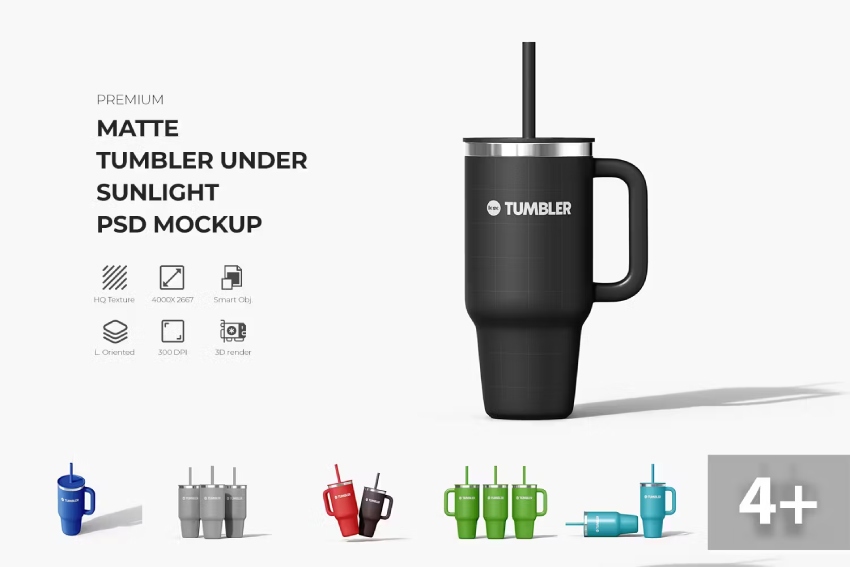
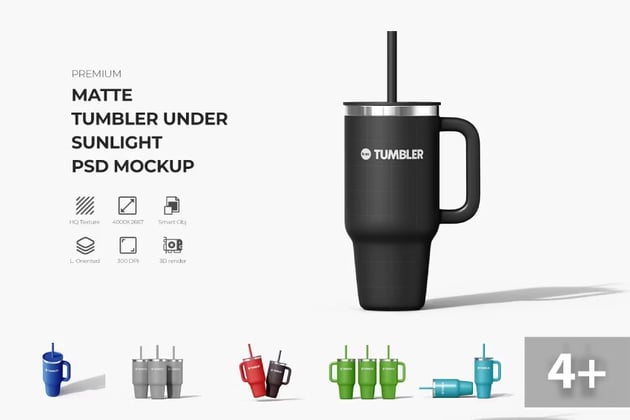
Now, let's dive into this beauty. This mockup will give you a very defined idea of how your personalized Stanley cup could turn out. It's a high-quality smart object template, ready to feature your personalized Stanley cup design. It's 4247 x 2831 px and has a resolution of 300 px/inch. This means you can use this custom Stanley cup mockup for anything your heart desires.
2. Sport Bottle Mockup
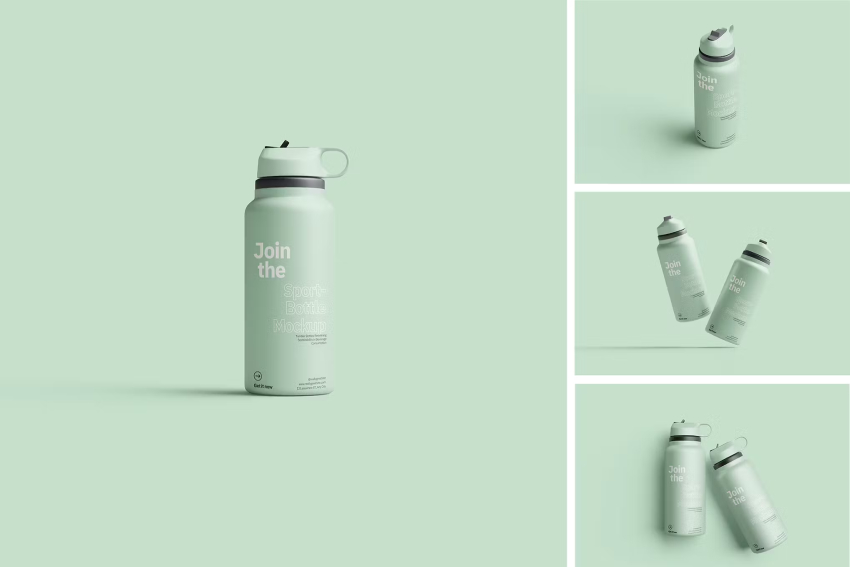
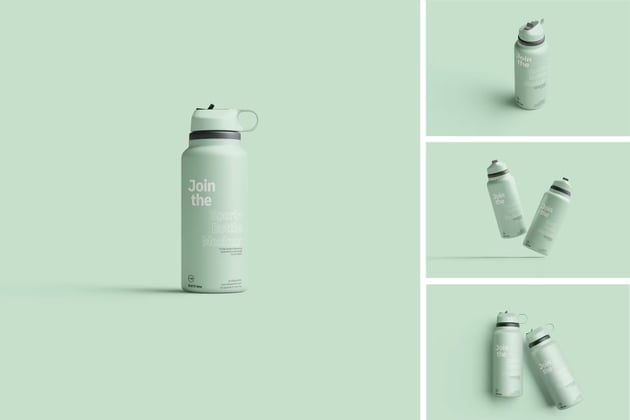
This mockup is a great example of an easy, top-quality, fully editable design. You just have to paste your own artwork into it, and you'll have the water bottle or Stanley cup customized as you like. It features a high-resolution design, changeable backgrounds, and organized layers.
3. Shaker Real 3D Animated Mockups
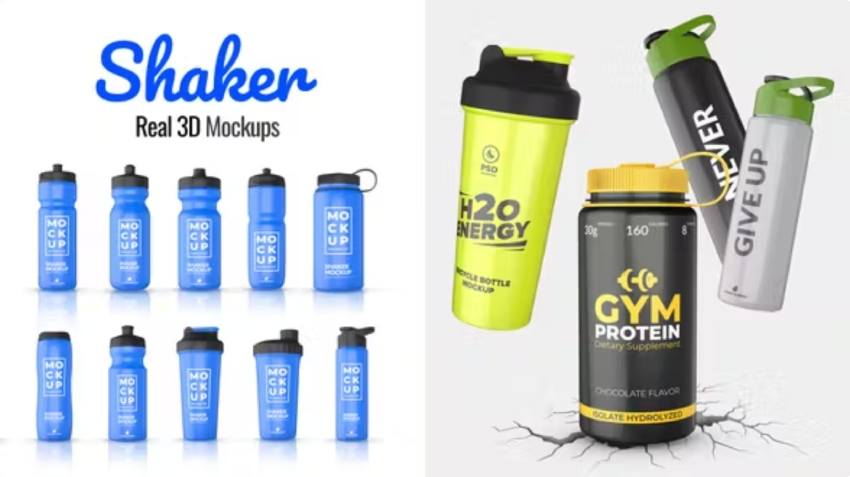
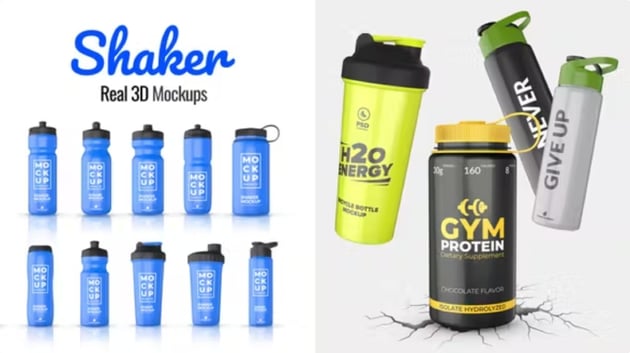
Want to get as close to the real thing as possible without having to produce an actual water bottle? Here's this video 3D mockup! It has a variety of water bottles that you can edit to include your own design. It's 0:35 in length and has a resolution of 1920 x 1080. Get a preview of your Stanley cup decoration with this animated mockup template.
4. Video of a Woman With a Water Bottle


This next asset can serve as inspiration for your Stanley cup customization. It's a video of a girl in workout gear, holding a water bottle for hydration. She's smiling and breezy, which makes this 0:07-long video an excellent asset for any health or exercise-related message you want to convey.
5. Sport Bottle Mockup
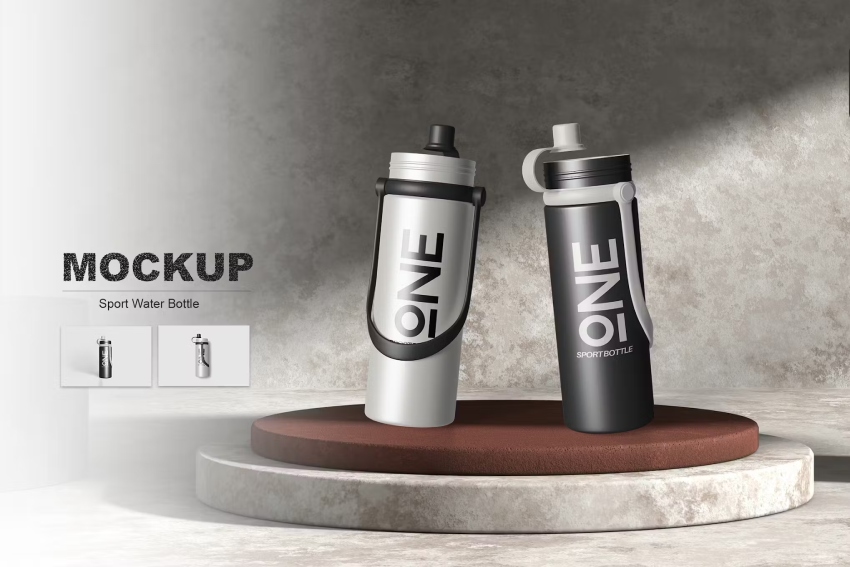
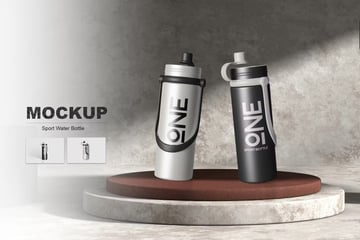
This is a mockup that you can easily use to bring your Stanley cup design to a more realistic place. In a few minutes, you'll be able to include your idea and see how it would look in an actual water bottle. This mockup uses smart layers, meaning that making this mockup your own is a piece of cake. Use the Stanley cup font you prefer, and stick your design on the mockup.
6. Tumbler Bottle Mockup
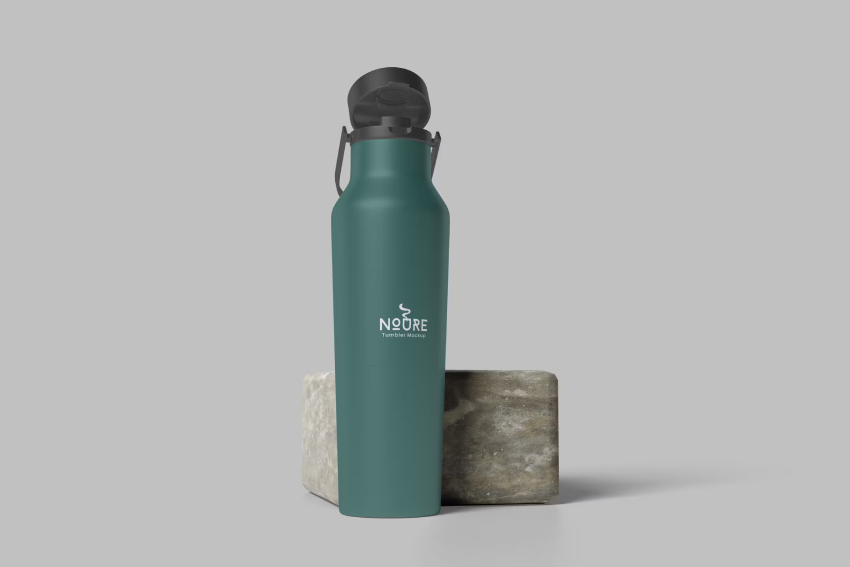
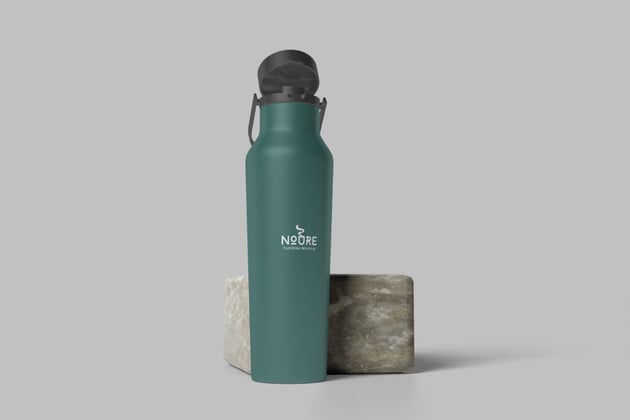
Lastly, let's take a look at this minimalist mockup of a sleek water bottle. This is an elegant, high-quality template with fully customizable elements and well-organized layers. A simple mockup like this one can help you see all the intricacies of your water bottle design. Plus, it's a blank canvas where you can try out every Stanley cup sticker idea you have.
Learn Some New Skills and Discover More Resources
Now that you've downloaded a few new fonts from Envato, you may want to learn some of the methods we covered in this article—or perhaps you haven't quite found the font you are looking for. These articles below will help you on either journey.

 The Best Cricut Fonts for Vinyl (Tips and Examples)


 How to Outline Letters in Cricut Design Space


 How to Add Flourishes to Fonts in Cricut Design Space


 How to Kern a Font in Cricut Design Space

 43 Best Cricut Sports Fonts (Varsity, Jersey, Baseball, and Stencil Fonts)


 How to Connect Letters in Cricut
 By
By



