

























Best Cricut Fonts With a Classic Style
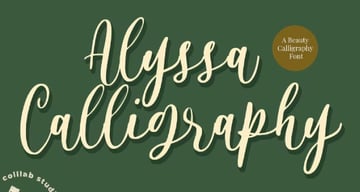
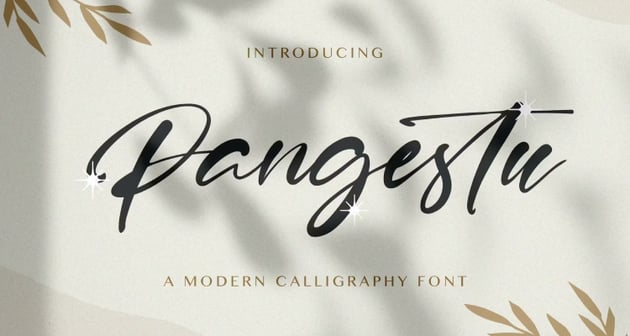
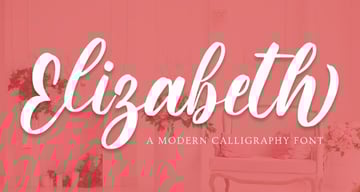
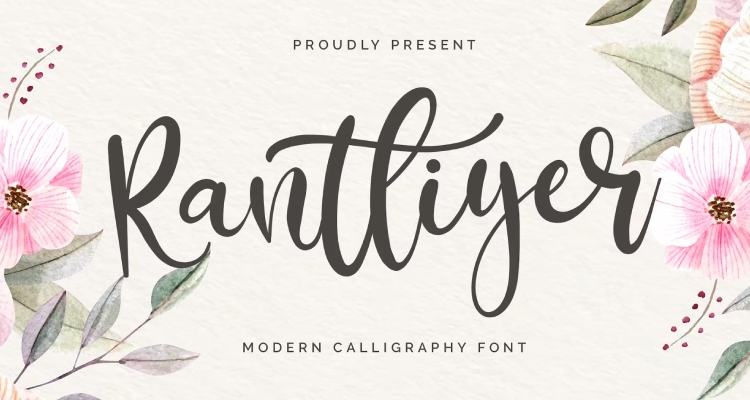
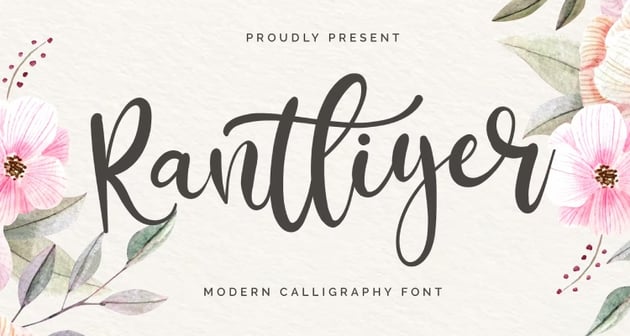
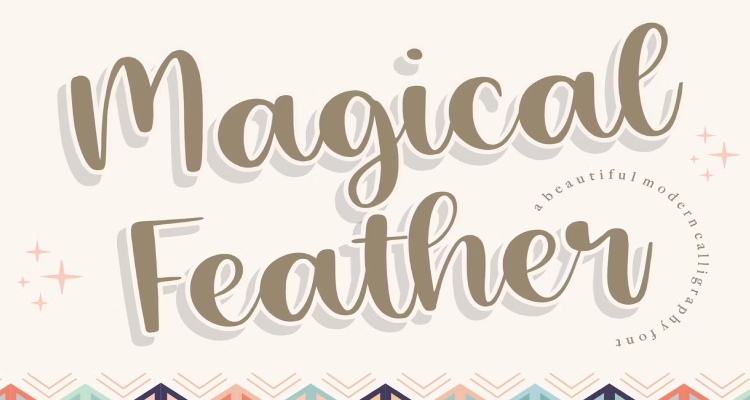
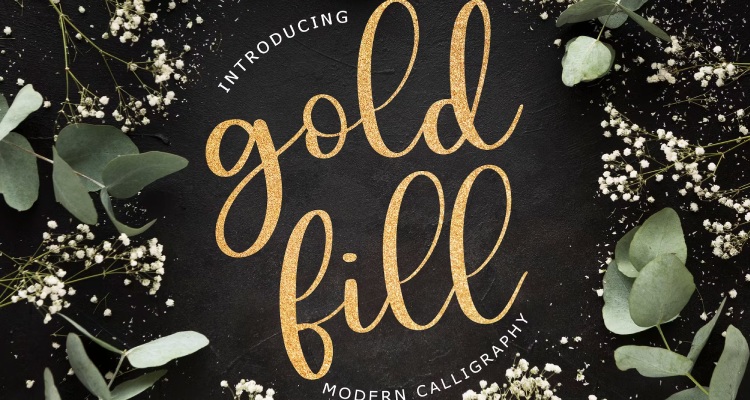
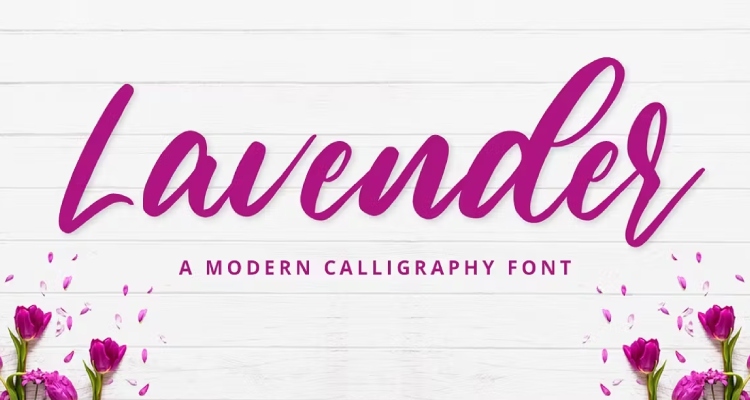
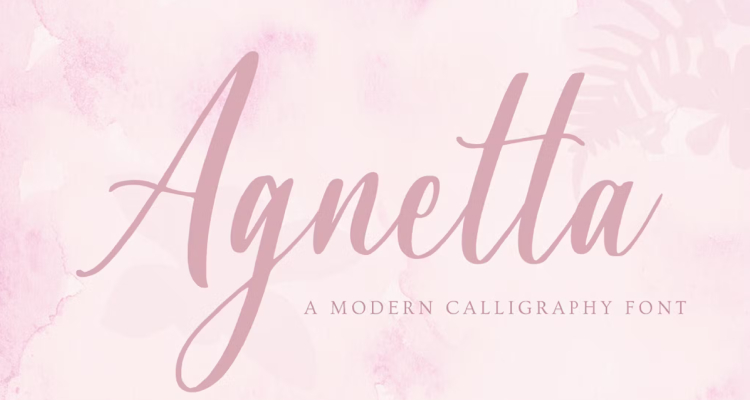
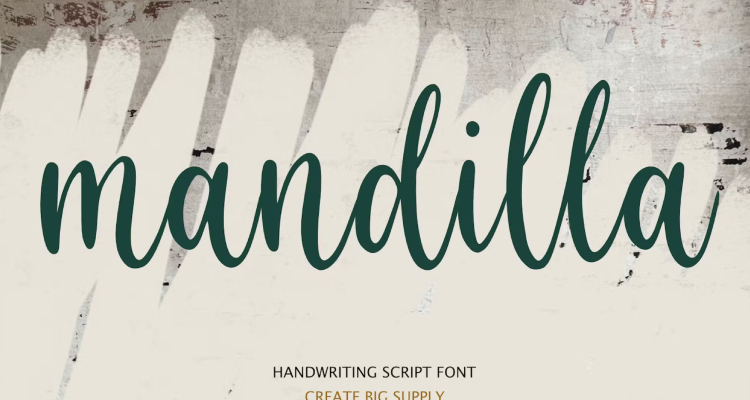
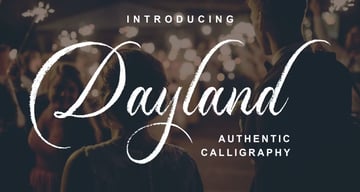
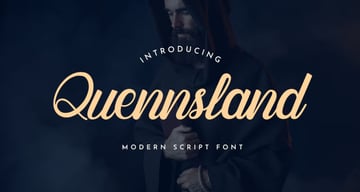
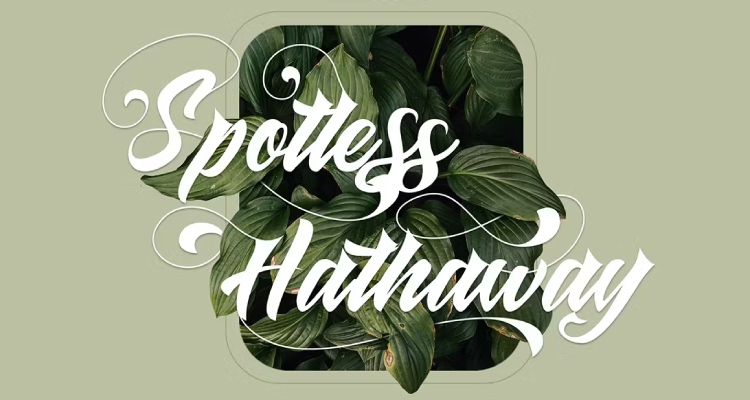
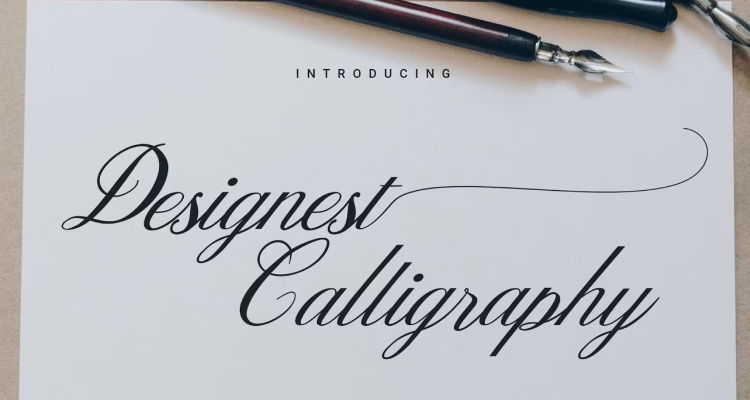
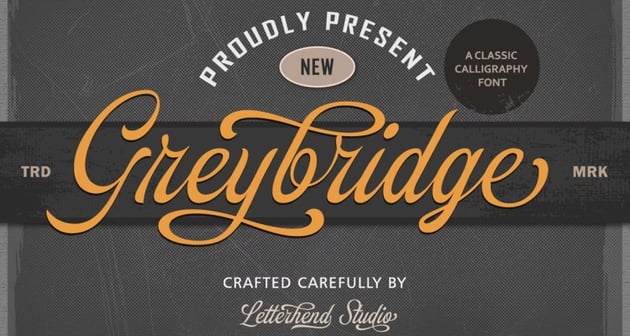
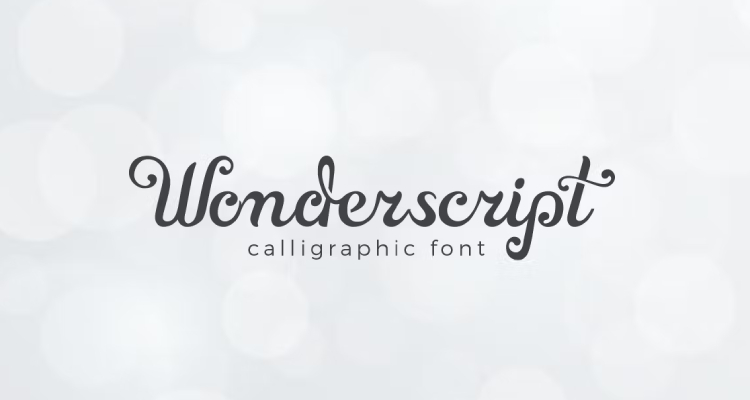
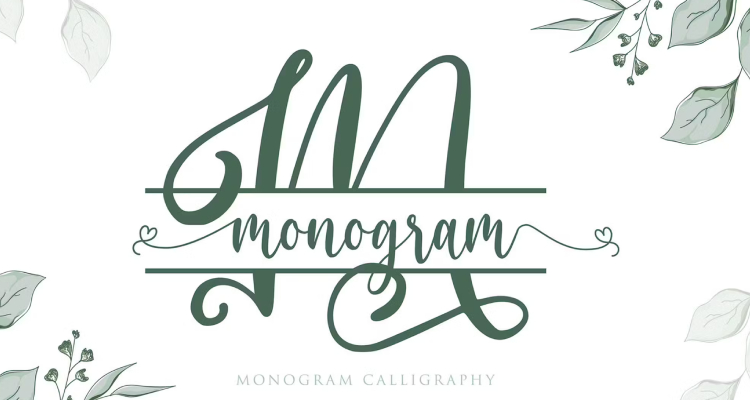
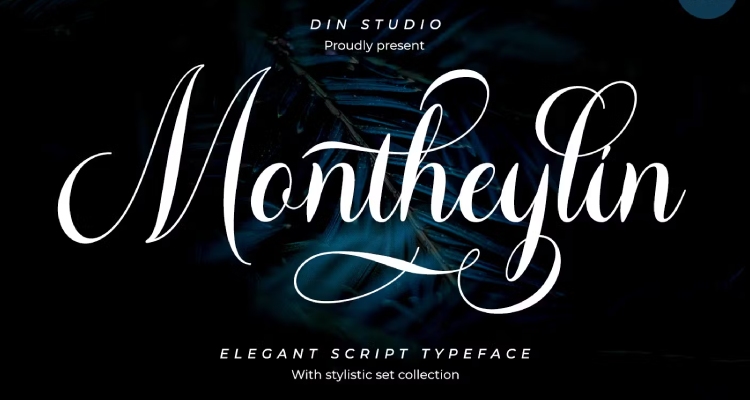
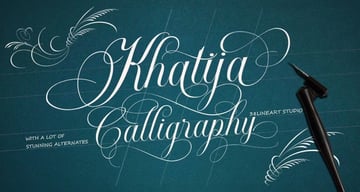
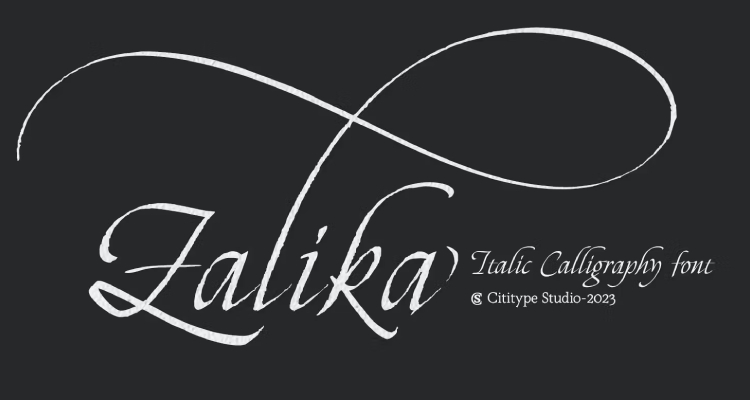
The type of Cricut calligraphy font you might be looking for may lean more towards the classic type of calligraphy. Luckily, we can use our Cricut machines to do all the work for us.
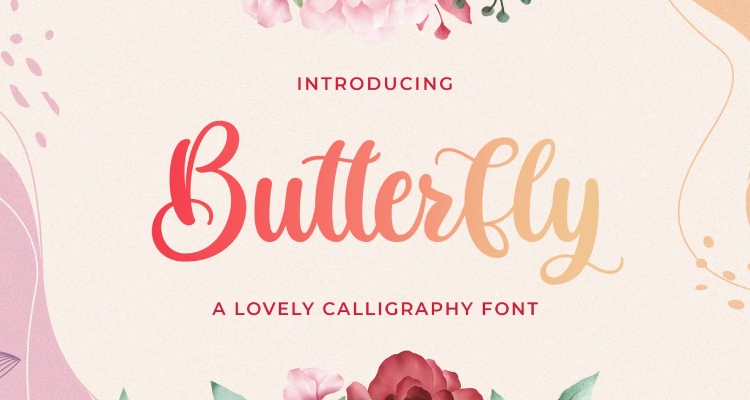
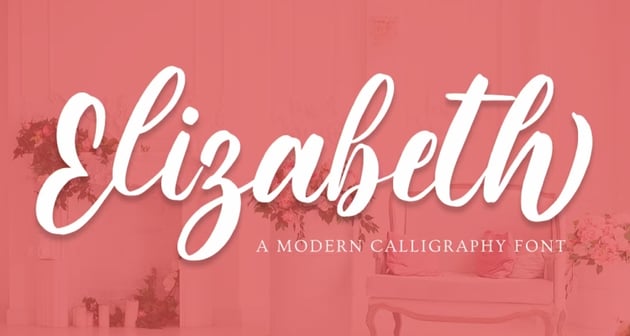
Here are some of the best Cricut fonts with a classic style.




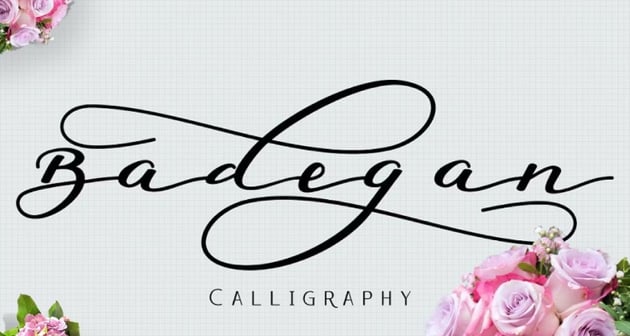
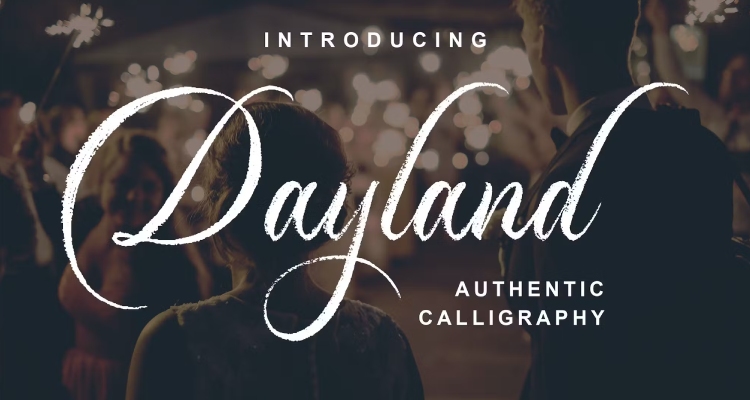

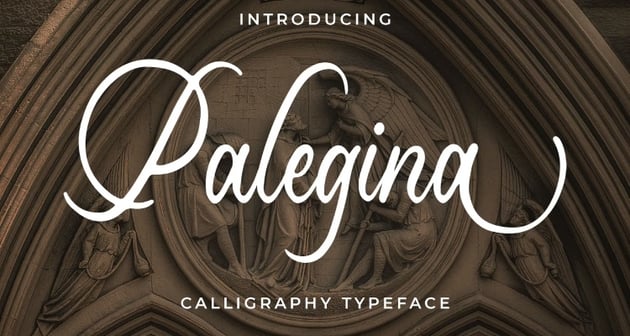
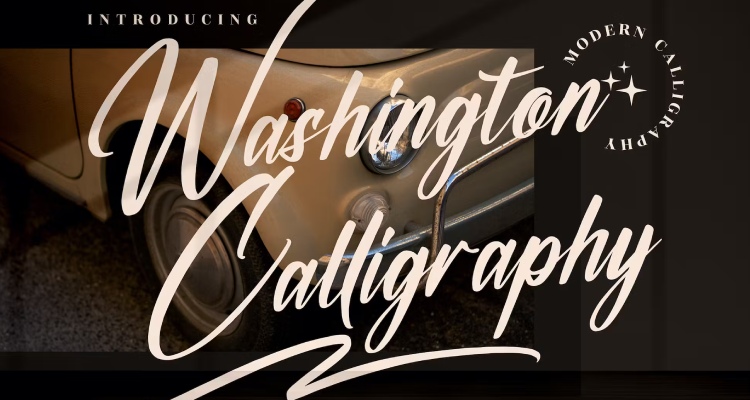


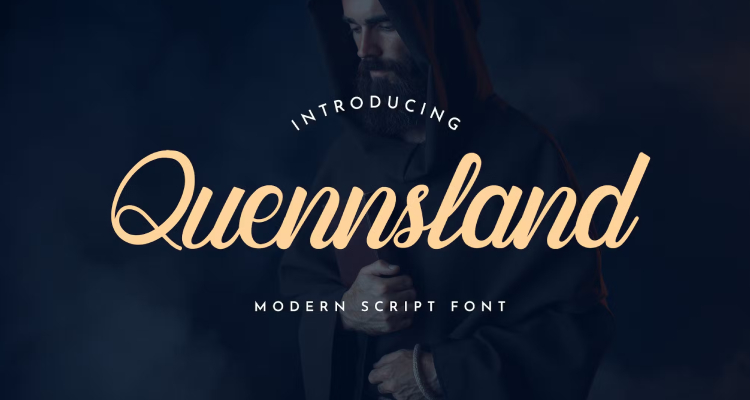

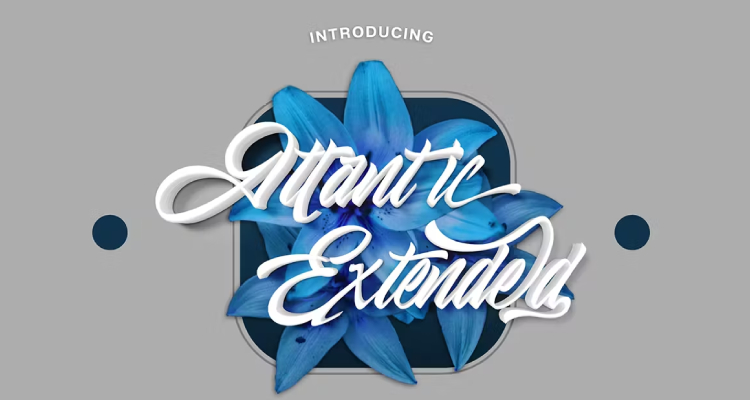



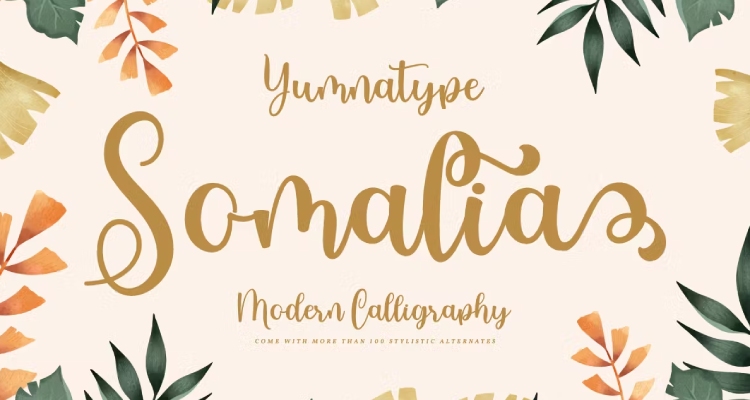
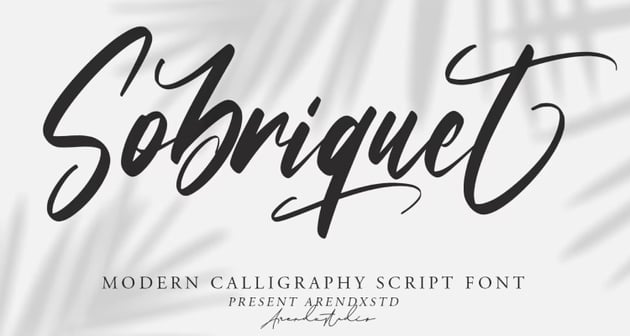
Best Cricut Fonts With Flourishes
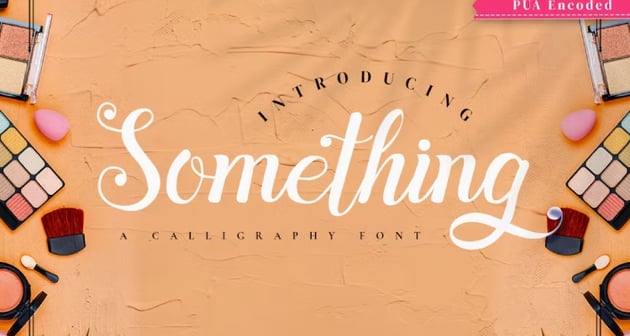
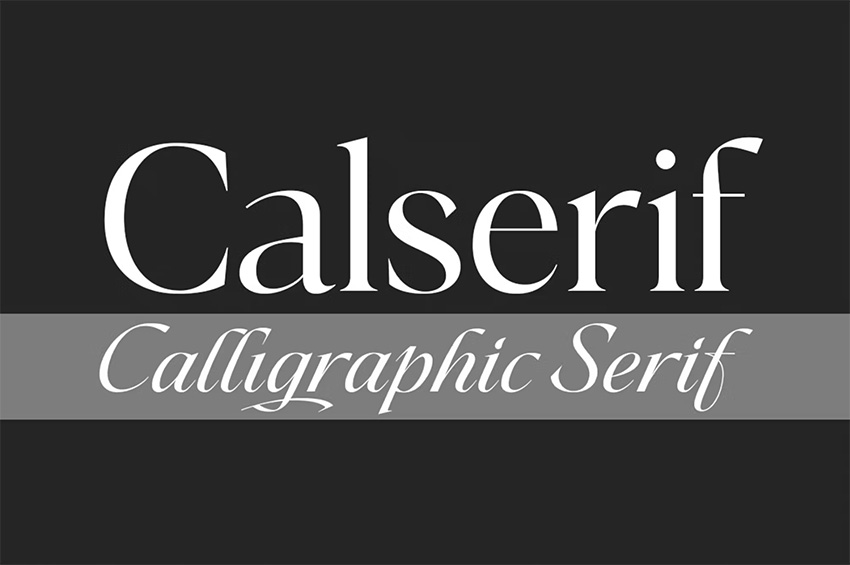
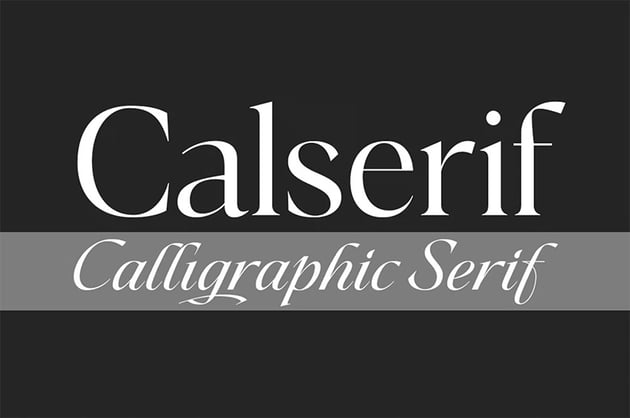
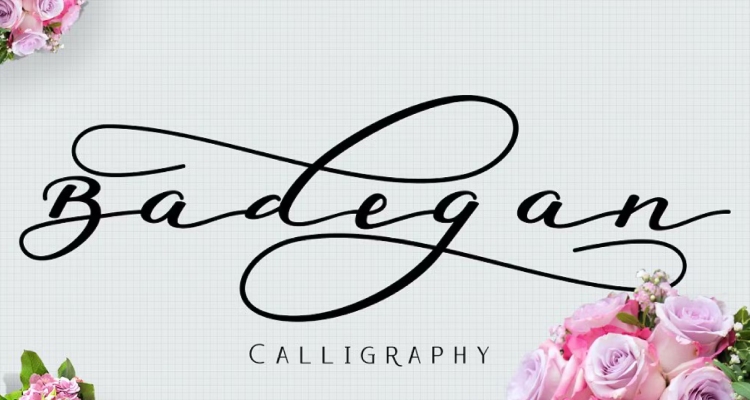
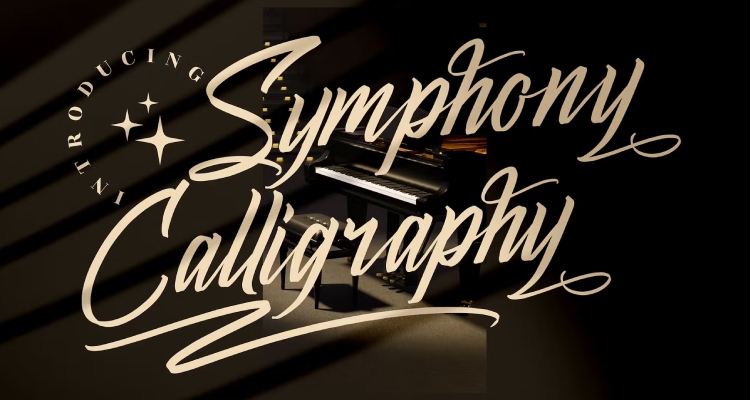
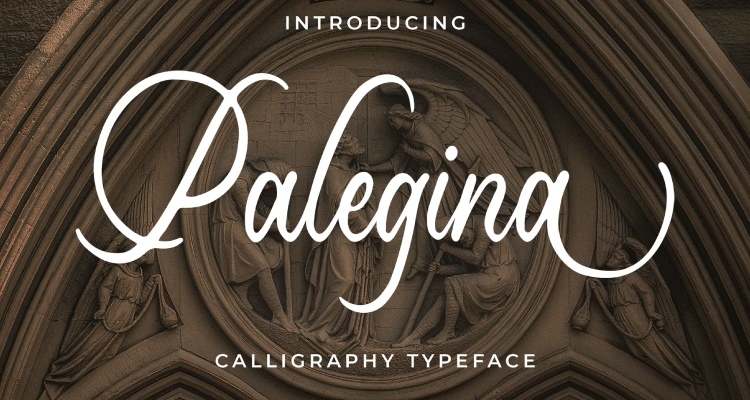
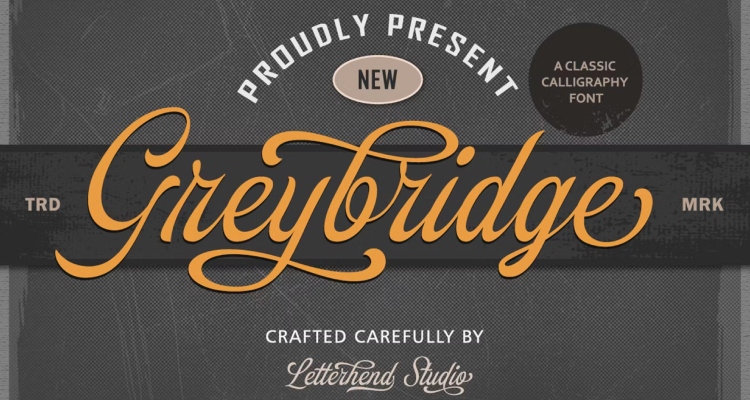
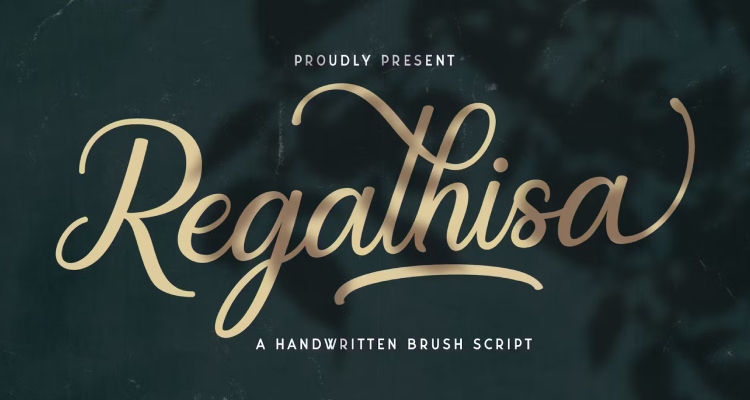
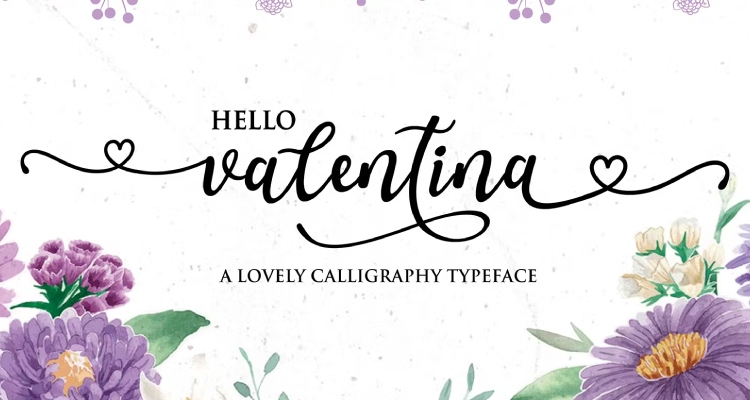
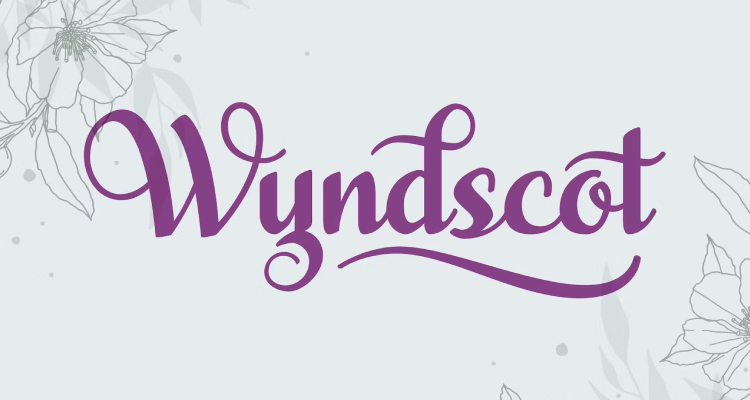
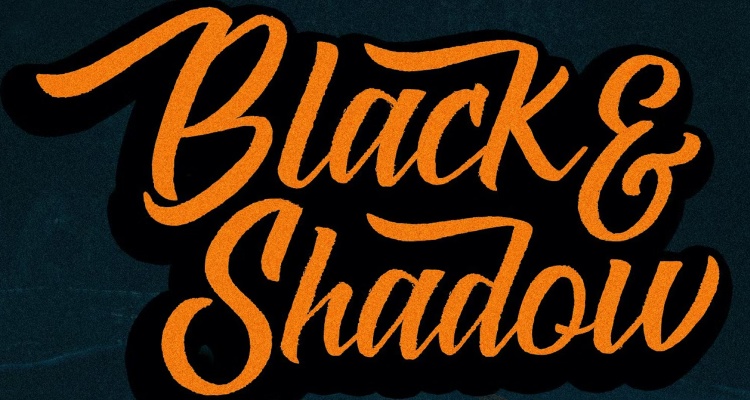
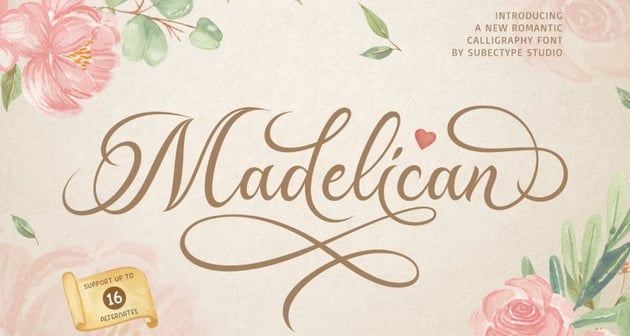
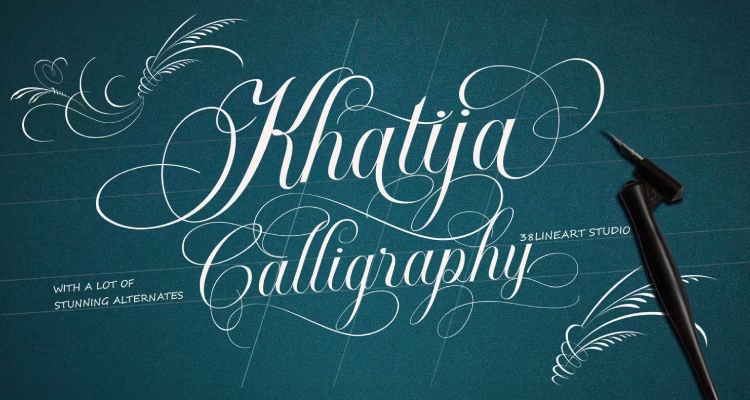
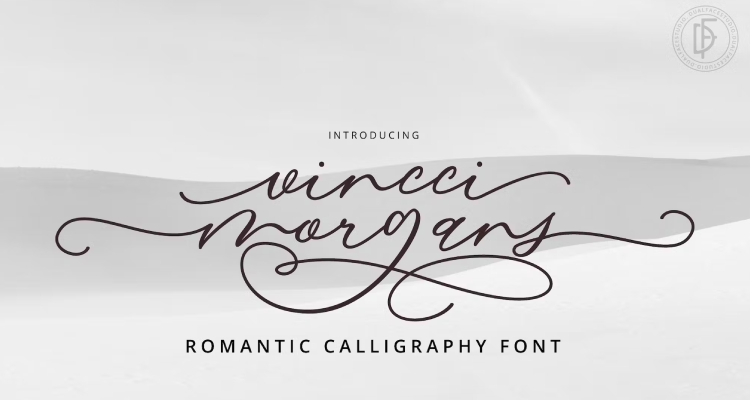
One of the amazing things we can add to our calligraphy Cricut fonts is a flourish. These flourishes really can take our project to the next level and help us stand out from our competition. Here are the best Cricut Fonts with flourishes.
















Tips for Calligraphy Fonts
1. Use an Offset to Make Thin Lines Thicker
When you are working with a font whose lines are a bit too thin, try adding a 0.03 (or smaller if you are dealing with a very small project) offset to your words to make it easier to cut.


2. Glyphs Take Your Project to the Next Level
Adding glyphs to your words can really add a whole new dimension to your project. Adding glyphs can be a little bit complicated, but with the easy-to-follow steps in the article below, you will easily be adding all kinds of glyphs in no time!


3. Combine Fonts to Elevate Your Project
Don't be afraid to use more than one font for your project. This allows the project to seem a lot more professional and can draw the user in. There are many things that one should consider when combining fonts, so check out the resources below to refine your process.


Combining fonts can be tricky, but it is so rewarding once you have gotten it right. (Mockup from Placeit)
4. Contour Out Any Unwanted Texture
If you use a font with some texture that you don't want, you can use the contour feature to remove some of it. This will make the words slightly easier to cut.
Discover More Amazing Cricut Tutorials and Resources
If you want to learn any of the above skills, including how to get a calligraphy font on Cricut, make sure to check out these articles as they will help you take your Cricut Design Space game to the next level!


Editorial Note: This article has been completely rewritten to make it more usable for the reader.

