
Free Twitch Overlays From Placeit
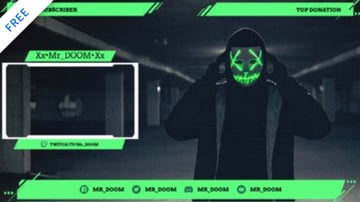
Placeit is an amazing online design tool. You can create your own Twitch stream overlay right in your browser. No design software is necessary. Change the colours and fonts, move and add elements, and more!
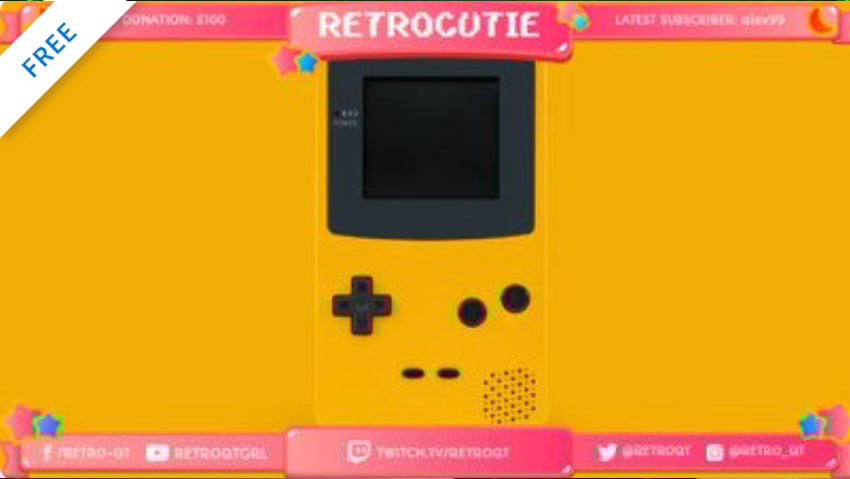
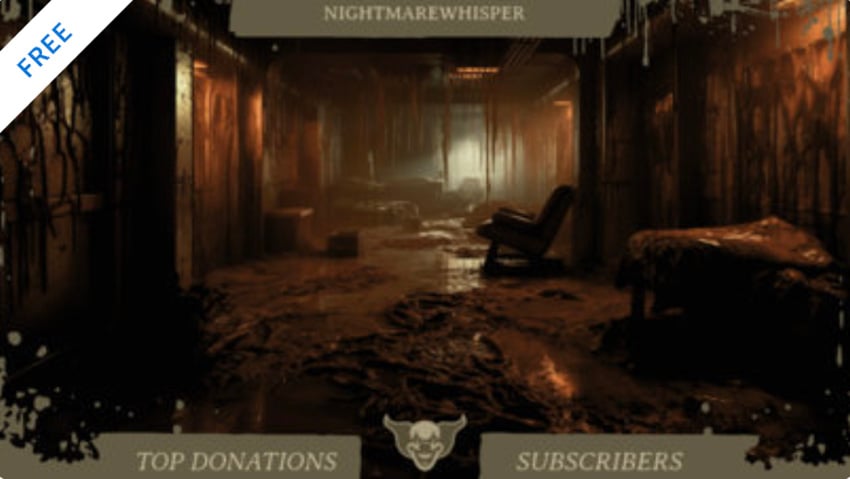
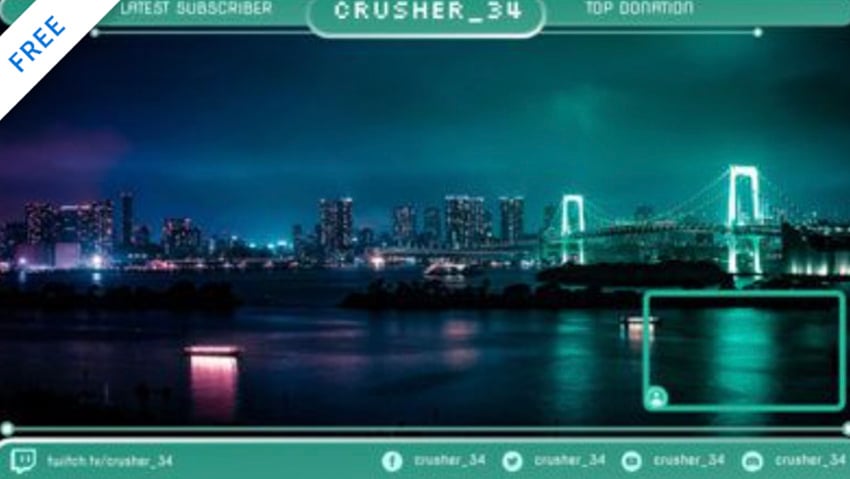
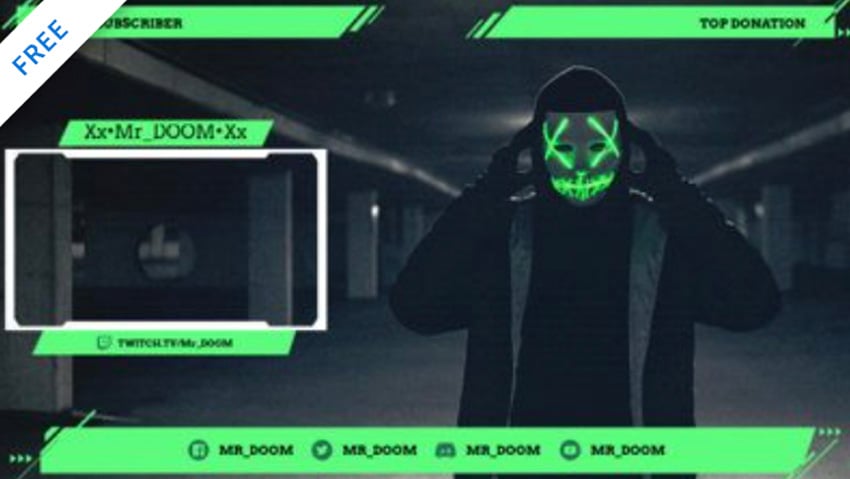
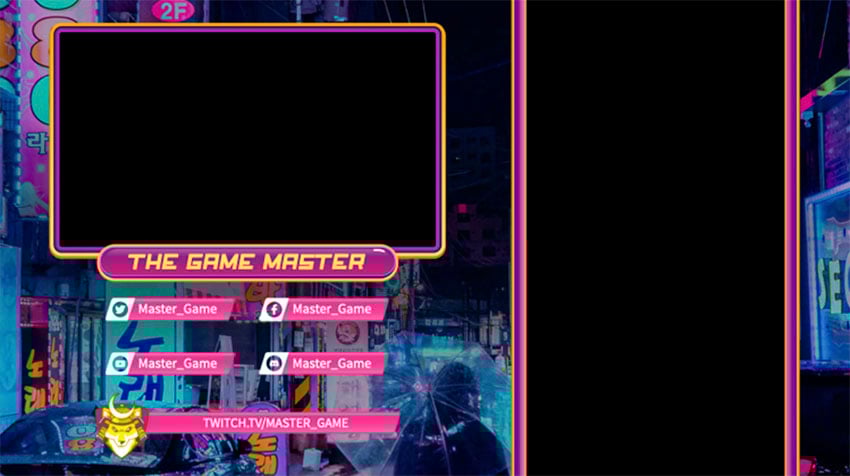
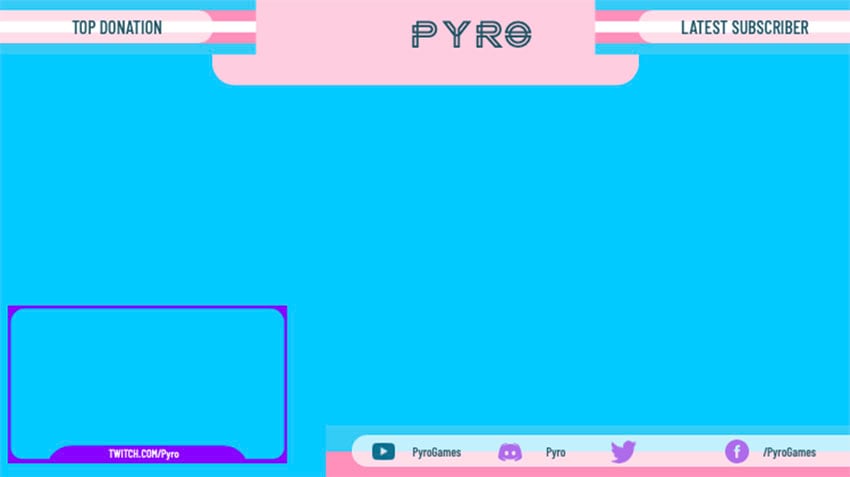
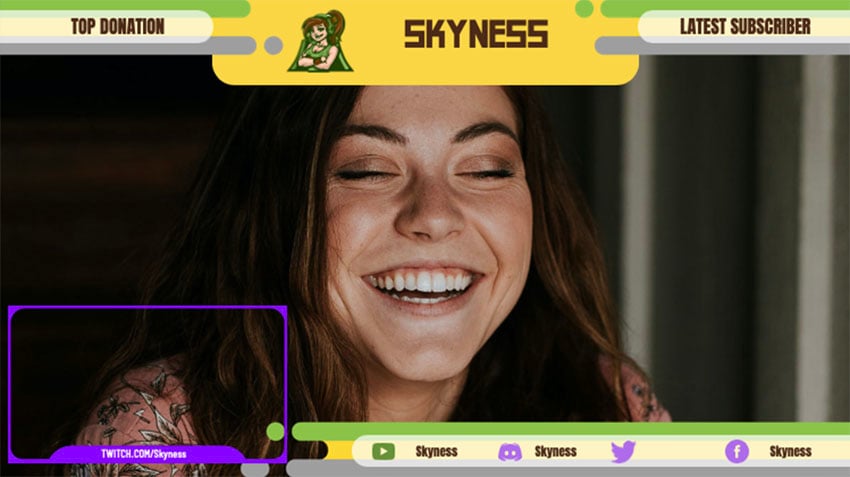
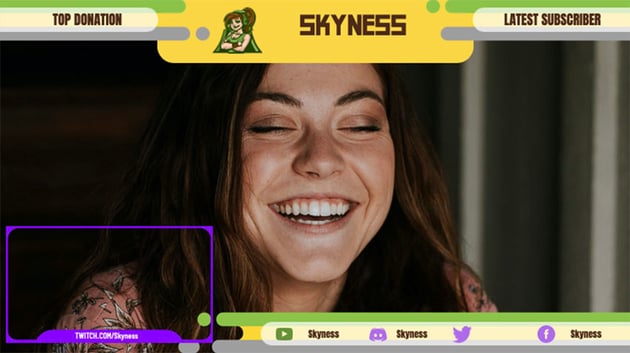
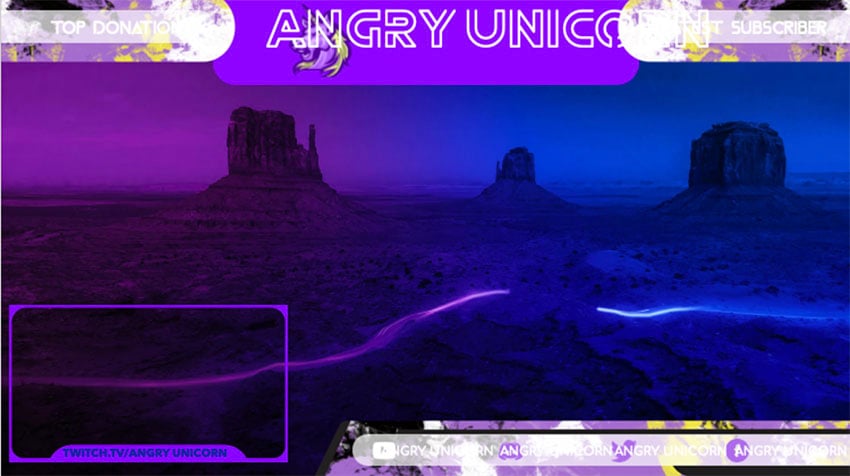
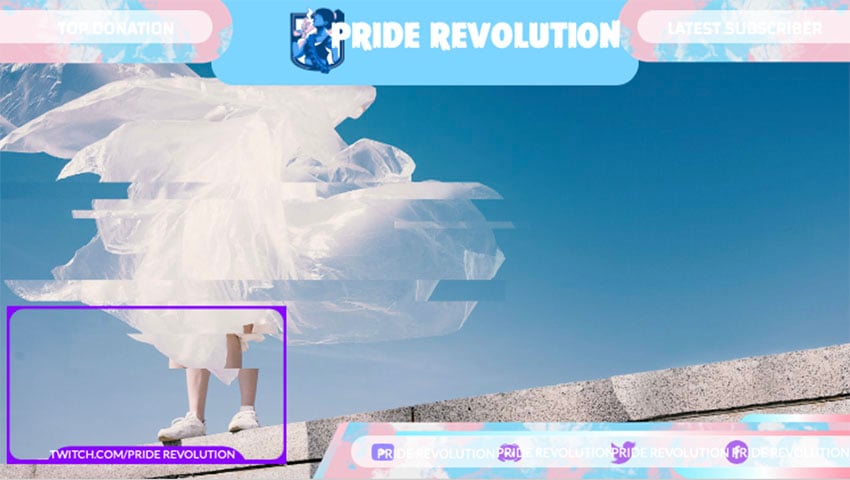
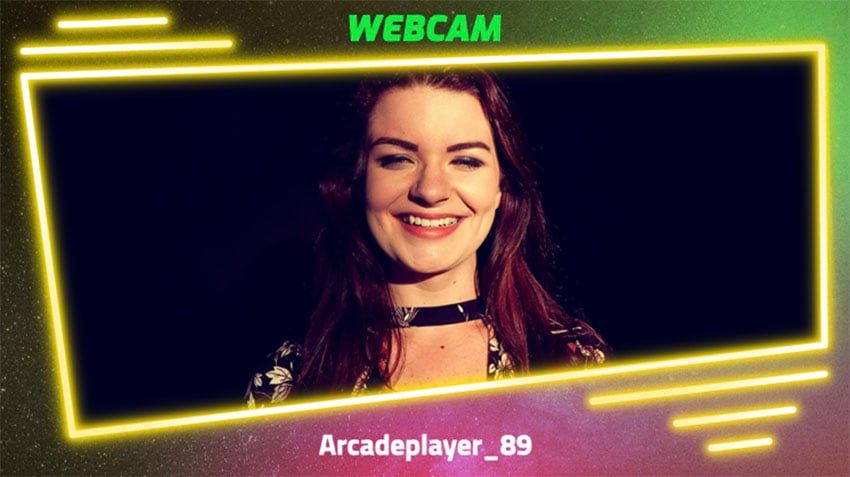
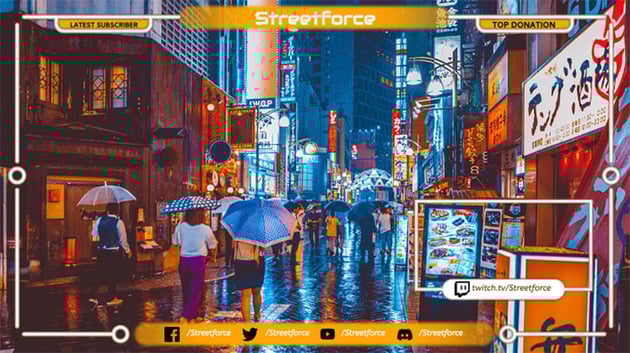
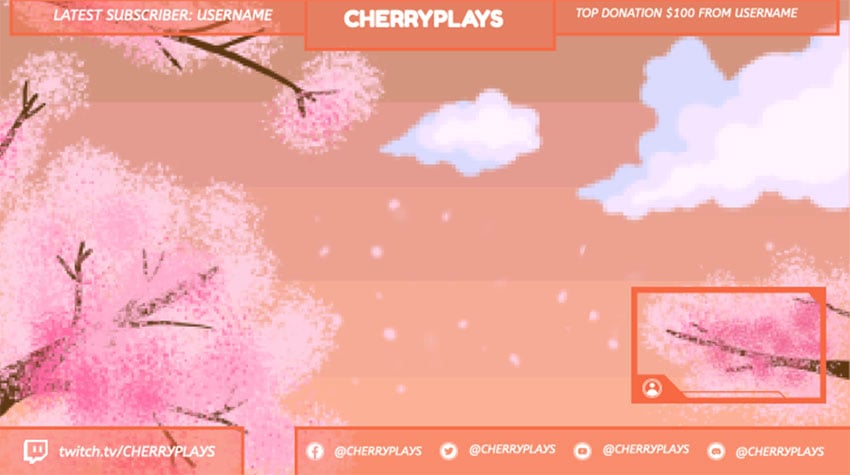
Check out the best FREE Twitch overlay templates at Placeit. The selection of free Twitch templates changes regularly, so it's likely that you'll find different items on offer each time you visit. You won't have to worry about things like Twitch overlay size or requirements because everything is already ready to go.
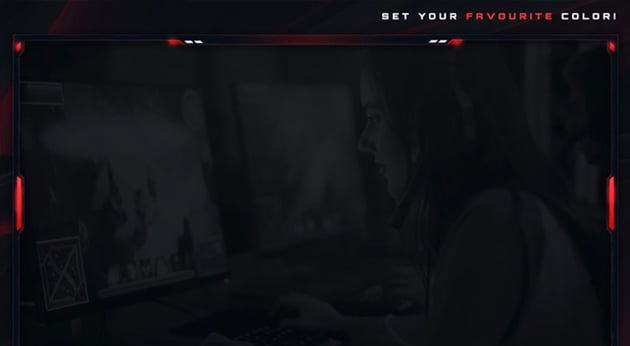
Keep in mind that you can change your favourite free Twitch overlay pink, green, blue—any colour you like! They are fully customisable.



More Free Twitch Overlays
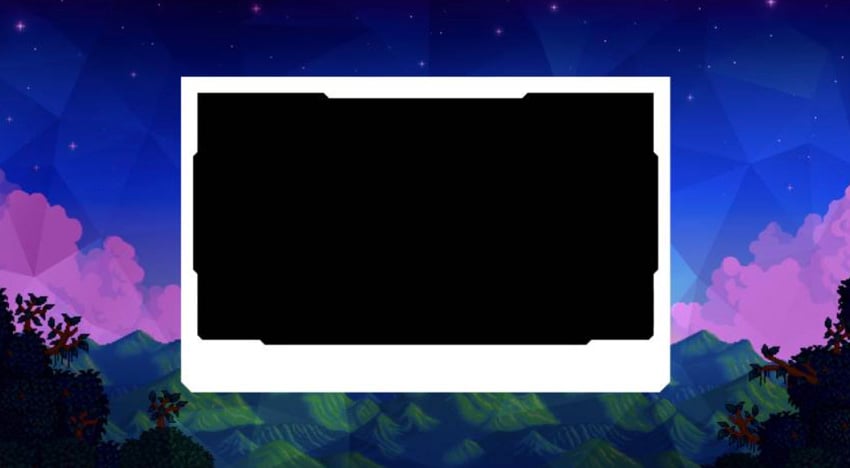
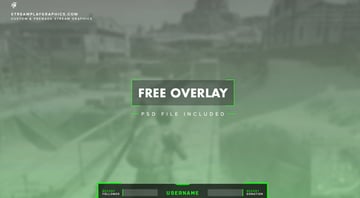
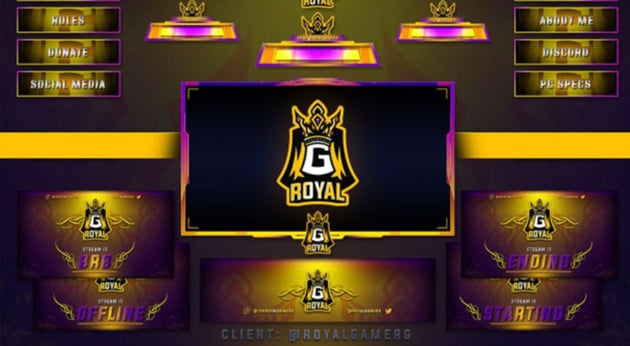
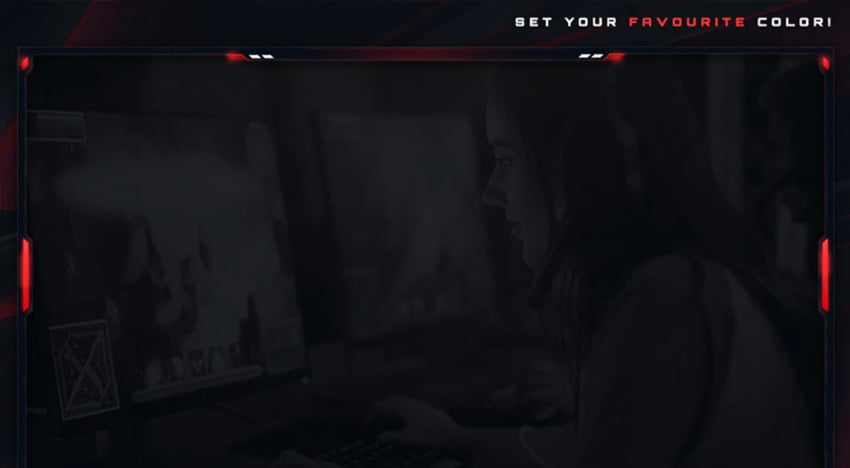
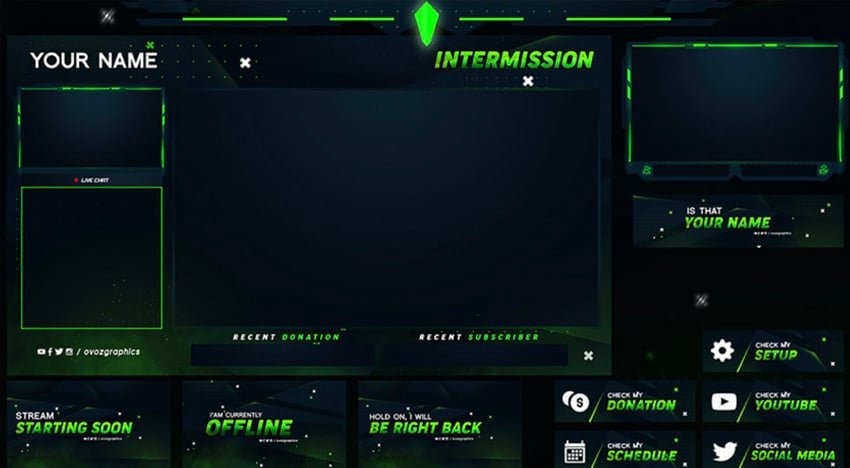
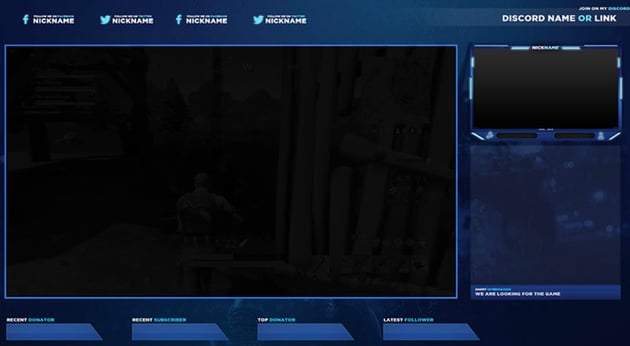
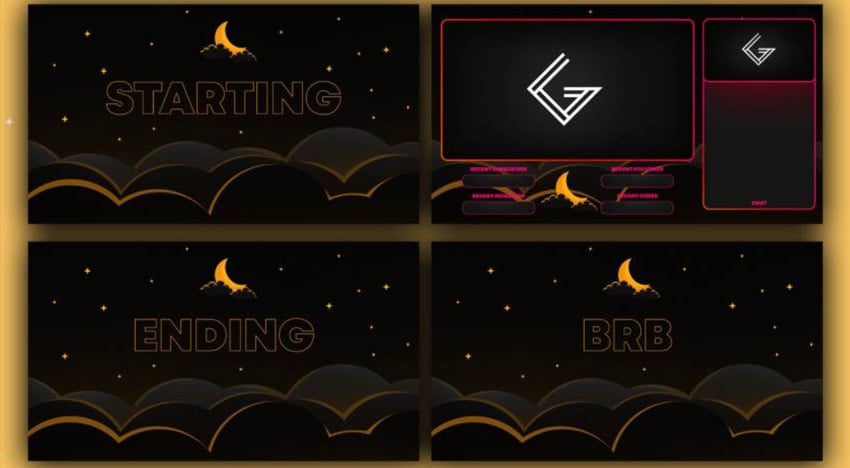
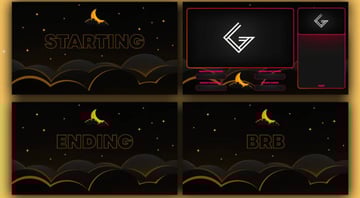
Now let's look at some free Twitch overlay templates from other sites around the web. Be aware that you may need some knowledge of software programs like Photoshop or Illustrator to customise these free overlays for Twitch.







More Awesome Twitch Overlays From Placeit
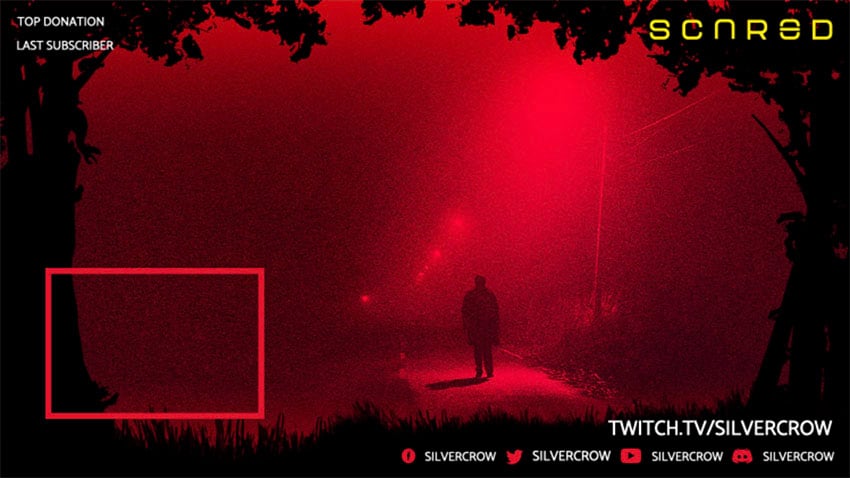
Free Twitch overlays are great if you're on a tight budget. But bear in mind that if you want more overlay designs and customising options, premium Twitch stream overlays are the way to go.
What if you love the idea of not messing about with expensive software like Photoshop or Illustrator, and you've found a terrific template on Placeit that isn't free? Although Placeit is a subscription service, there's also an option to buy a Twitch overlay as a one-time download for a small fee—keeping things affordable.
So let's jump into these awesome Twitch overlays you can customise. Download your favourites or take in the design inspiration.
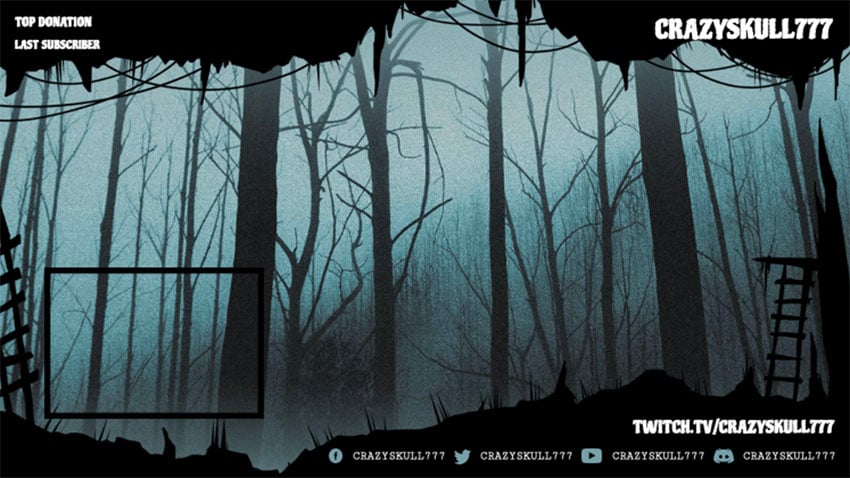

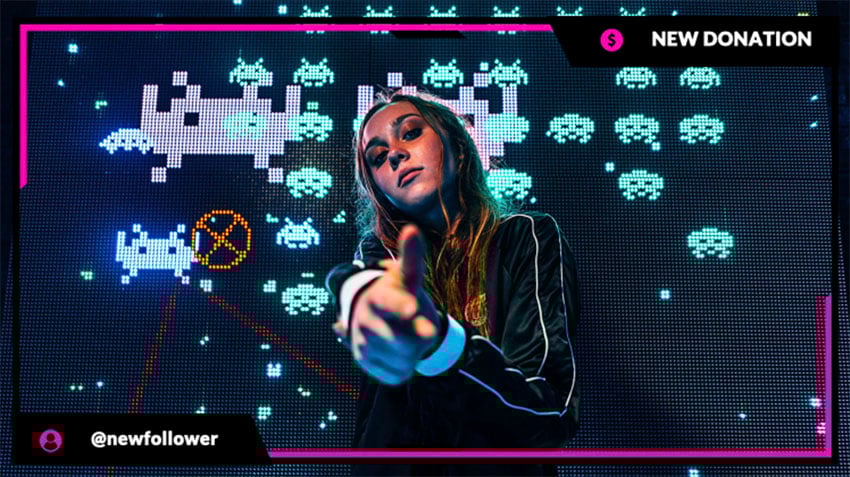

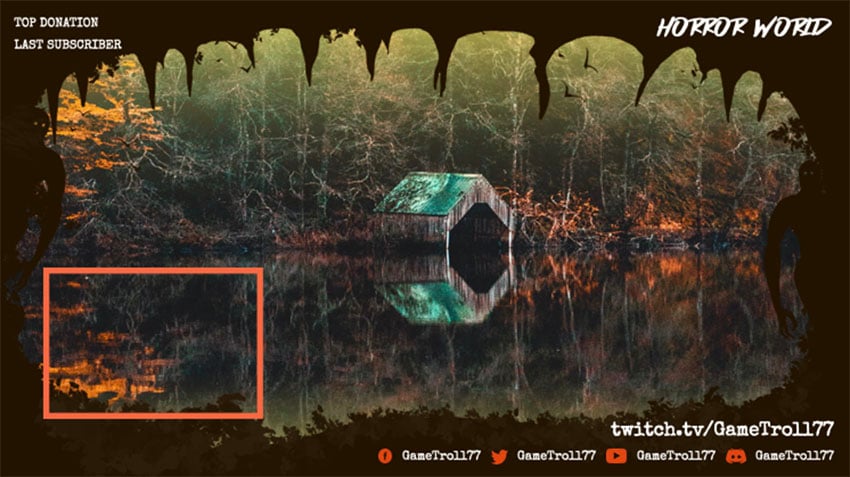
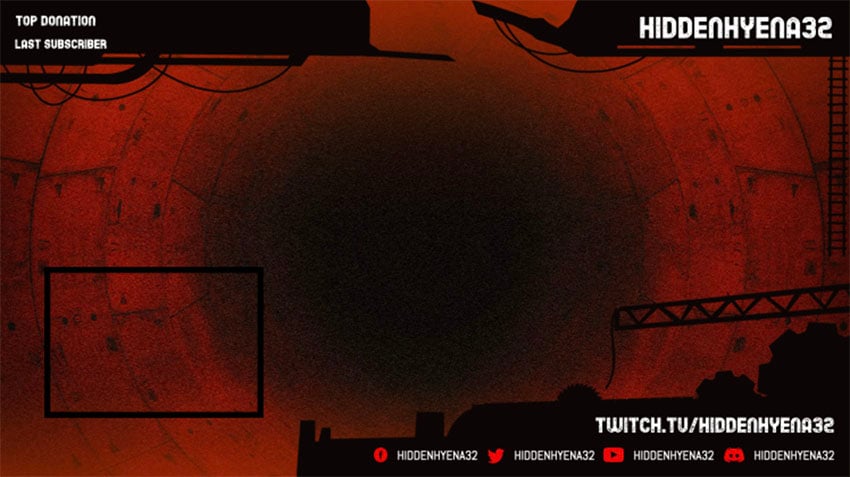
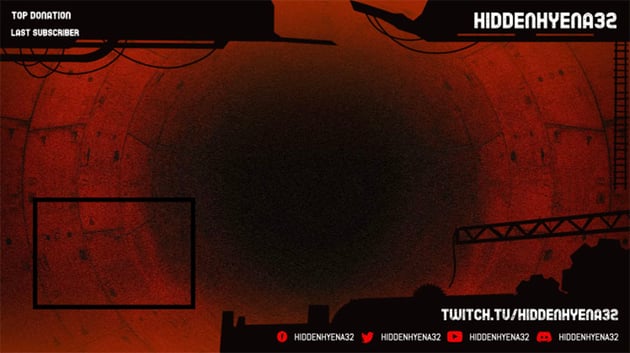
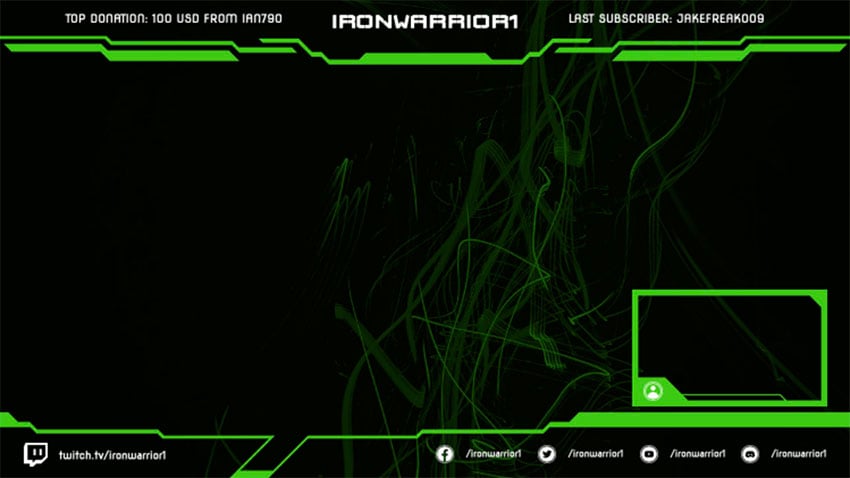
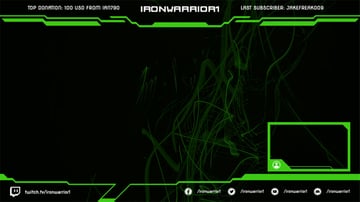
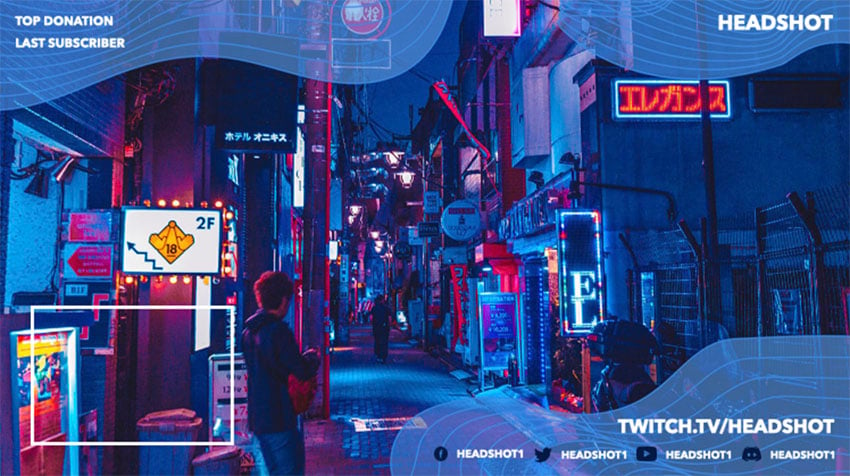


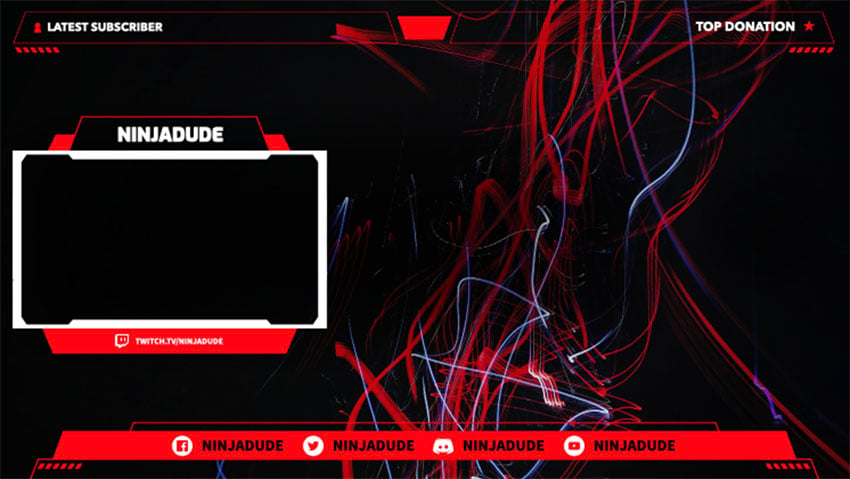
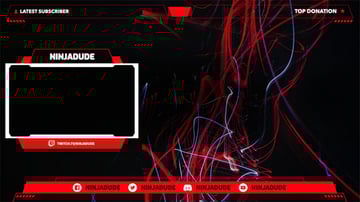
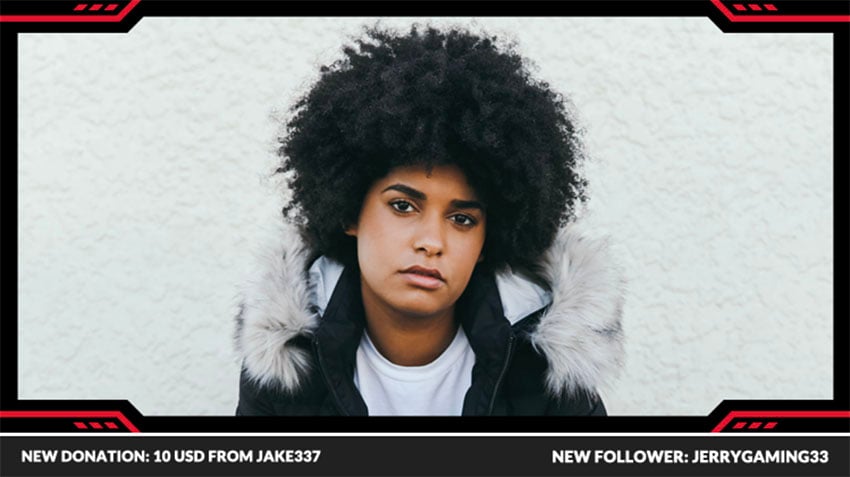
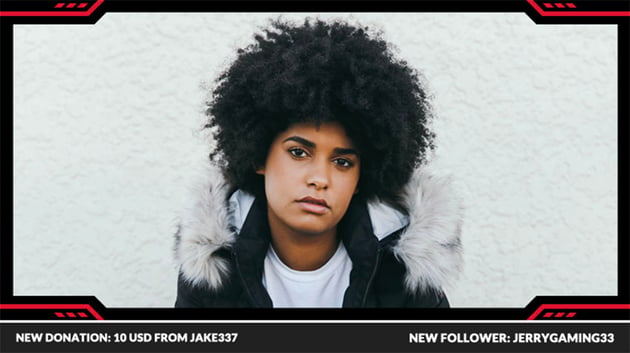
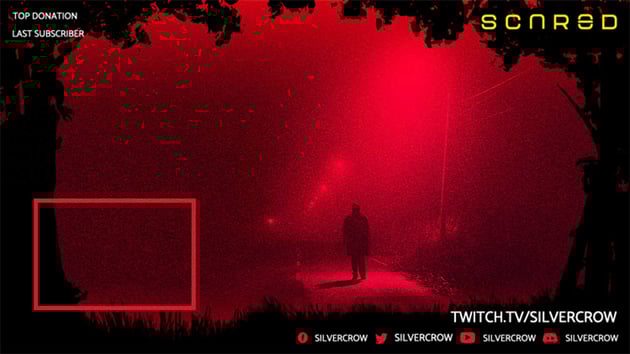
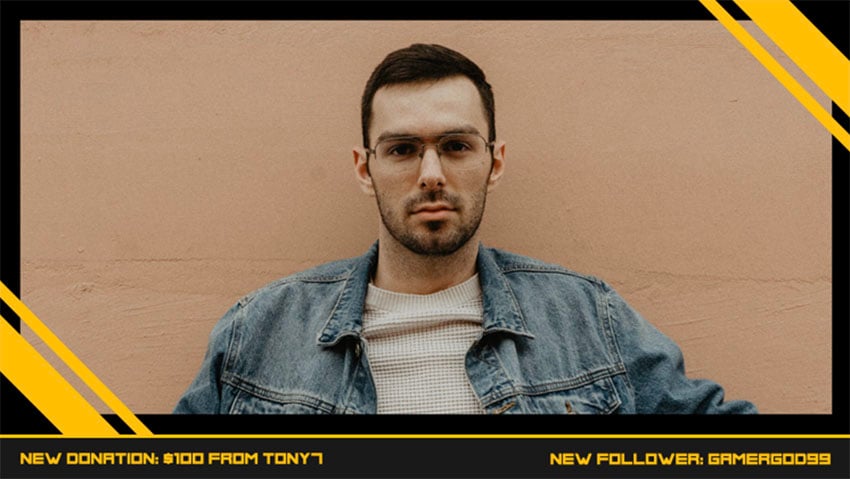
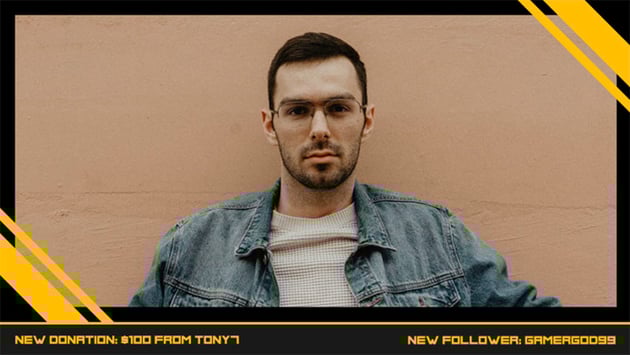

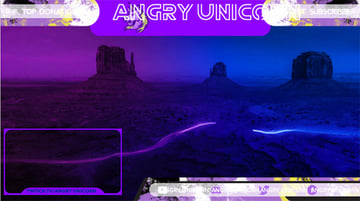
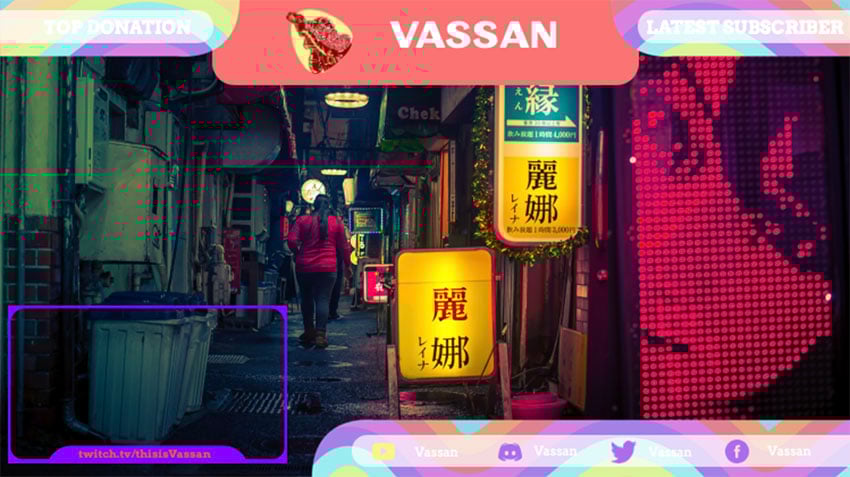
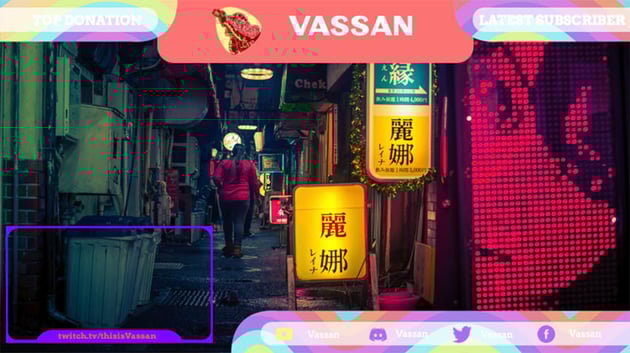
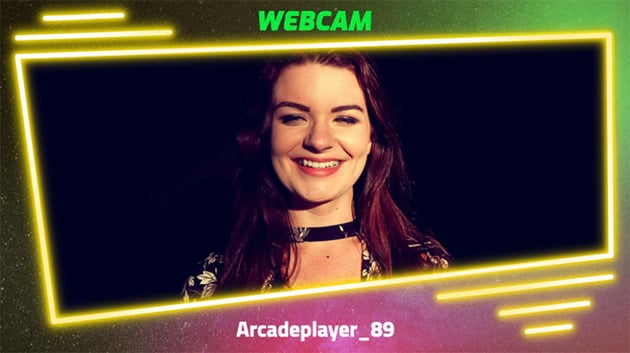
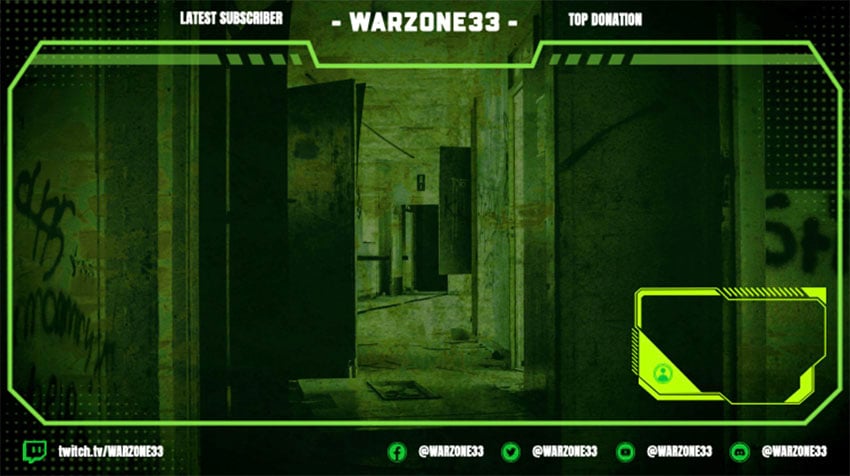
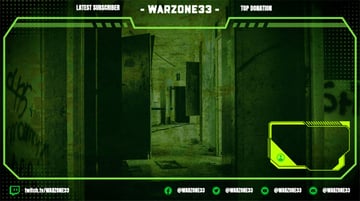
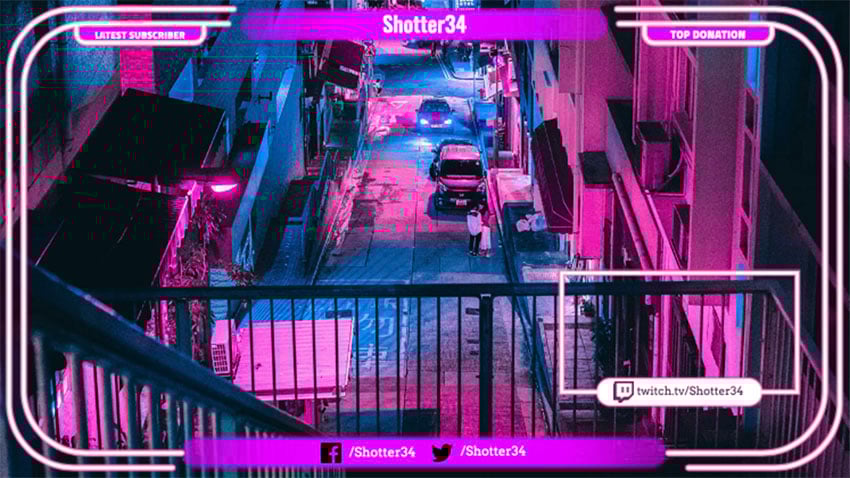
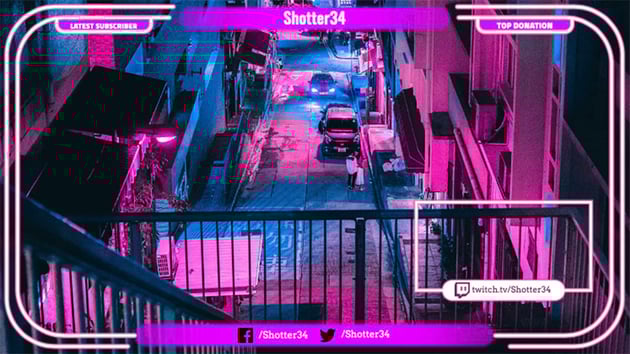
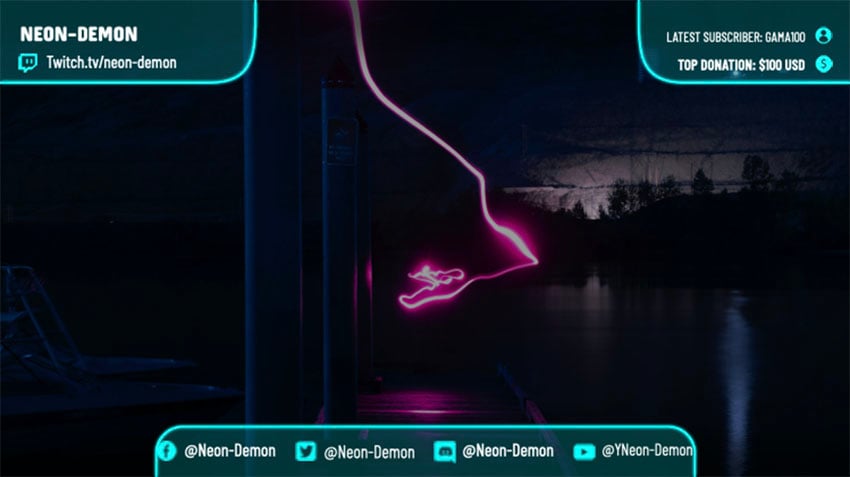
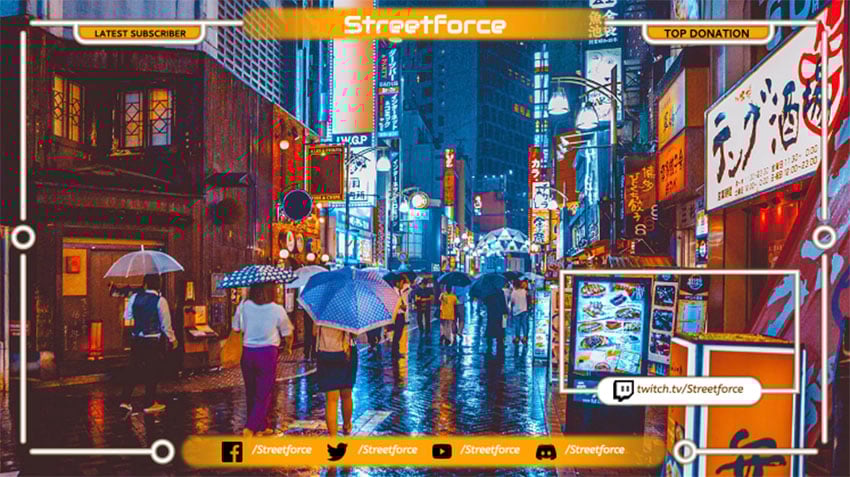

How to Make Your Own Twitch Overlay With the Free Twitch Overlay Maker
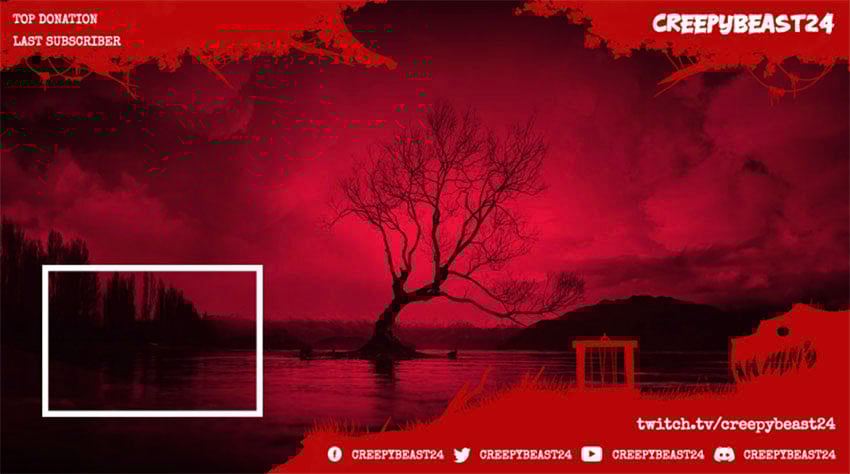
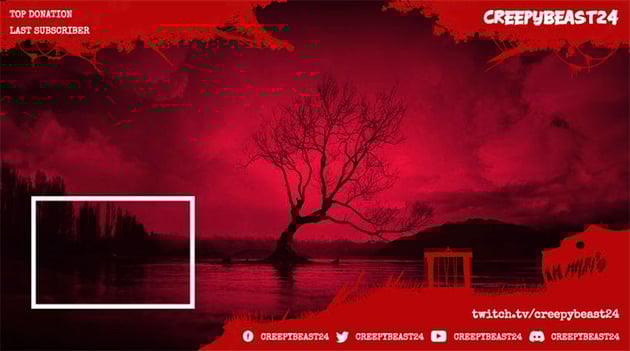
The free Twitch overlay maker—also known as the OBS overlay maker—is easy to use. Just follow these five simple steps to find out how to make a Twitch overlay.
1. Click Your Chosen Free Twitch Overlay to Open the Free Twitch Overlay Maker


2. Using the Controls on the Right, Select Your Background Image


3. Select Your Frame Graphic and Icon Colour


4. Using the Controls on the Left, Enter Your Text and Change the Font and Font Colour


5. When You're Done, Hit the Free Download Button


Simple, right? You can create a Twitch stream overlay quickly and easily for free or at minimal cost when you use the stream overlay maker at Placeit.
Choose Your Favourite Twitch Stream Overlay Today
Which Twitch overlays are your favourite? There's no better time to start creating and customising your own Twitch overlay design than right now!
If you're interested in learning more about creating Twitch resources or want to find some more premium Twitch channel templates, check out these articles. You can learn everything from how to make a Twitch overlay to Twitch overlay size requirements. Best of all, these tutorials are all free.

 45 Twitch Panel Templates (Using a Twitch Panel Maker)


 Gaming Templates for Twitch & YouTube Gamers (Streaming Overlays, Banners, and More!)


 How to Make Twitch Panels

 35+ Awesome Stream Overlays Using an OBS Stream Overlay Maker

 35+ Best Twitch Stream "Starting Soon" Overlays Using a Twitch Overlay Maker

 10 Top Stream Overlay Templates on Placeit (Graphics Maker for Twitch, YouTube, OBS)


 How to Create a Live Stream Overlay Graphic With PlaceIt (Twitch, OBS, YouTube)

 31 Best Twitch Banners Using a Banner Maker (Including Offline Banner Designs)

 How to Create a Twitch OBS Stream Overlay in Photoshop

