


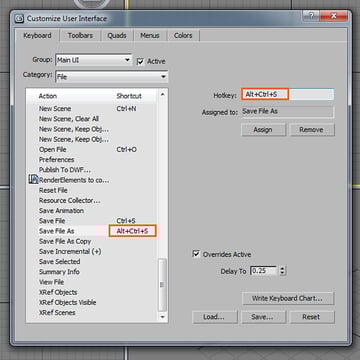
One of the most important steps in building a better, faster workflow is the addition of Hotkeys. These simple shortcut commands might only shave seconds off at a time, but in the long run those seconds can add up to hours. In this quick tip from Chandan Kumar, you'll learn how to save time and work more efficiently by creating your own custom tool menus right inside of 3ds Max's UI, and how to setup keyboard shortcuts for the tools you use most.

Note: click the 'Monitor' icon to view tutorial in full-screen HD.
 By
By



