

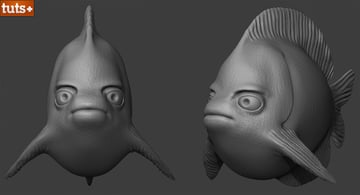
As a modeler, you'll often need to present your 3D models or sculpts to potential clients or employers, or simply showcase your best work in your portfolio. Knowing how to display a model is as important as the model itself. Many times a great model goes unnoticed or unappreciated simply because of a poor render.
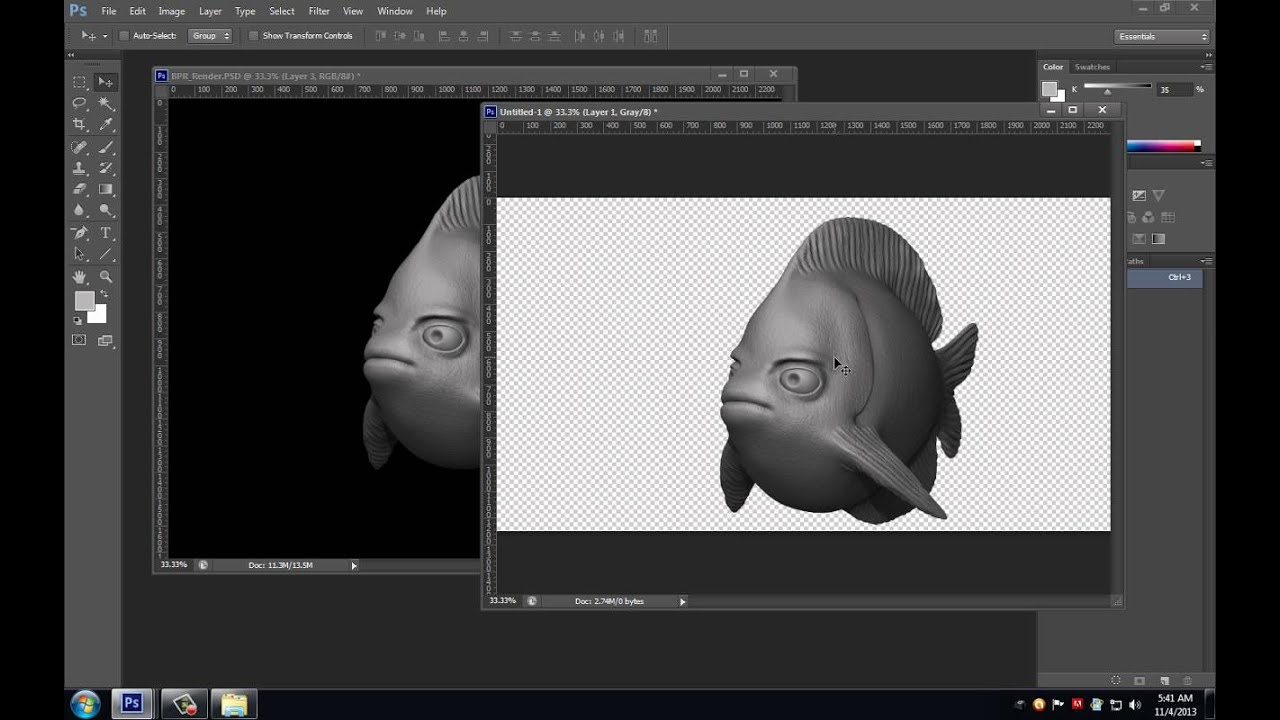
This tutorial will teach you some great techniques for presenting a model, or sculpt, in the best possible light. In the first video, you'll learn how to render a sculpt in ZBrush using BPR. Shaun Keenan will guide you through the process of creating a suitable material, adding custom lighting using LightCaps and how to setup multi-pass rendering and export that data for later compositing in Photoshop, which is covered in video 2.
Finally it's into Maya, where you'll learn how to setup scene lighting with V-Ray, adjust render settings, and setup multi-pass rendering to get professional and esthetically pleasing renders you'll be proud to showoff.
Additional Files:
Video 1

Video 2
Video 3

Use the links below to download this quick tip for offline viewing.
 By
By



