


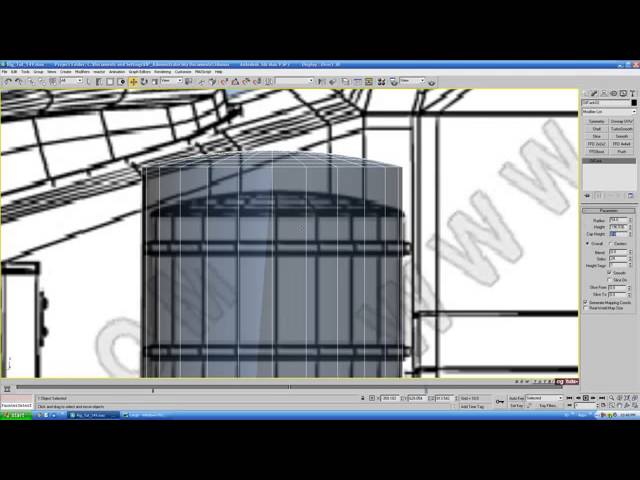
Today we bring you day 3 of the 'Mini Semi Truck" tutorials series by Cgtuts+ Co-Editor Ben Tate. In today's post we'll be building the remaining pieces of the exhaust system, as well as creating the many parts that make up the truck's fuel tank and step assembly.
The 'Mini Semi Truck' tutorial series focuses on the creation of a stylized high poly vehicle in 3d Studio Max. The goal of this series is to teach you quick and effective techniques for creating high resolution sub-division surfaces. These universally transferable techniques can be applied to not only vehicle creation, but most other modeling projects as well.
Additional Files/ Plugins:

Note: click the 'Monitor' icon to view tutorial in full-screen HD.

Note: click the 'Monitor' icon to view tutorial in full-screen HD.

Note: click the 'Monitor' icon to view tutorial in full-screen HD.

Note: click the 'Monitor' icon to view tutorial in full-screen HD.

Note: click the 'Monitor' icon to view tutorial in full-screen HD.
Note: click the 'Monitor' icon to view tutorial in full-screen HD.
 By
By



