

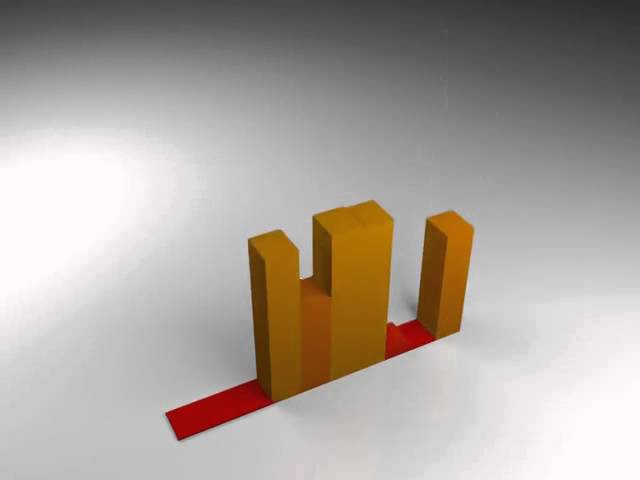
In today's tutorial you'll learn how to integrate sound into 3D Studio Max and use it to drive an animated equalizer effect. You'll start by learning some advanced techniques for processing and isolating sound frequencies using Sound Forge, and how these can be independently used to control animation data inside 3ds Max using Audio Float controllers.
This is an extremely powerful technique that can be used to create all kinds of truly unique effects. To demonstrate this, Madhan will also show you how audio can be used to drive FumeFx simulations that are in sync with your audio tracks. Awesome stuff indeed!

Note: click the 'Monitor' icon to view tutorial in full-screen HD.
Related Tutorials:
- Create Audio Driven Animated Text In 3D Studio Max Using Controllers
- Animate a Stylized Musical Motion Graphic with Maya and After Effects
- How to Create a Dancing Particle Effect using 3ds Max and Thinking Particles
Also Check Out These Other Related Tutorials From Aetuts+
- Using Trapcode Soundkeys With Cinema 4D – Tuts+ Premium
- Creating An Audio Visualization: Liquid Sphere with Form
- A Funky Introduction To SoundKeys – A Celebration Of Color
- A Beautiful Ripple Using Form’s Audio React
 By
By



