
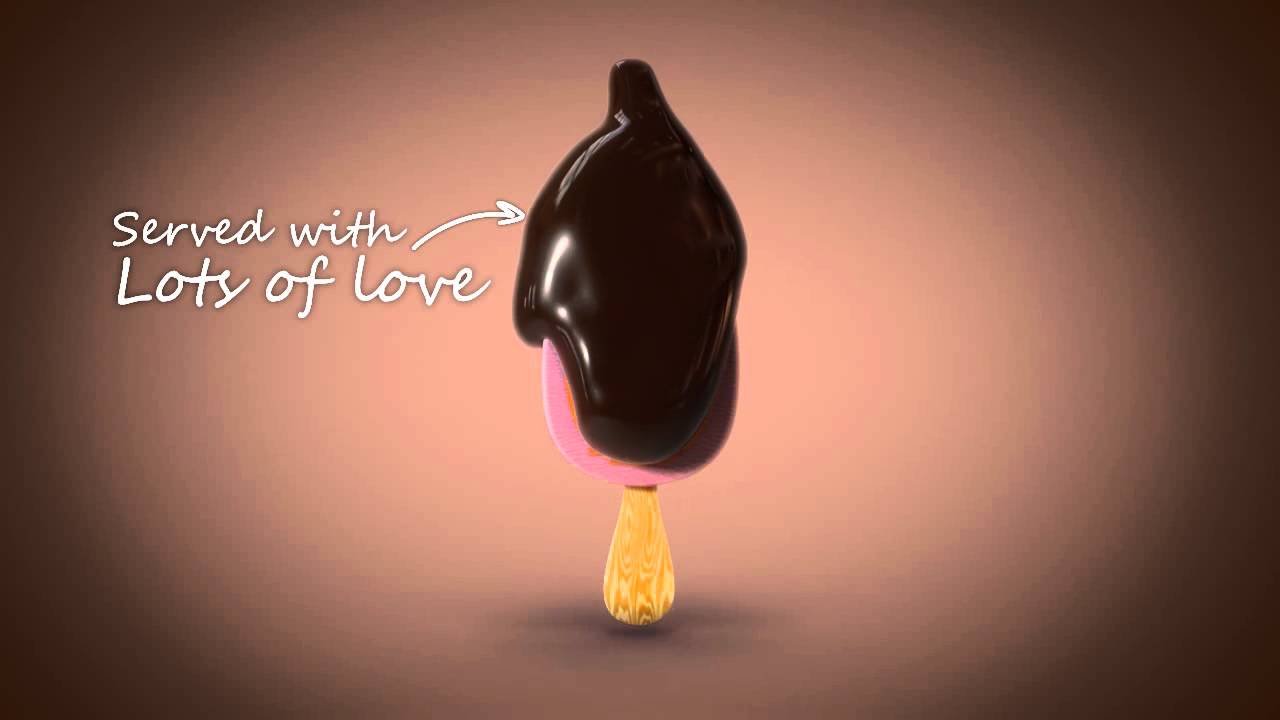
Hey folks, in this three part tutorial spanning both Cgtuts+ and Aetuts+, we are going to create liquid chocolate pouring over a branded ice cream bar. To achieve this we will use Maya for mashing and rendering. RealFlow for the chocolate simulation. And finally in After Effects we'll create the chocolate chunks and glow streaks swoosh, as well as the final compositing.
In the first part of the tutorial here on Cgtuts+, we are going to focus on the modeling and texturing of the ice cream bar and chocolate chunks. Tune in tomorrow for part 2 where we'll move into Realflow and start creating our pouring chocolate simulation.
Ice Cream Bar Part 1

Note: Click the 'Box' icon to view the tutorial in full-screen HD.
Ice Cream Bar Part 2

Download This Tutorial
(Videos 1 & 2) 275 MBs
 By
By



