


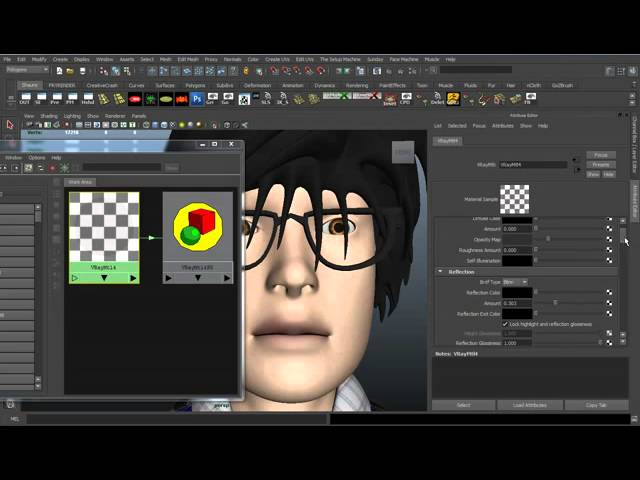
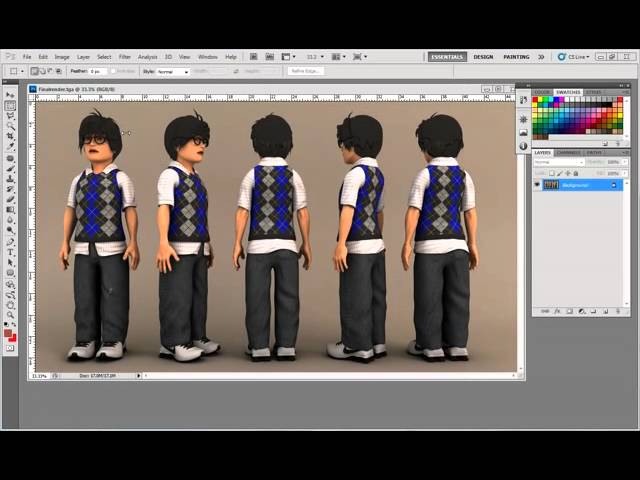
In the six and final part of the Stylized Character series you'll complete the project by setting up a simple studio scene and rendering the character. Shaun will teach you how to light the scene, create materials for the character and what render settings to use to achieve a great looking final result using V-Ray. Finish things up after the jump!

Note: click the 'Monitor' icon to view tutorial in full-screen HD.

Related Tutorials:
 By
By



