


In this tutorial by Chandan Kumar, you'll learn how to create a flickering light bulb in 3D Studio Max. Chandan will explain how this effect can be achieved using the power of parameter wiring. The benefit to this is that we will not only be able to control the light's intensity, but the attenuation and material settings as well. All by simply changing the light's multiplier value.
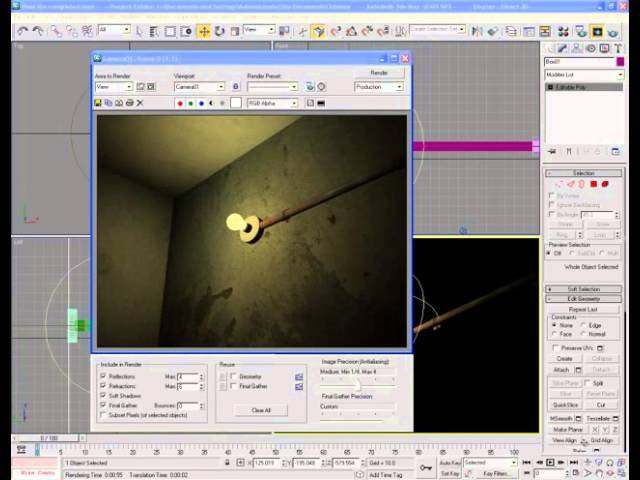
Note: click the 'Monitor' icon to view tutorial in full-screen HD.
Related Tutorials:
- Quick Tip: Wheel Rotation In 3d Studio Max Using Parameter Wiring
- Create a Cool Looking Neon Sign Effect using 3ds Max and VRay
 By
By



