
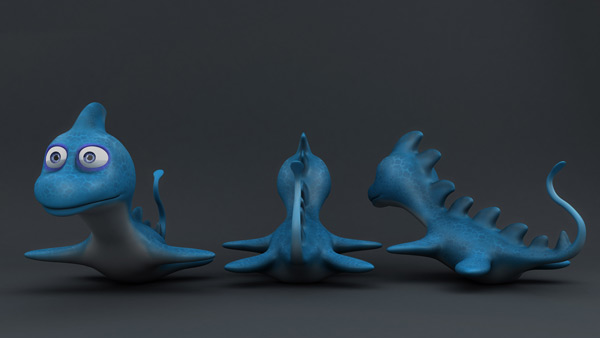

In the second and final part, you'll UVMap the Plesiosaur using the free program Roadkill, and then move back into ZBrush to texture the model using ZBrush's awesome Polypainting features. From there it's onto baking and converting that polypaint data onto the UVMapped model, using xNormal's outstanding projection tool-set. And finally, you'll construct the shaders back in Maya.
Special thanks to artist Filipe Laurentino, who generously provided his concept art for this tutorial. Check out more of Pilipe's work on his Devianart page.
Video 1: UVMapping

Video 2: Setting Up the ZTool for Painting

Video 3: Polypainting in ZBrush
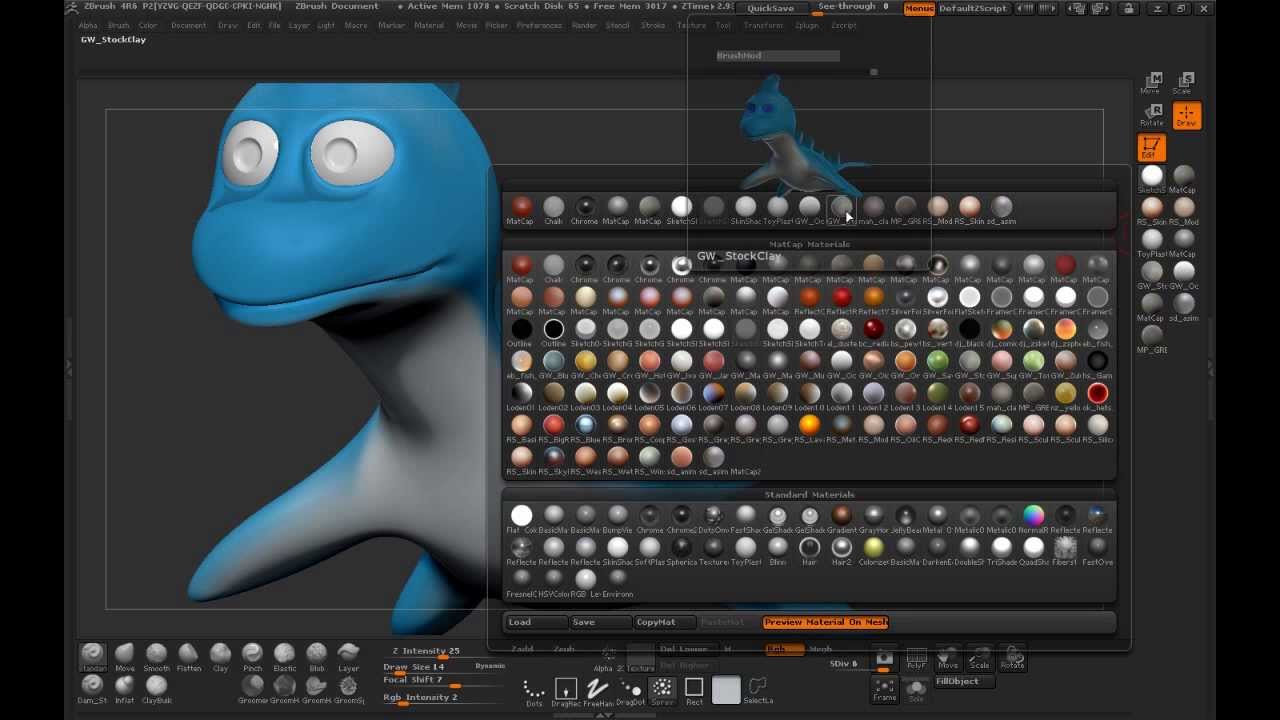
Video 4: Final Polypainting in ZBrush

Video 5: Baking & Converting Maps

Video 6: Applying Shaders

 By
By



