

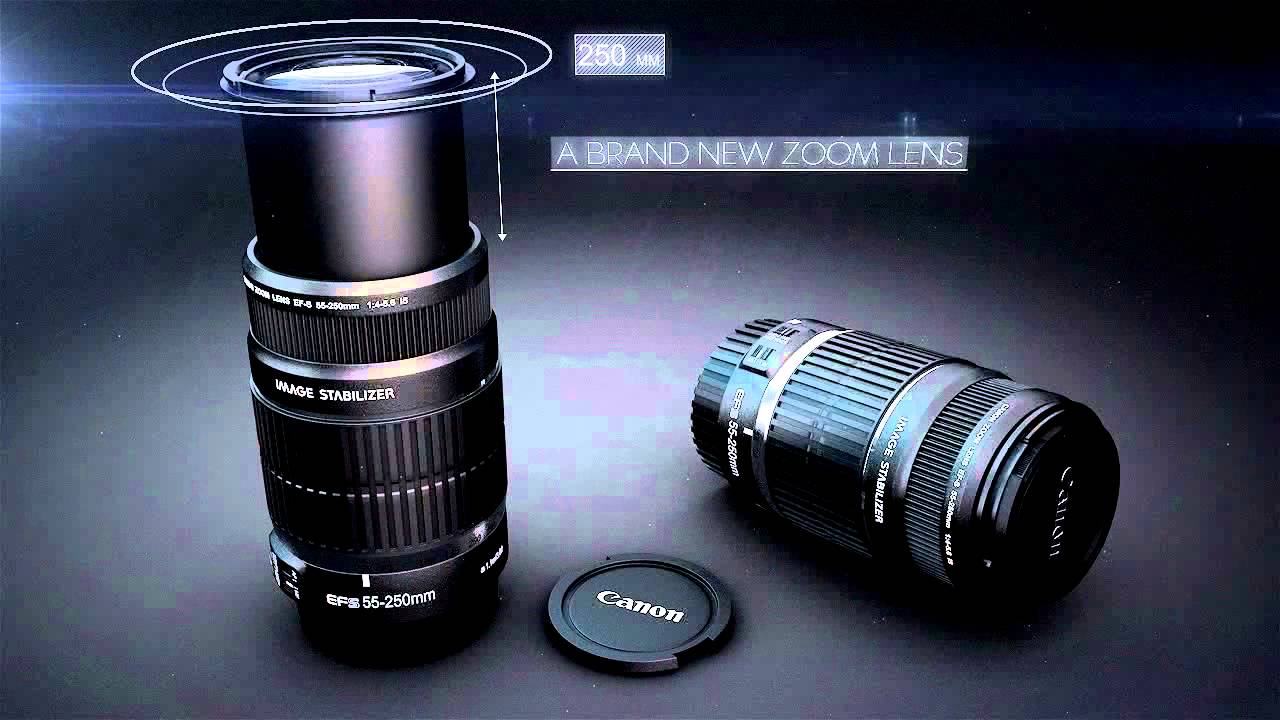
In this part, we'll continue compositing our 3D renders for shots 3 and 4 in After Effects, and add some cool 2D elements to give our fake Canon lens commercial a nice finished look.
Topics include working with masks and blending modes, fine-tuning specular, ambient occlusion and reflections, and creating depth of field using Zdepth. You'll also learn how to add particles, flares and animated text to give the final shots a professional look.
Intro Song "Motivational and Inspiring Corporate Pop" available for purchase from AudioJungle.
Additional Plugins:
Tutorial
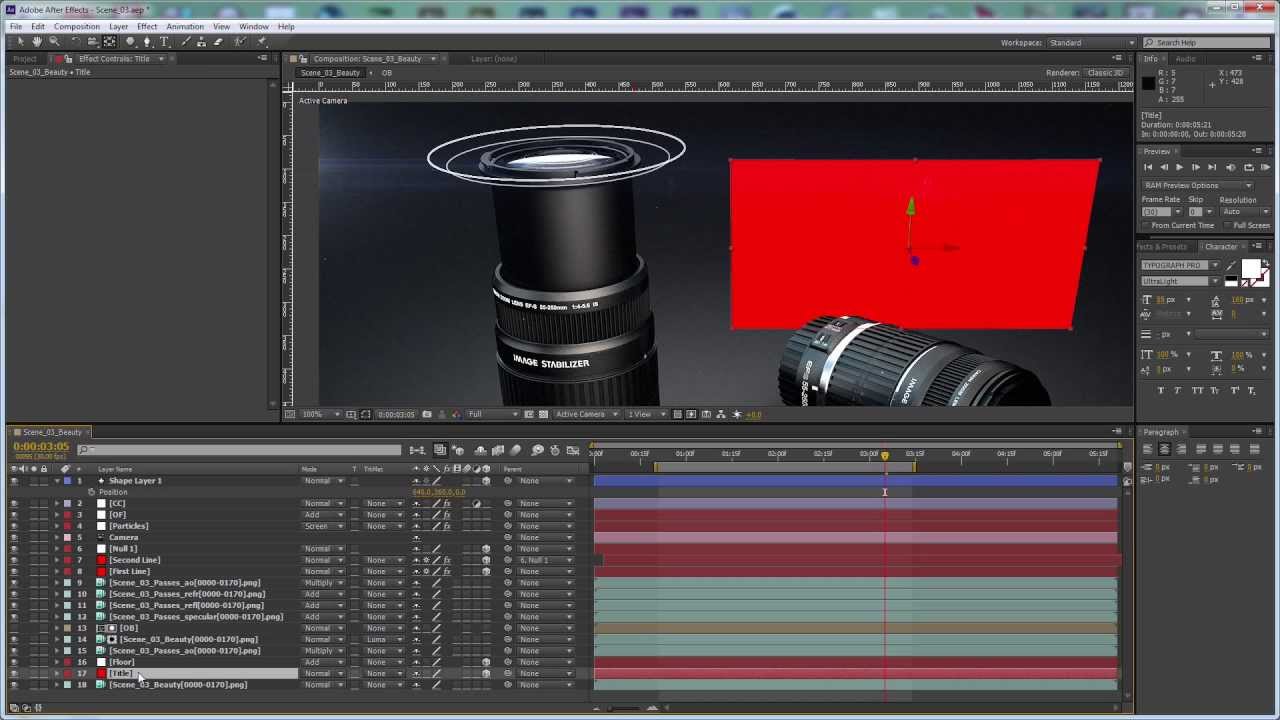
Use the Links Below to Download the Render Passes & Project Files for Shot Four:
Shot 4:
- Shot 4: Project Files
- Shot 4: AO Pass
- Shot 4: Ambient Pass
- Shot 4: Beauty Pass
- Shot 4: Depth Pass
- Shot 4: Diffuse Pass
- Shot 4: Object Buffer
- Shot 4: Reflection Pass
- Shot 4: Specular Pass
 By
By



