


We’re kicking May off with a great tutorial from Professional Artist Shaun Keenan, where you’ll learn how to create an advanced character rig for a cartoon style flower. In this series, Shaun will show you how to create a true industry standard production friendly rig in Maya, capable of a staggering set of options and a huge amount of control.
Built inside this rig are various options for not only the flowers range of movements, but options to change between various levels of mesh detail, stretchy limbs on the fly, and and awesome facial rig with a wide assortment of helpful and innovative tools for animators to do their job right!
Additional Files/ Plugins:
Video 1 - Joint Placement

Video 2 - Skinning the Joints to the Geometry
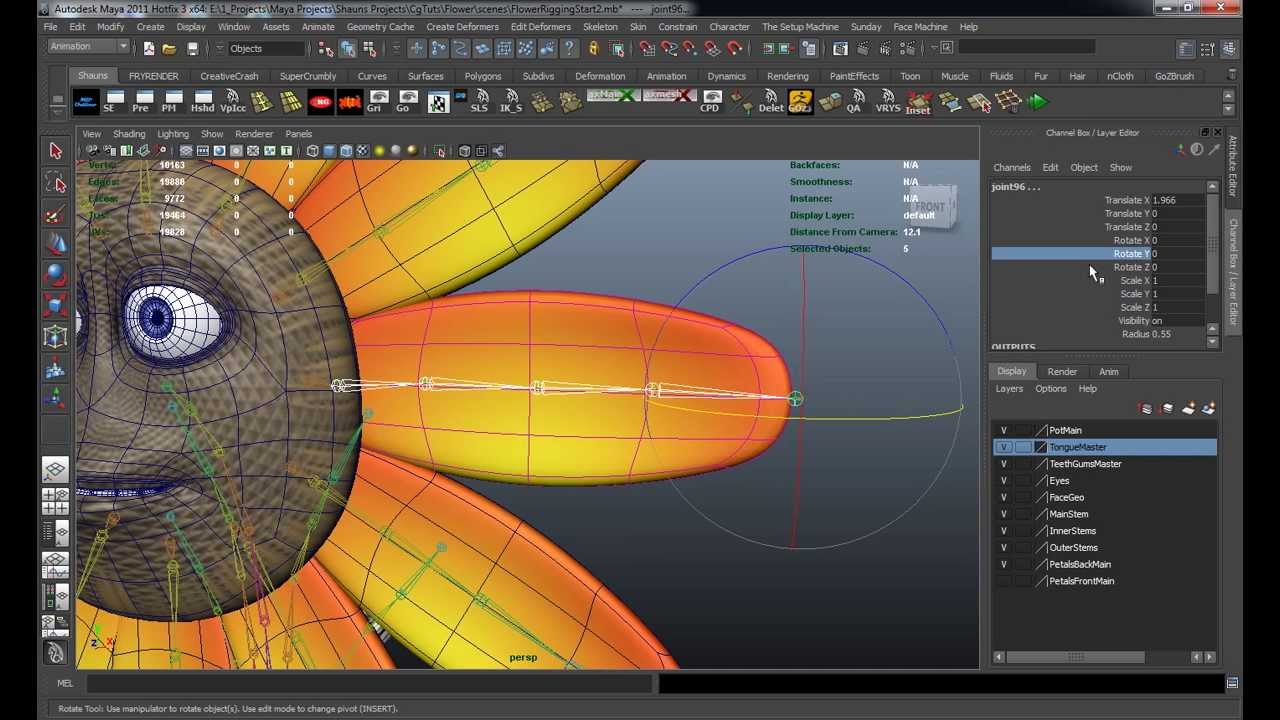
Video 3 - Creating the Inner Stem IK's

Video 4 - Outer Stem IK Handles

Video 5 - Initial Petal Rigging

Video 6 - Rigging the Back Petals

Video 7 - Finalizing Level 1 Rigging

We’ve published a few related tutorials you might also be interested in:
Related Posts
- Sculpt, UV Map, Texture & Rig a ‘Little Big Planet’ Inspired Bunny using ZBrush & Maya
- Creating an Advanced Multi-Character Rig for Futurama’s Bender in Maya
- Rigging A Voodoo Doll Character In Maya Using Setup Machine & Face Machine
- Building A Complete Human Character Rig In Maya – Tuts+ Premium
- Complete Human Character Rig In 3D Studio Max – Tuts+ Premium
- Building a Complete Human Facial Rig In 3D Studio Max – Tuts+ Premium
 By
By



