
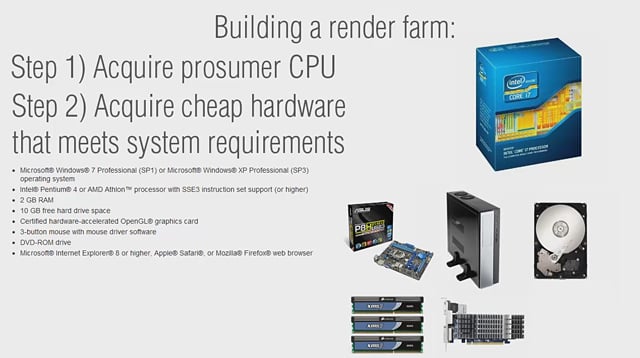
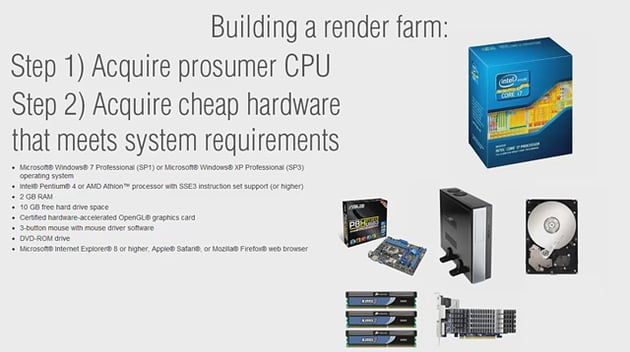

This tutorial will teach you how to setup and utilize Autodesk's Backburner software over multiple computers to speed up your render times. You'll also learn about making smart decisions and choosing the most cost effective hardware when purchasing components for a personal or small studio sized render farm. If you're a freelancer on a deadline, or just a hobbyist who wants to get more done - faster, this is a must watch!

Note: click the 'Monitor' icon to view tutorial in full-screen HD.
 By
By



