
Are you wondering how to best combine images in Adobe Photoshop? How to match color, contrast and saturation? How to work with smart objects, layer masks, layer modes, and adjustment layers?
In this series you'll learn the basics of how to manipulate a photo and how to create amazing Photoshop composite images. You can watch the free complete course on the Envato Tuts+ YouTube channel or check out each individual chapter below:
Posts in this series
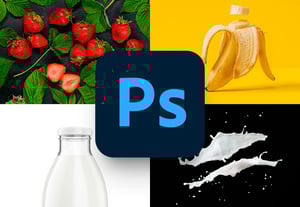
How to Find and Prepare Images for Photo Manipulation
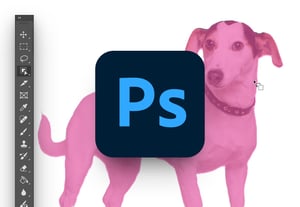
How to Extract Images for Photo Manipulation

How to Create a Photoshop Composite
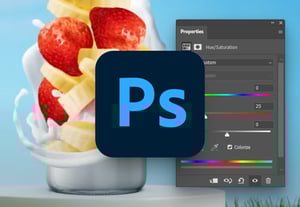
How to match color in photo manipulation
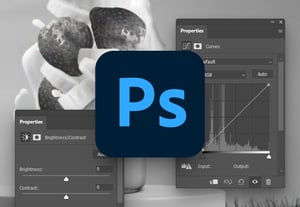
How to match contrast in photo manipulation

How to match saturation in photo manipulation

How to create light and shadow in photo manipulation

How to add finishing touches to a photo manipulation

Tips to master advanced compositing techniques

